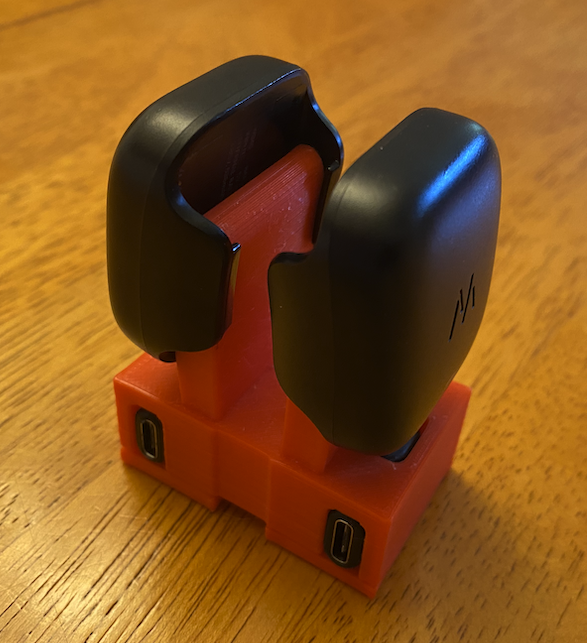
About this 3D model
The Whoop 4.0 fitness strap uses external batteries that are charged with a USB-C cable. However, no dock for the batteries is sold by Whoop. This is my solution. There are two options available, a single dock and a double dock for households with two Whoop 4.0. For a single dock, print out the following files: whoop_4_single_charging_dock screw_base_reversed For a double dock, print out the following files: screw_base_reversed screw_base_single whoop_4_double_charging_dock You will also need to purchase a right-angle USB-C adapter. I used this one from Amazon. https://www.amazon.com/gp/product/B08TZY4MSR/ref=ppx_yo_dt_b_search_asin_title?ie=UTF8&psc=1 Assembly instruction: Print out the parts, insert the right-angle USB-C adapter in the dock and then screw the base plate onto the dock to hold the adapter in place. I used some small hex screws, but any flat screw will work. Though you can cut the threads or use inserts if you like for the screws, I found that the PLA will hold quite well with the screws self-tapping. Then you can plug in an USB-C cable and you are good to charge! Just slide the battery onto the docks and gently push it down on to the USB-C input. It will be snug, but not excessively tight. Let the charging begin!