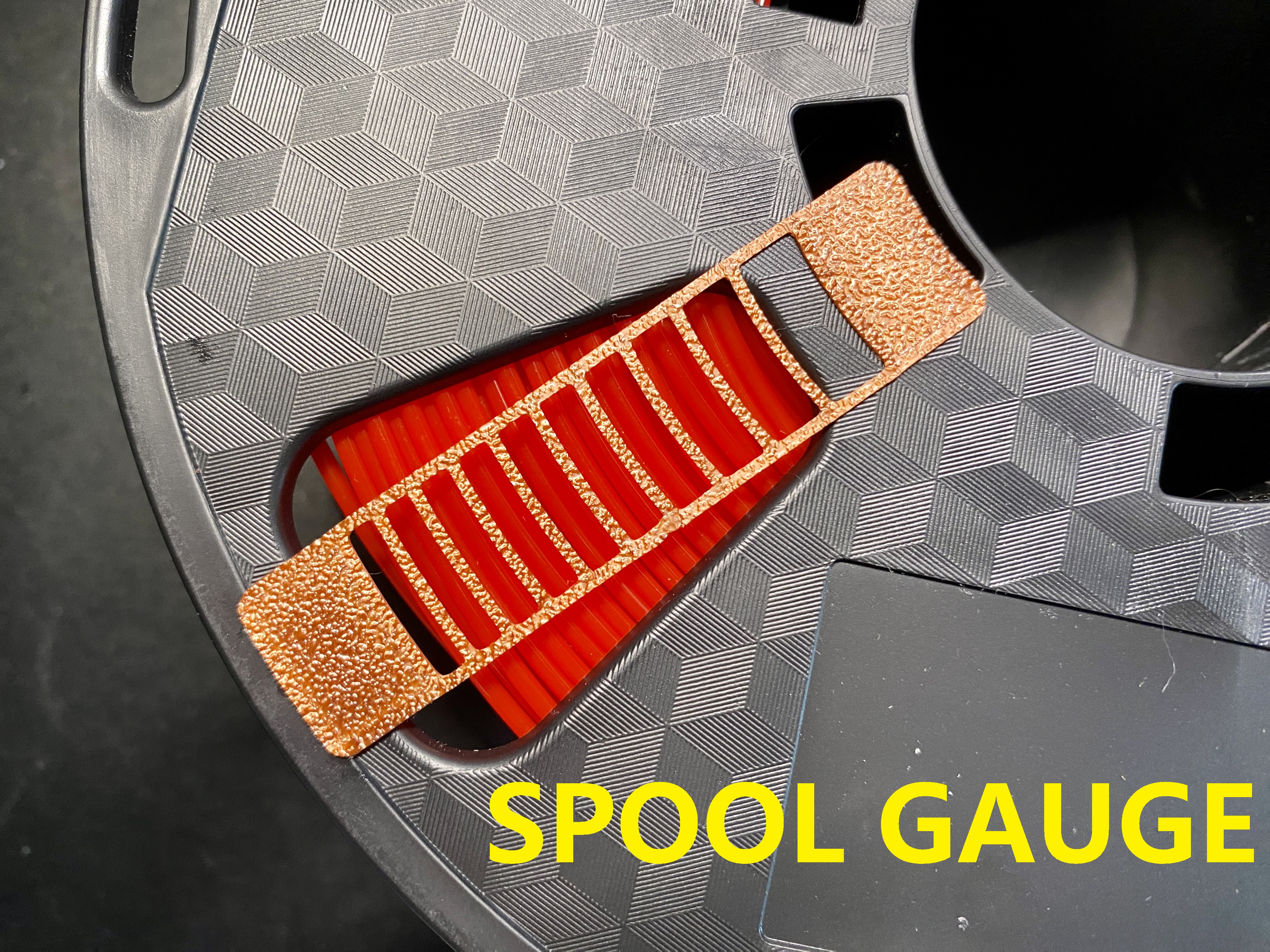
About this 3D model
Fix it to the windows of your spool, it will help you to know the percentage of left filament. If the gauge doesn't fit your brand, you can: Scale the model in slicing software e.g. Bambu Studio, for example, my filament spool thickness is Φ90mm (170-80=90), if yours is Φ105mm (180-75=105), your scale should be 16.67% (105/90-1=16.67%), it's not the perfect solution, because the difference of ID & OD, but it's OK for you to know how much percentage is left. just leave me a message of your brand information, I'll add a version for your spool. e.g. Bambu PLA OD170xID80mm Features: 0.4mm total thickness 10% for each grid use double sided tape to fix Print settings: 0.2mm height PETG/PLA IMPORTANT : Wait for hot bed totally cooling down! be patient! Secure it to the windows on the side of your spool, it will help you determine the percentage of filament remaining. If this gauge does not match your spool's dimensions, you can: A simple, albeit imperfect, method is to scale the model in the slicing software. For instance, my filament spool's thickness is Φ90mm (170-80=90), while yours is Φ105mm (180-75=105), so you should scale it by 16.67% (105/90-1=16.67%). However, this method might not be ideal due to differences in the inner and outer diameter, which could result in an inaccurate scale, but it will still allow you to determine the remaining percentage of filament. Send me a message with your spool's dimensions, including the outer diameter (OD) and inner diameter (ID). I will then create a new version that suits your spool. Characteristics 0.4mm total thickness Each grid represents 10% Use double-sided tape to secure it. Printing settings: 0.2mm layer height for PETG or PLA Important: Allow the heated bed to cool completely after printing! Be patient!