About this 3D model
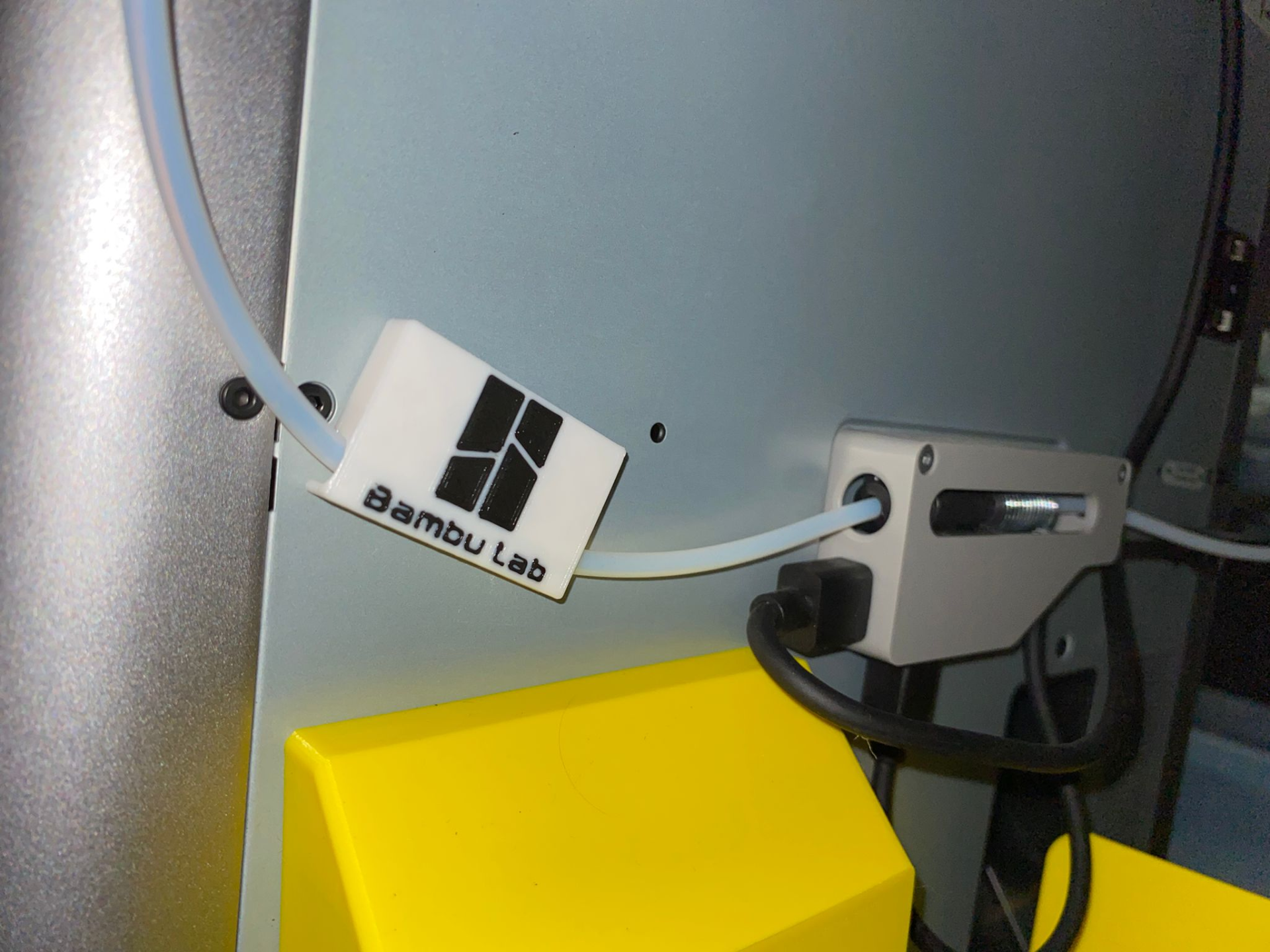
Failed retraction error SOLUTION! Problem: Filament not able to enter the AMS BUFFER , due to being stuck on an edge in the PTFE coupler. The PTFE tube inside the PTFE coupler is at a very steep angle, this causes the filament to hit the edge and get stuck . Solution: PTFE tube guide. By installing the PTFE tube guide you change the entry angle of the PTFE tube to the coupler . This avoids the filament getting stuck on the AMS Buffer , and you won't get the error anymore. This print supports all PTFE tube outside diameters smaller than 6mm. (Stock Bambu Lab PTFE tube is 4mm outside diameter.) What you need: The printed file . Rectangle magnet that Bambu Lab shipped with the printer for the printed scraper. (there should be 2 included.) (Double sided tape can be used too!) How to install: - Print the file (either with logo or without logo). - Stick the magnet inside the print . (Or double sided tape) - Place the PTFE tube inside the print . - Place the print on the back of the printer . - Angle the print so that the PTFE tube enters the AMS buffer horizontally. Edit: added support for 8x3 and 6x3 magnets!