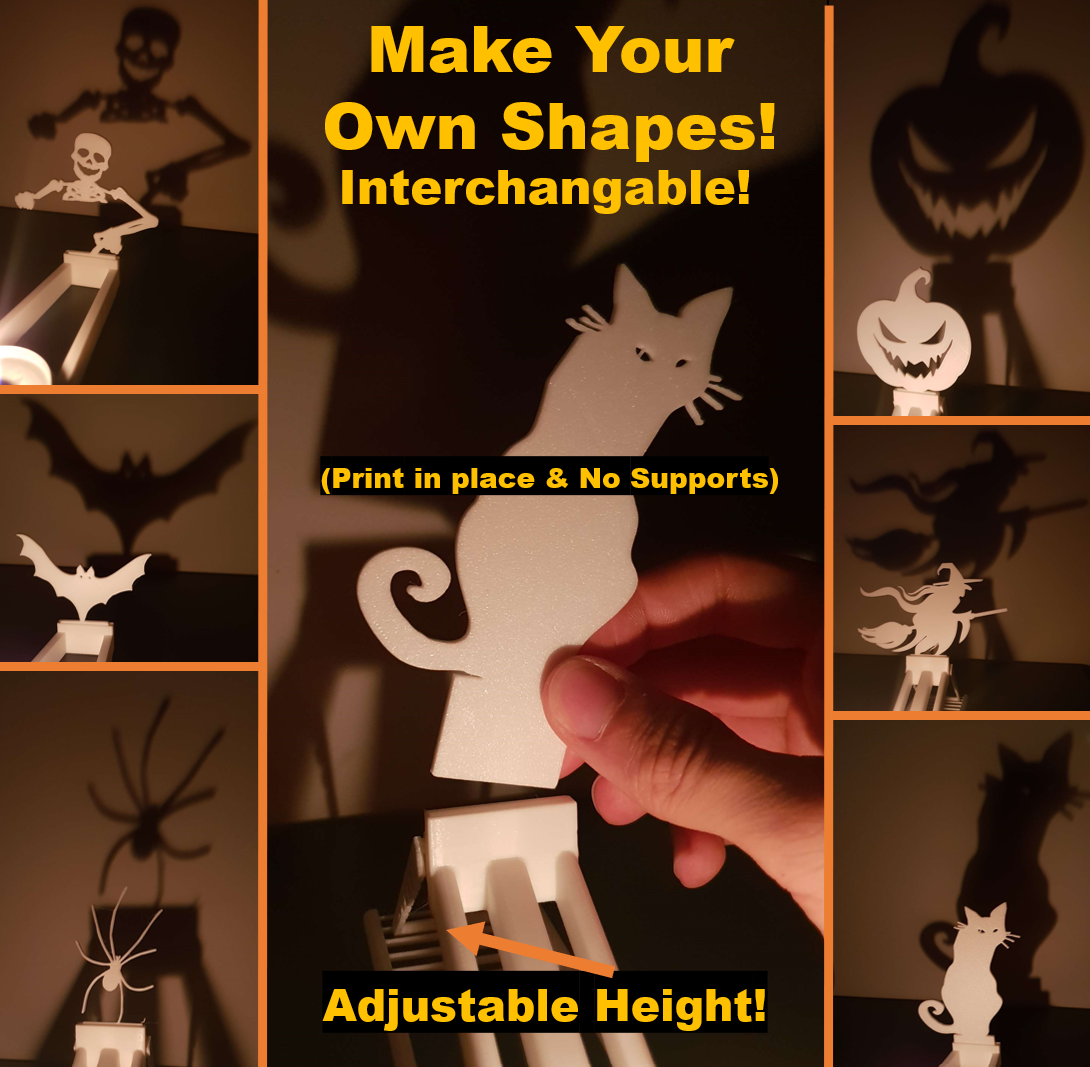
About this 3D model
Spooky Tealight/Candle Holder Shadow Projection. Maximum diameter of the tealight: 42mm. Printing instructions: No supports needed. Print figures flat. use 0.2mm layer height. (optional) Print figures with 100% infill. (reccommended with Height Adjustable Holder) Use glue. Check remixes for more shapes: Different Candle Holder Models: Adjustable Candle Holder: Print in place - No supports needed - Print with glue reccommended If printed without glue, these small bits could fail as seen on the image below: Standart Candle Holder. Corner Holder, in case you'd like to put two figures on a corner (90º): 2in1 Holder, 2 projections with one tealight! How to make your own figure to project: 1. Download the InitialSketch.step file. 2. Open it on your CAD software (I use Fusion360). 3. Search for a sketch on google of your chosen figure and save it. 4. Upload it into the bigger square from the file using the Insert-Canvas option. 5. Move the image so the lowest bit of your sketch makes contact with the bottom square (which is the support). 6. Create a sketch on the image. Then use “Fit Point Spline” and other drawing tools to create the shape that you want to project. 7. Extrude the figure for 2mm. 8. Extrude the small square 2mm. 9. Save your file and export it as a .stl and print it! 10. Share you figure with everyone by adding it into the remix section!