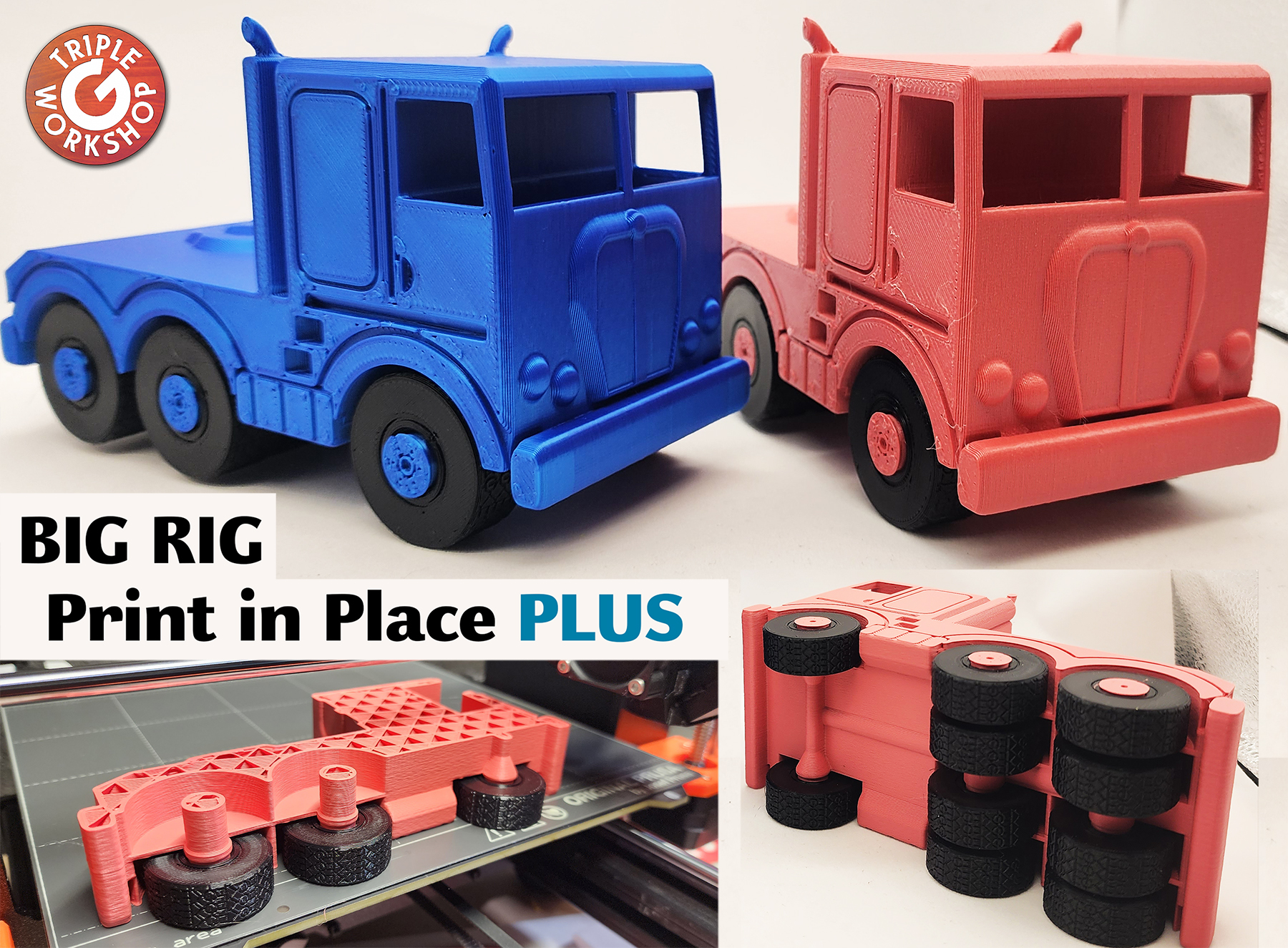
About this 3D model
Think I'm Awesome? ~ https://buymeacoffee.com/triplegworkshop Video: YOUTUBE LINK What is Print in Place PLUS ? It's adding a pause to insert parts . Filament changes are set to 13.4, 29.6, 53.0, & 69.4 (for .30mm layers 69.5 ) Just add tires and restart. Tires will be printed into the truck permanently . CAUTION - Be sure tires clear Pinda Sensor and Nozzle before continuing!! it will be close but should not interfere. Follow directions step-by-step: Step 1: Print 10 Tires. You will need these when printing the main truck. Step 2: At each stop add 2-3 Tires. Direction doesn't matter, they are symmetrical. Make sure they sit all the way down and clear the nozzle before continuing. Gentle - Dont snap them off print bed. Repeat for every stop! So easy! 3-2-2-3 Here you can see the 4 stops in PrusaSlicer: