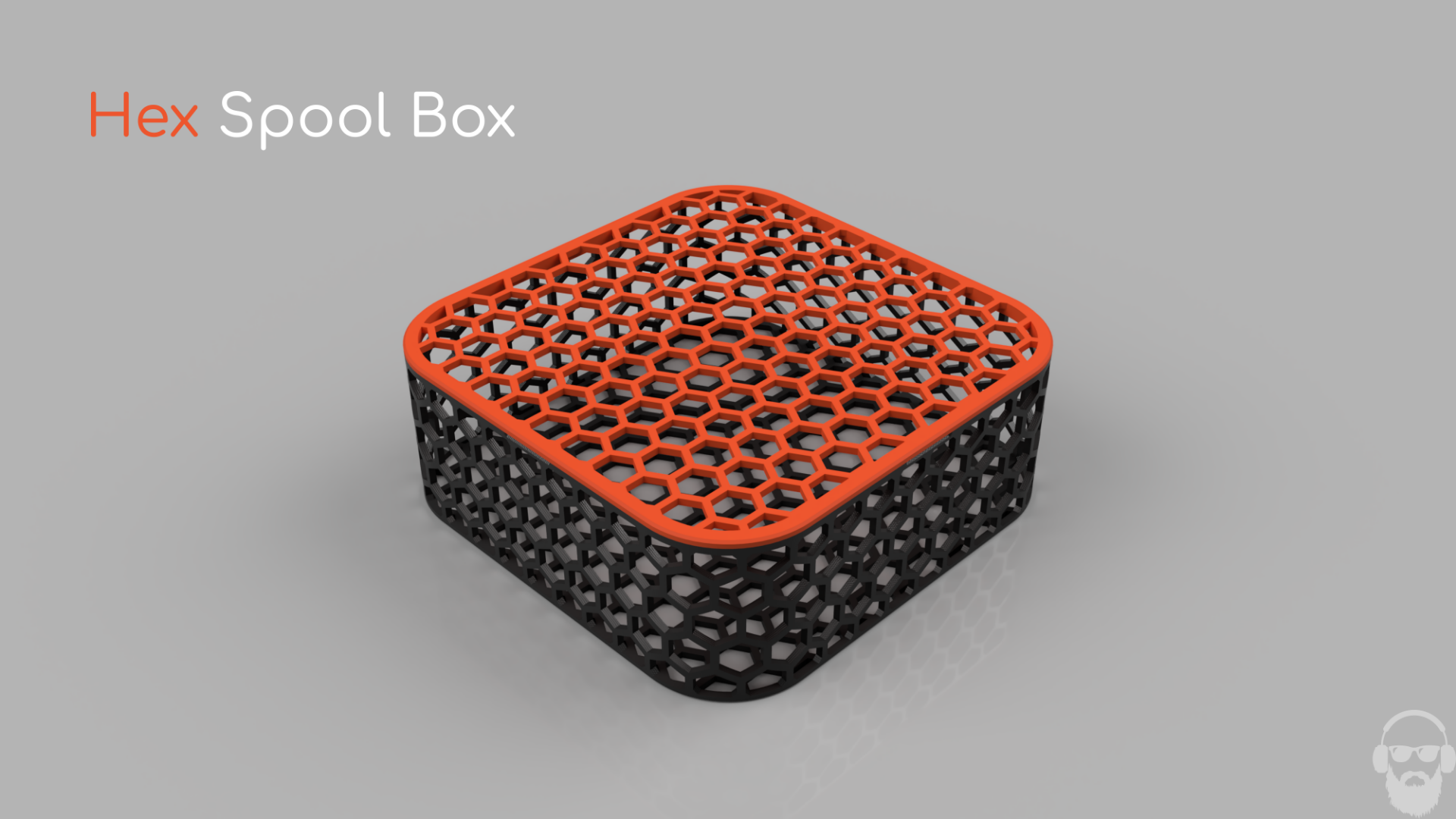
About this 3D model
Hex Spool Box Table of Contents Change Tracking Intro Hex Spool Box Notes Dimensions Printing Profile Notes Insert Notes Intro Cautions Dimensions Printing Profile Notes Naming Convention Bambu Studio and Coloring Workflows Importing [Inserts Combined.3mf] Importing [Hex Spool Box Inserts.step] Bambu Studio Text Shape Tool Workflow Adding Text and Graphics to an Insert in Fusion360 Change Tracking Note Date Initial upload 10/30/23 Modified Inserts Combined print profile to include two additional plates with extra descriptors and a swatches plate. 11/7/23 Matching Bambu Spool coming very soon, will be compatible with the inserts! Intro This project started out as an endeavor to learn Fusion 360. Previously I had mostly used Solidworks at the hobby/maker level but wanted to learn Fusion 360 as most parametric uploads were saved in f3d files. At first I wanted to use snap fits to create a box that snapped together with panels to mostly print the box in one plate. I did not have much experience with snap fits and figured it would be a good project to get some exposure on designing snap fits. This quickly led to a design that created a box with larger dimensions than I hoped for as I am storing my filament in cubby style furniture. I needed the box to be as small as possible, preferably to match the size of standard filament boxes provided by filament manufacturers. I moved on to designing a standard box and lid configuration. I always wanted the box to incorporate both honeycomb pattern and rounded corners. This proved rather difficult in Fusion 360 which led to another “learning” issue. Went with the “sheet metal” technique to wrap patterns around cylindrical and flat surfaces. This unfortunately made the design somewhat non-parametric. Technically it is parametric in that the pattern is equation driven but there are some parameters that rely on dimensions I could not parameterize due to the “sheet metal” technique. The box was originally designed around Bambu sized spools with just enough clearance to store the spool along with a vacuum sealed bag. The next step in the project was labeling. I landed on using inserts to label the boxes after some inspiration from the Honeycomb Storage Wall. The idea of using modular inserts was more of a happy accident than design intent. Once the insert snaps were designed and working, I modeled a multitude of inserts to allow for coloring and labeling in endless configurations. I have included inserts both with text and without text. I designed the inserts around the idea of using blank inserts as filament swatches and keeping the labeled inserts white with black text. I also designed a stacking insert to be used for those storing filament in the XY plane. The stacking inserts do work for the YZ plane as well, but it is nowhere near as stable as stacking in the XY plane. Hex Spool Box Notes Dimensions Printing Profile Notes I have included two printing profiles for the Hex Spool Box: [Hex Spool Box.3mf] and [Box with PLA Inserts Example.3mf]. The former is only the Box and the Lid. The latter includes a PLA insert, Bambu logo Insert and some blank inserts as swatches for identifying the color. This profile is set to be printed by object where filament 3 would be the color of the filament being stored. This profile is simply an example of what a complete box would look like. Layer Height: 0.2 If the layer height is set higher than 0.2, the 30 degree overhangs on the Z axis honeycombs become bridges causing bad surface detail and low layer adhesion. Prints will fail if printed higher and unsupported, print at your own risk when chasing speed. Support: Tree(auto) , Support critical regions only , on build plate only . Top Surface Pattern: Monotonic Default Monotonic Line creates a large number of tiny gaps that need to be filled, this slows the print and degrades the surface quality of the upper surface of the bottom. Bottom Surface Pattern: Concentric Speeds up the print, looks better as well if printed on a surface where layers are visible. (Optional) Wall Generator: Arachne Only changes layer width in a few layers, classic could be used if desired. (Optional) Infill: 15% Infill Pattern: Gyroid Insert Notes Intro Inserts can be used to label the box, colorize/decorate, and to add stacking to the boxes. The text and graphics inserts were designed to have only one filament change, the text/graphics is only one layer high and is printed first to minimize filament changes. Due to this design, printing the inserts at 0.2mm layer height is a must. The [SOLID] or blank inserts are provided to use as filament color swatches or simply to add your own text or graphics using built in Bambu Studio tools or a CAD application. Cautions When inserting the inserts into the honeycomb, support the back side of the wall. When the inserts are fresh off the plate, the snap is a bit tight. This can be an issue when first inserting the inserts into the hexagons, especially on the hexagons in the Z