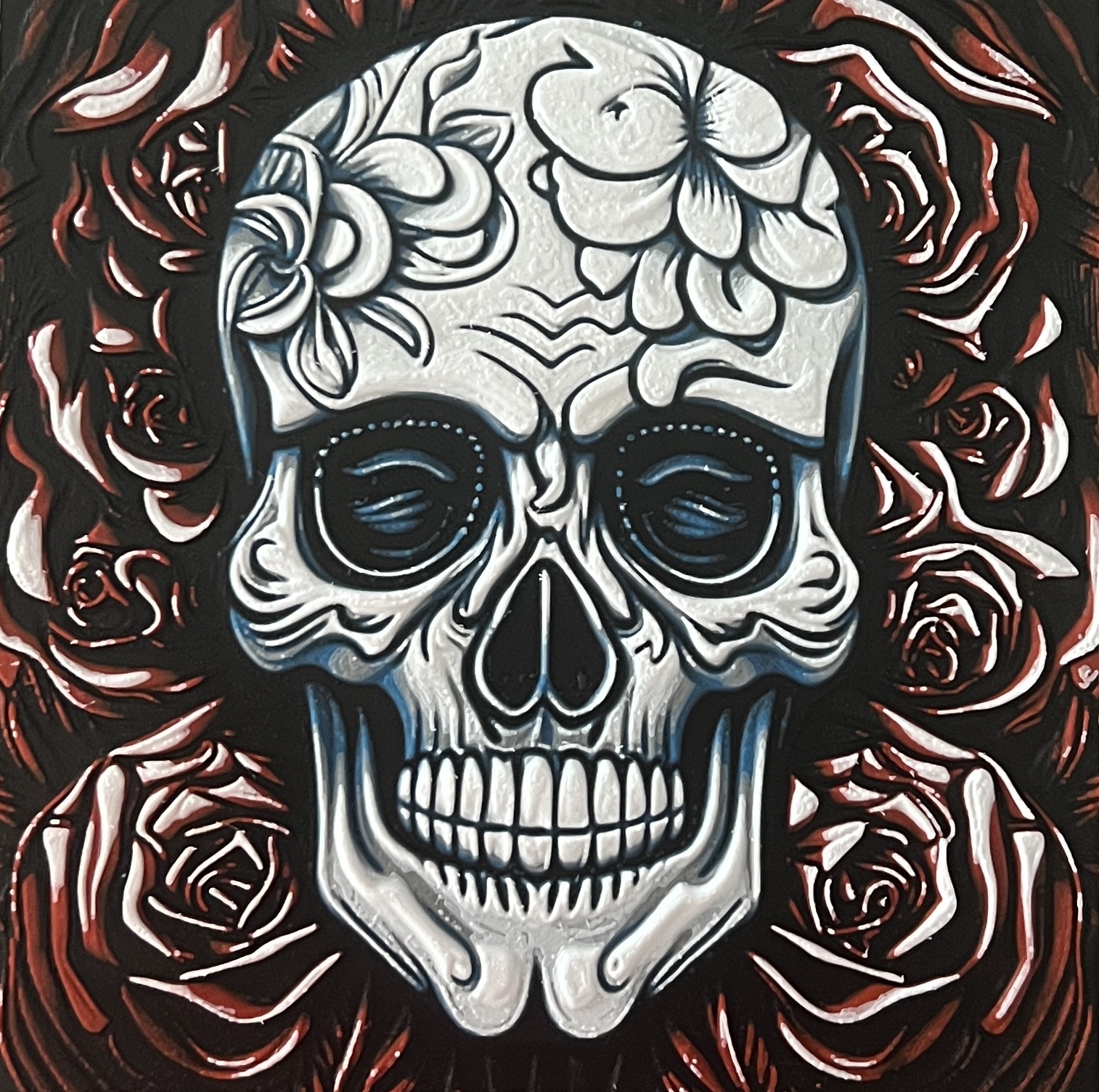
About this 3D model
Generated using HueForge software! You can play around with different colors and swap heights to customize the look, but I went with the following with each model: Roses Background Layers 1-12 = Black (Bambu Labs PLA) Layers 13-19 = Red (eSUN PLA+ Red) Layers 20+ = White (eSUN PLA+ Cool White) Skull Layers 1-3 = Black (Bambu Labs PLA) Layers 4-9 = Blue (Bambu Labs PLA) Layers 10-13 = Gray/Silver (eSUN PLA+ Silver) Layers 14+ = White (eSUN PLA+ Cool White) Print at 100% infill with a layer height of 0.08mm with a base layer of 0.16mm for both models. I glued the skull to the top of the background roses. Instructions for Bambu Studio and PrusaSlicer layer swaps. Print at 100% infill with a layer height of 0.08mm with a base layer of 0.16mm