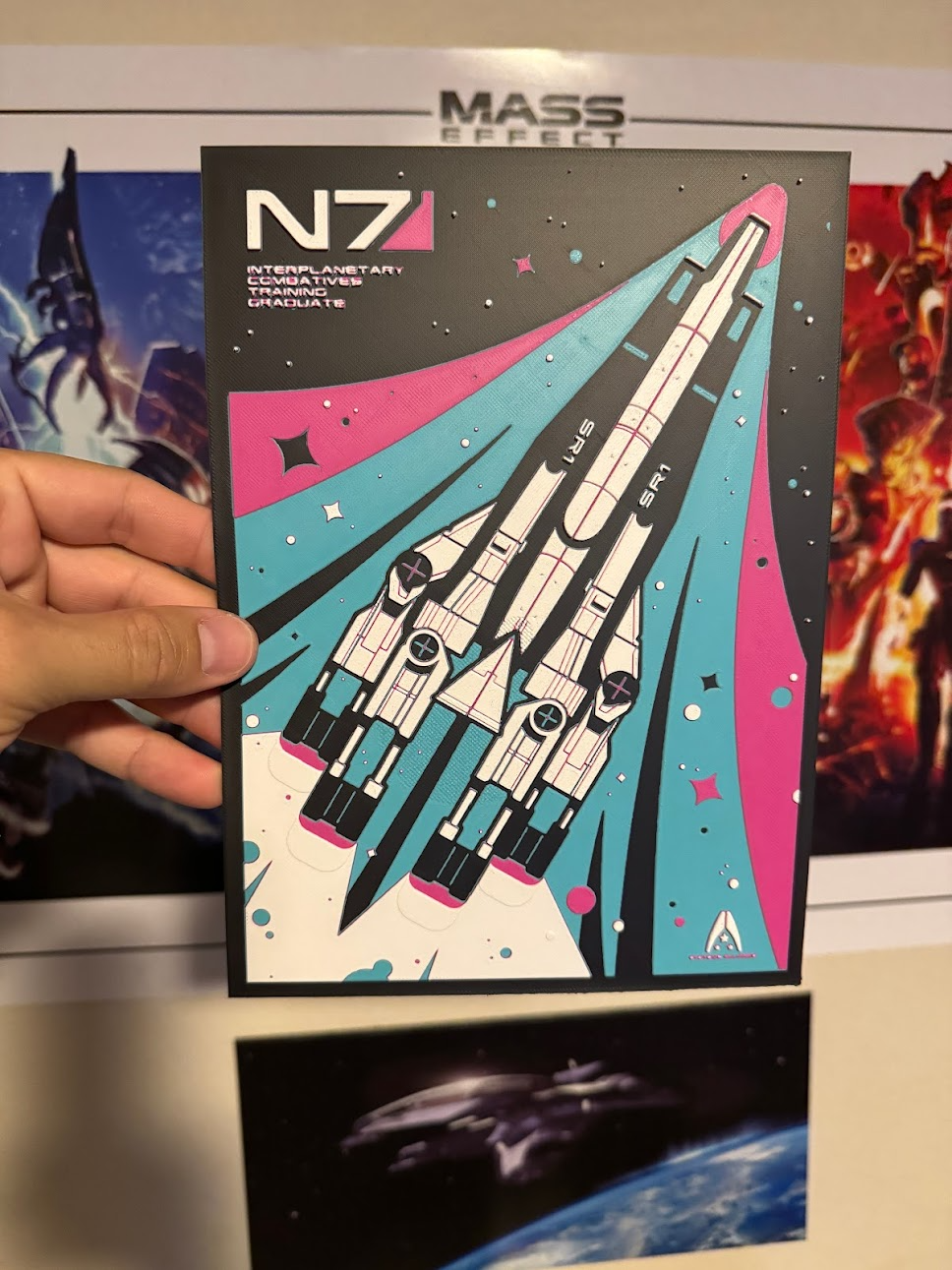
About this 3D model
Normandy from Mass Effect HueForge print! You can import this directly into Bambu, follow the instructions below, and print it! Please be sure to check your settings when you load the project if you need to change that preset at the top of Bambu Studio. Layer height should be 0.08 and first layer height should be 0.16mm and infill at 100%. You can create this without an AMS! You need to create a couple filament changes in the project before/while you slice the project. Of course if you have an AMS you can just select the filament at the appropriate layer height, if you are doing it manually, you would just know what color to load next. Once the settings are verified, slice the project (it will take a while) then look to the green layer timeline at the right of the preview screen. See assembly guide photo. You can drag the bottom plus up to change the individual layer preview for the next steps. For an AMS, right click at the following spots and change to the correct filament: Filaments Used: ASA PolyLite Black ASA PolyLite PolyMaker Teal ASA PolyLite Pop Pink ASA PolyLite White Swap Instructions: Start with Black At layer #5 (0.48mm) swap to PolyMaker Teal At layer #10 (0.88mm) swap to Pop Pink At layer #16 (1.36mm) swap to White for the rest. You may have to re-slice the project after every filament change. These are all Polymaker ASA filaments. The HueForge program has all the transparencies loaded to get an accurate final product. I cannot guarantee the result using different filaments. If you have any questions, please let me know! Enjoy!