About this 3D model
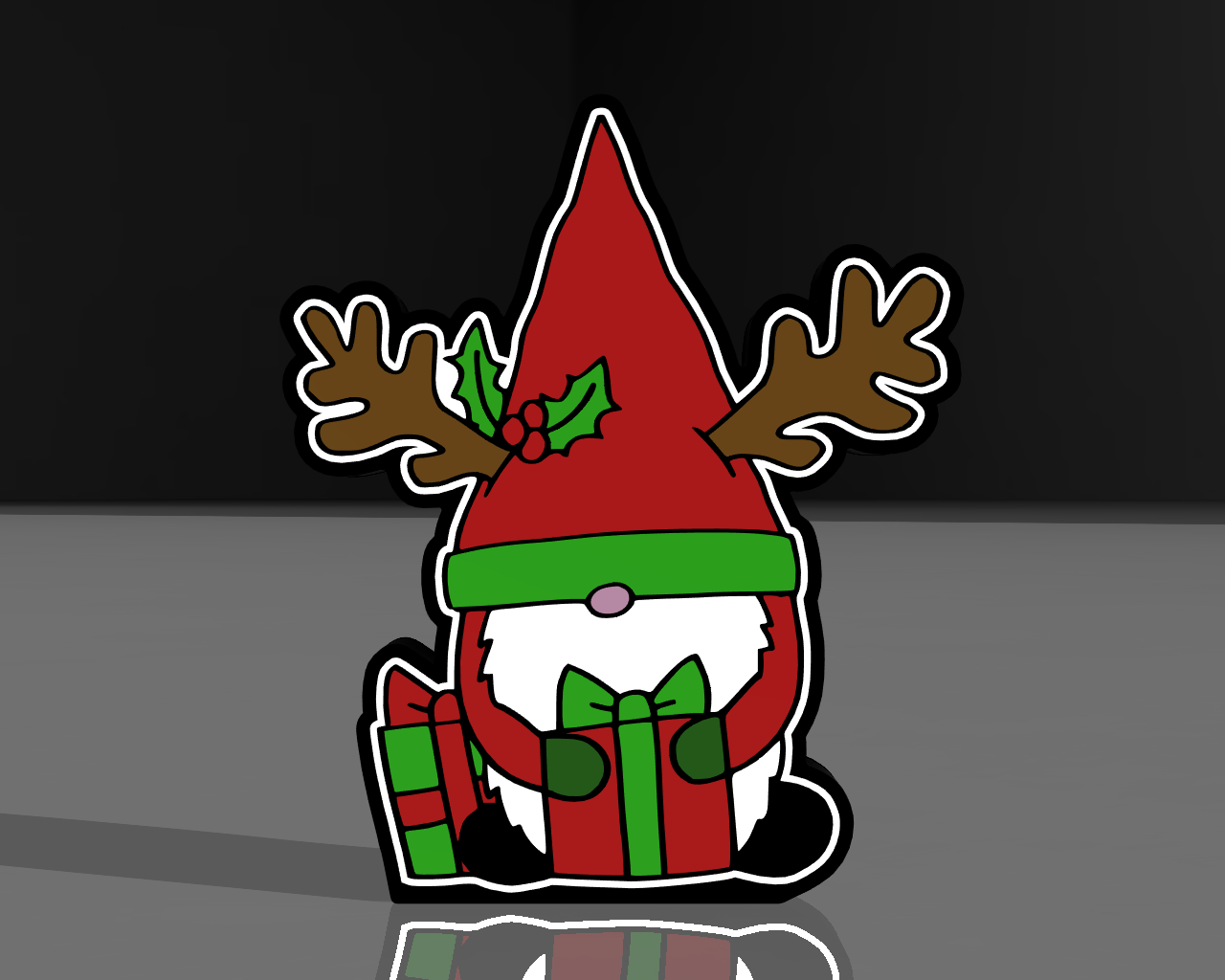
"Christmas Gnome 3D Model" ?? Immerse yourself in the enchanting holiday spirit with this delightful Christmas Gnome 3D model! Inspired by festive folklore, this intricately crafted piece will bring the whimsy of a gnome's magic into your holiday decor. ⚠️ For larger models, remove the purge line at the beginning of printing! ⚠️ Bambu Studio Settings: The settings are just a recommendation, however you can print with the settings you are already used to using! • Preferences (ctrl + P) → activate developer settings → Quality →Advanced → First Layer Flow Ratio: 1.04 • Quality → Wall generator → Arachne • Quality → Wall transitioning threshold angle → 50º • Strength → Advanced → Infill/wall overlap → 20% • Quality → Advanced → Avoid crossing walls • Increasing retraction / reducing temperature can help reducing wisps • I recommend always starting with the lighter colors. Recommendations before and after printing: • Use textured PEI sheet • To make the hole for the USB cable input for the LEDs, you can do it with a soldering iron, drill a hole or you can do it with a slicer by adding a negative model in the place where you want to make the hole • For the pieces to give more light, I recommend using aluminum tape on the inside of the back cover • Be careful to clean the table well Materials and tools used to assemble parts: • Aluminum Tape for the back cover • Hot glue pistol to place in the spacing of the LEDs so they don't come off • Soldering iron to make the hole for the USB cable and/or to solder the LEDs with the USB cable with ON/OFF switch • White or RGB LEDs To find out the list of all the components I use, you can click on the link in my description, and you will find it in the first post!