About this 3D model
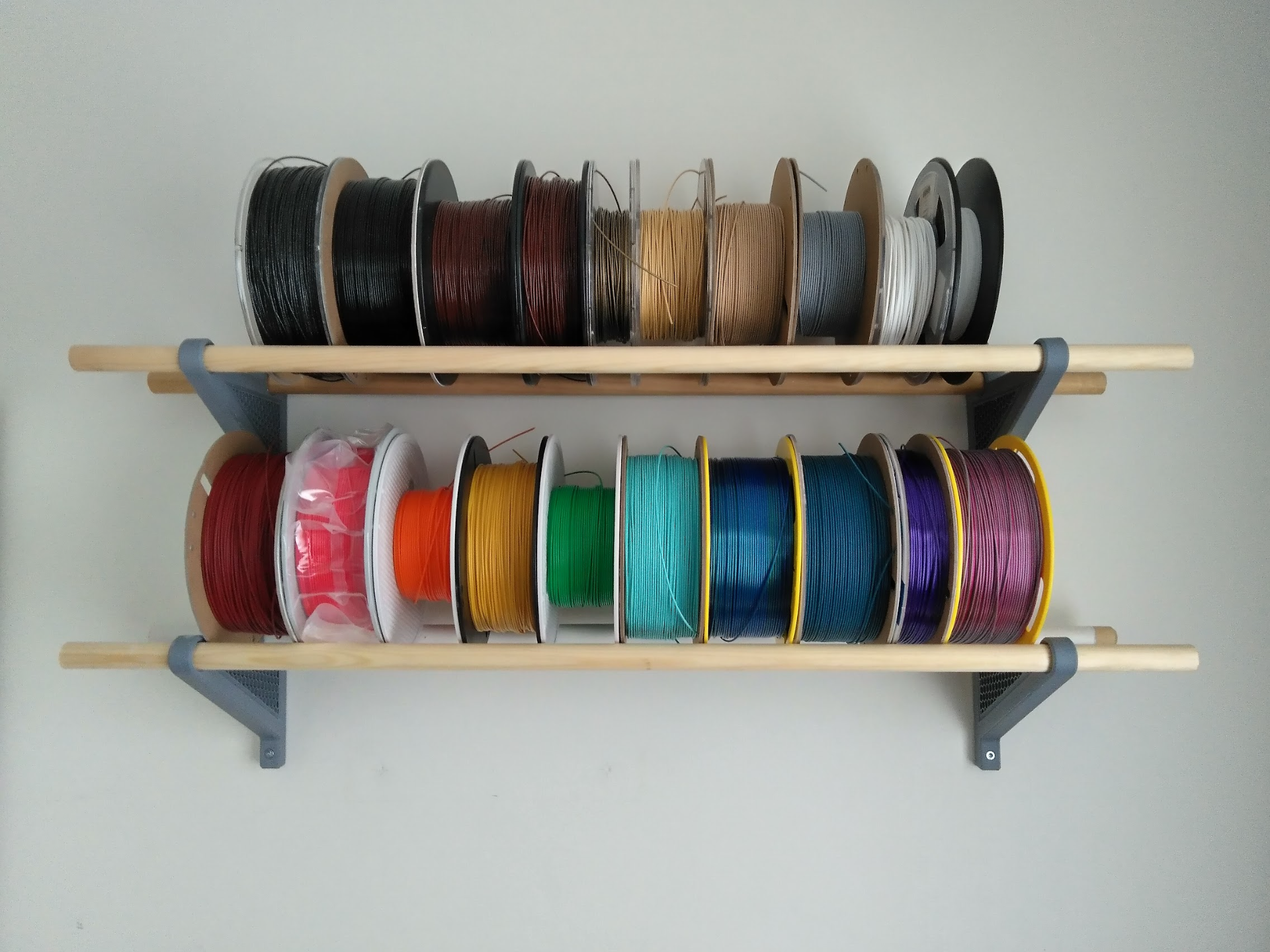
update feb-25-2024 I added some variants. Just select the appropriate plate to print. honeycomb infill (original) hillbert curve infill tri-hexagon infill solid variant empty triangle variant strong variant (5 walls, 35% infill) I made these mounts to create a filament rack out of 2 wooden dowels that I had lying around. The dowels are 23mm in diameter. The triangular shape bears almost all the weight. The inside of the triangle is a honeycomb infill just for fun. How to slice the model yourself (open infill pattern) On the Makerworld page for the model, click on Open in BambuStudio . (Or click download and open in OrcaSlicer) When the model shows up in BambuStudio, click on slice plate to see the preview Only then should you see the open honeycomb revealed Be sure to check out the other plates with variants The raw stl way Download the stl and open it in BambuStudio or OrcaSlicer In the object list (left) click on the filename and right-click Choose Split > To Parts Click on the part ending in ‘_2’. This in the inner part Underneath, click the ‘Strength’ tab. Scroll to Top/bottom shells Set Top and Bottom shell layers to 0. This reveals the infill. Then scroll to the infill and set it to your liking (I used honeycomb, 10%) ? Support My 3D Creations! ? https://ko-fi.com/3dprintfun77