About this 3D model
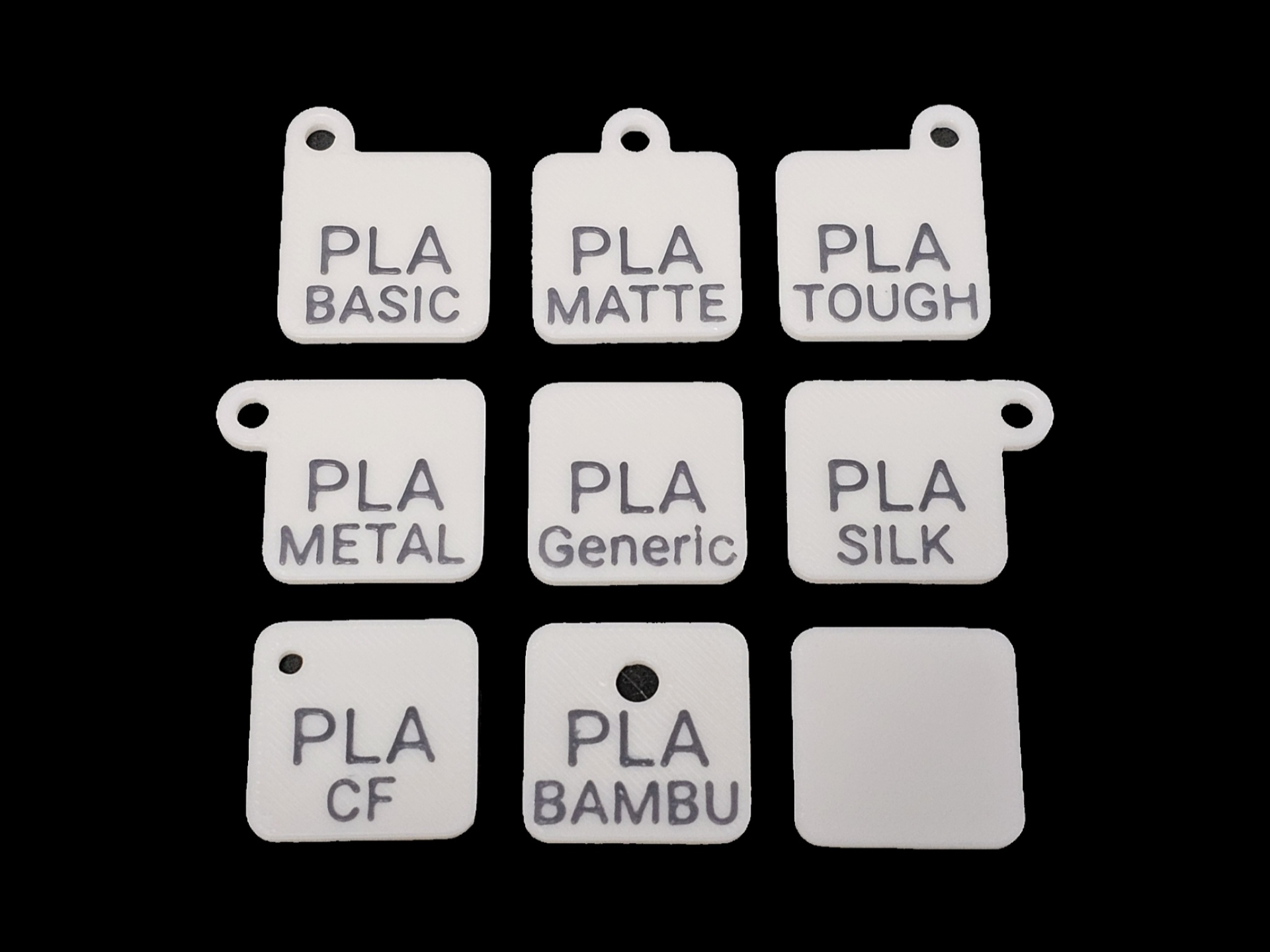
Filament tags and swatches with a choice of 13 labels in 8 styles, plus one blank tile. After pressing Prepare to Print: Select the profile and press Print Choose a plate Each plate is labeled to indicate the label on the swatches and tags Each plate contains 8 layouts, with one additional blank tile on the first plate After selecting a plate, note the location of the tile you want to print then press Print Parts Press Clear , then select the part to print and press Confirm Assign the Tile and Text filaments, then press Print Now to send to the printer The swatches and tags were made using Make My Sign from MakerWorld You can attach these swatches to Vesken Shelves or Trolleys using this Swatch Bracket: