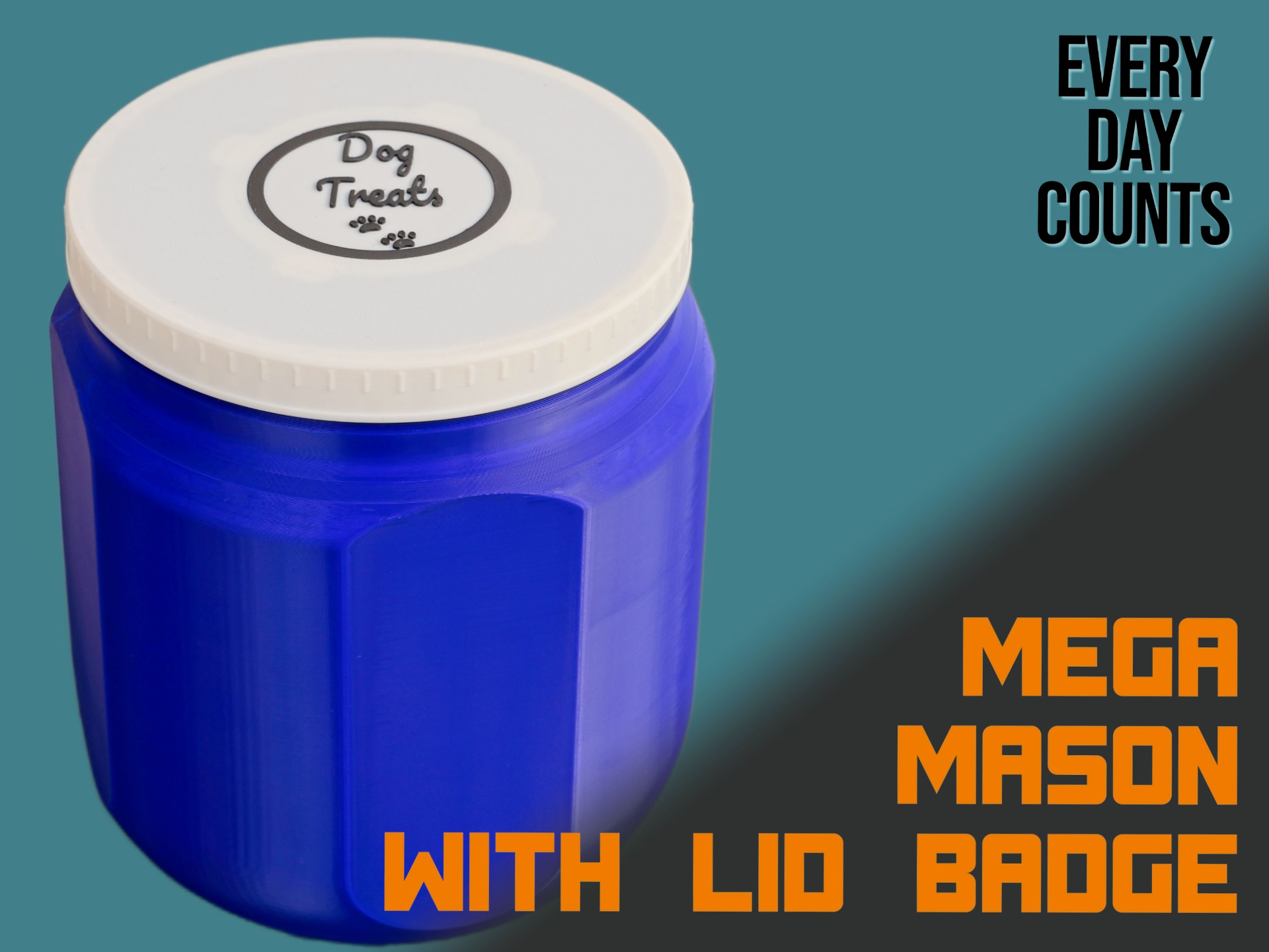
About this 3D model
This MEGA mason jar is printed in Standard Mode ( not vase mode ), which makes more durable and watertight. The lid is designed to take a badge which can be generated by the Make My Sign from MakerWorld( makerworld.com/makerlab/MakeMySign ). Follow the instructions below. Create a sign/badge that will highlight what you put in the jar (it does not have to be dog treats). Go wild! Note: This jar is compatible with my version which is printed in vase mode ( https://makerworld.com/en/models/54554#profileId-56238 ), so the lid from that model can be used if you don't need the badge. Likewise, you can print the lid from this profile and use it on the vase mode mason jar. Width is 150mm wide and 180mm high. Can be printed on the Bambu A1 Mini. Badge Instructions Visit Make My Sign from MakerWorld ( makerworld.com/makerlab/MakeMySign ) Press the ‘Create from Blank’ button (near the top) Choose the ‘Pet Tag’ template (because it's round) Remove the hole Change the dimensions to 65mm x 65mm. Set the border to be offset by 2mm (whichever weight you choose) Set the thickness to 1mm. Style the badge as you want When complete, download the design and open in Bambu Studio for printing. Badge Mounting The badge is inserted from the underside of the lid Use the little cross connectors to hold it in place. Add a little dot of superglue to each of the crosses to hold them in place