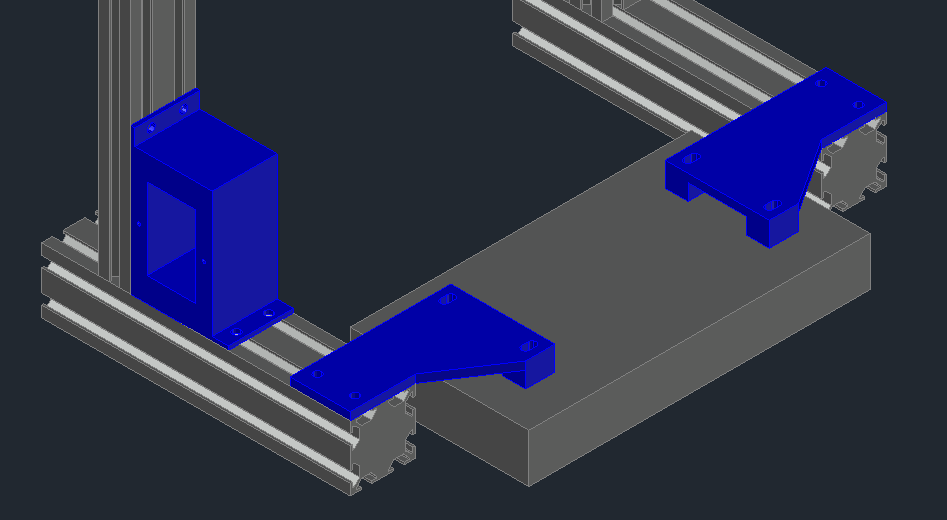
About this 3D model
I didn't like how the PSU looked in the stock configuration. I designed this using AutoCAD. The bottom of the PSU is approx. 1/4" off the surface when the stock rubber feet are used. I recommend using a different type of feet to raise the whole printer off the surface. You will need extra bolts and nuts to mount. Simply remove PSU from structure. Remove plastic housing from PSU. Remove 3 wires from switch and run thru small square hole in back of switch box. Reconnect wires and mount switch box. Mount left and right supports to PSU, using stock holes. Then mount to structure. Enjoy!!