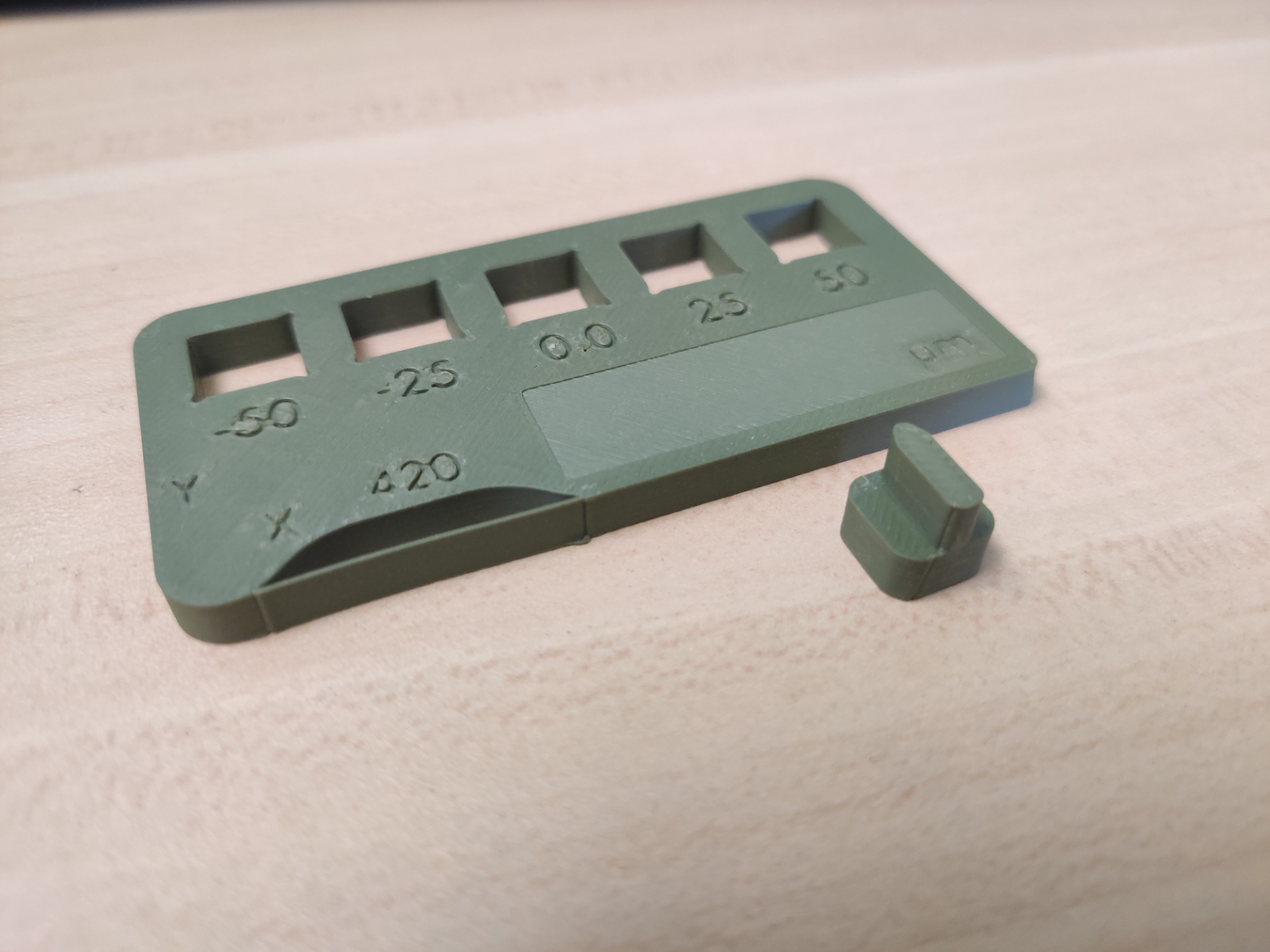
About this 3D model
I print this every 1000 hours of print time to log printer mechanical parameters. We are not testing filament quality here, so use a filament that's easy and prints the best, I use Bambu PLA Matte or Basic. The X1C software does a good job of catching if you possibly have a loose axis belt, however, the pass/fail criteria are larger than what you want for good fitment. Print with: 0.2mm layer Height Default Line width of 0.42mm 2 wall loops (or whatever you usually print with) Tick the Detect thin walls checkbox No skirt, no Brim, no support needed Set the speed to whatever you usually use All other settings you can fine-tune, but I don't recommend it, this is mainly for tuning mechanical components. How to run the test(follow along with the pictures uploaded above): (Optional) Measure cubes XYZ, I write the dimensions on the back of the card. I measure (X:9.96mm, Y:10.00mm, Z:10.00mm). Insert the cube with the tab facing -X, this checks if Z matches X, I write Z on the left side of the cutout. The cube should not fall through, nor it should bind, it should slide through. You will notice if it binds by how it feels when you push it through as well as a difference in sound. Insert the cube with the tab facing +Y, this checks if Z matches Y. Write Z on the top side of the cutout Insert the cube with the tab facing +Z with the tip along the Y-axis. Wiggle the tab in -X/X, you should not feel the cube wobble, mark the cutout with a line in Y. Insert the cube with the tab facing +Z with the tip along the X-axis. Wiggle the tab in -Y/Y, you should not feel the cube wobble, mark the cutout with a line in Y. Observe any ringing in the corners Measure wall thickness. I measure 0.420mm. Mark speed settings and date on the Card then keep it somewhere for future reference. Analyze results. The Z height is assumed to be the best tolerances so we compare that to the other axis. The way you “read” this card is by filling in the statements with the symbols marked. "The _A_ axis is _B_". Where A is the axis (|=X, --=Y), and B is the tolerance (-50=very loose, -25= loose, 0.0=perfect, 25=tight, 50=very tight). The Z should be right angles to the | and – , if they are not then there might be an issue with the Z axis. My tests say that the X-axis is loose, and the Y-axis is perfect, however, It does not warrant any action. If any test results run outside the card I would go through the belt tensioning procedure here: https://wiki.bambulab.com/en/x1/maintenance/belt-tension