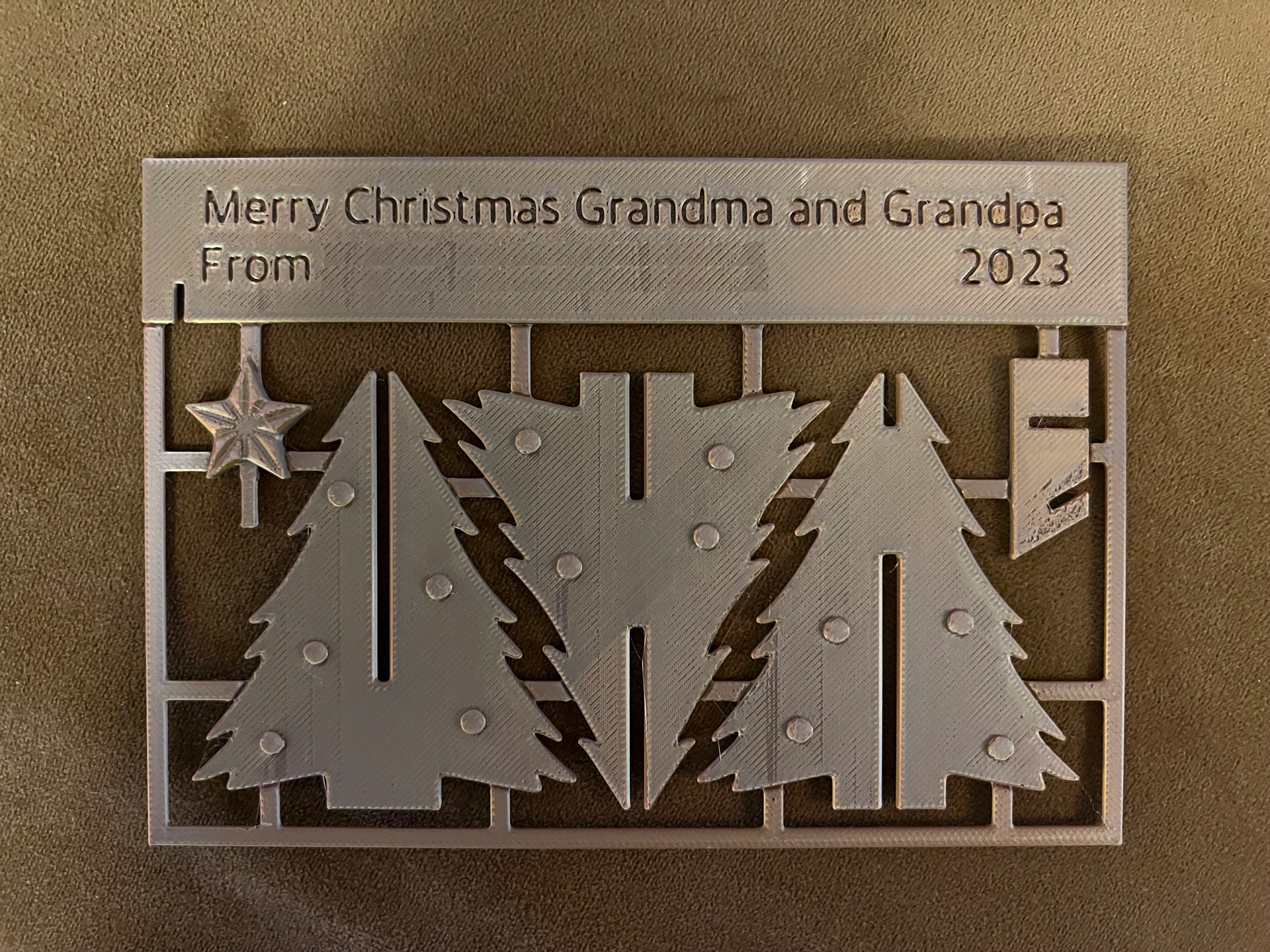
About this 3D model
Made a quick change to allow editing directly in the Bambu Studio application. Text is a -1mm shape from the top face. Should be enough to be visible in all materials without being too deep and simply cutting the letters out. To edit text: Navigate to the “Prepare” section along the top menu. Select “Objects” in the process section along the left menu block. “Global” is usually the default selection. Select either of the “text_shape” items under the "Body1" tree Right click and select “Edit Text” Change the text to whatever message you'd like.