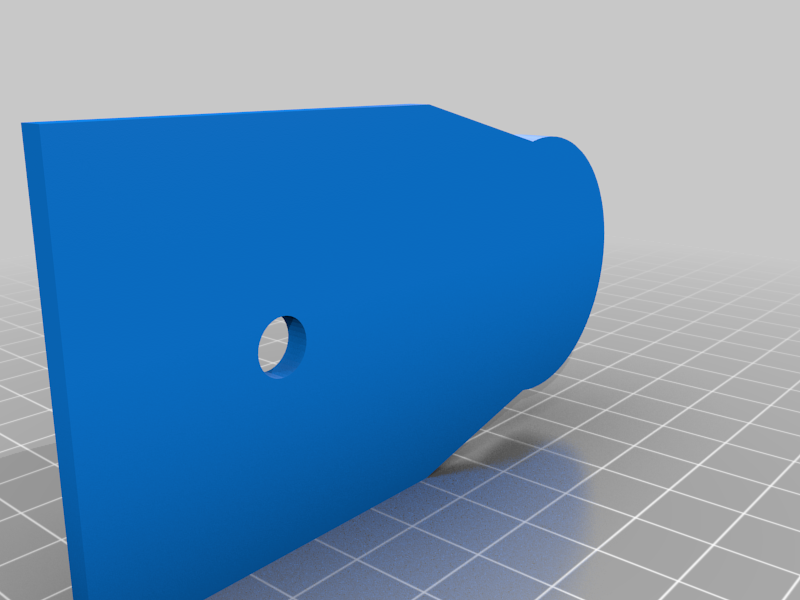
About this 3D model
I designed this for adding a level to a iGuide system. You may need to change the screw that attaches the tripod mount to the iGuide because of the thickness of the mount will not give you enough threads into the iGuide system. You can use any bubble level smaller than the 1 3/8 bubble listed below: https://www.homehardware.ca/en/bullseye-surface-level/p/1037050 I suggest that you make sure the iGuide is level and use a putty epoxy to glue the bubble to the mount. This way you can calibrate the bubble by also making sure the bubble is indicating it is level before it sets. You can also use hot glue to glue the bubble to the mount but you have to be quick to make sure it is calibrated before it sets. Print Settings Printer Brand: Creality Printer: Ender 5 Rafts: No Supports: No Resolution: Not important Infill: 100 Filament: Not important PETG, PLA Category: Camera