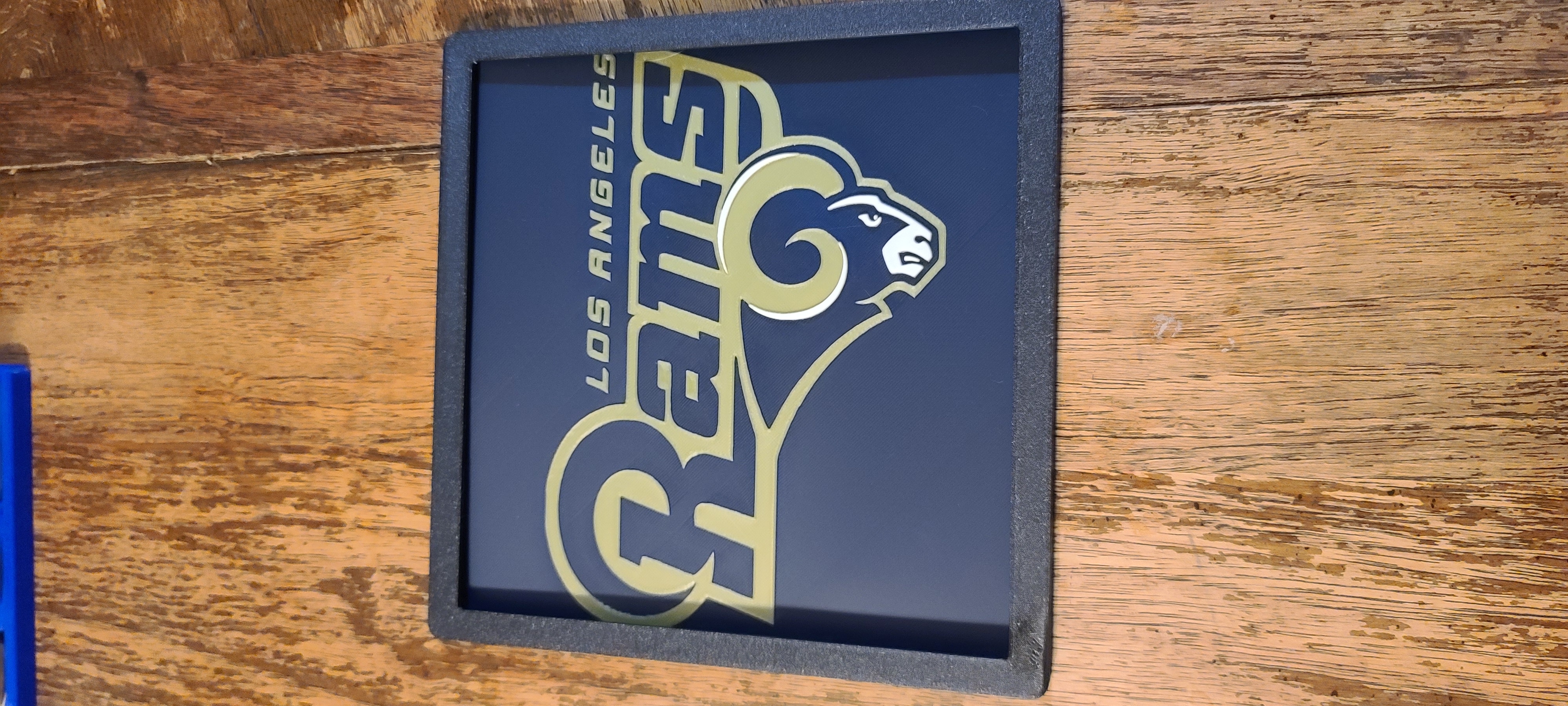
About this 3D model
Boost Me If you like my model please Like, Review, Follow and Boost me! If you made my model, please Upload! LA Rams Hueforge I print all my hueforge with a .4 Nozzle Layered. No AMS/MMU/Ace/CFS/Chroma needed. Just color swap at layer. Any of my 200 x 200 Frames can be used. Just glue them together. Both STL and Bambu Studio profile is uploaded. Check out my large selection of Hueforge Colors used Black - Eleg oo Rapid Black Pla Plus Blue - Bambu Basic Blue Pla Gold - IIIDMAX Gold Pla White - Eleg oo Rapid White Pla Plus STLs In Bambu Studio load all STL's at one time. It will ask “Load these files as a single object with multiple parts?”. Click yes. Then right click on each object and click the color for that object. Or pause at the desired layer height to change colors. Bambu Studio Files Included is the studio print profile file. These files are designed to be used with an AMS. If you like my model please Like, Review, Follow and Boost me! If you made my model, please Upload! Commercial license As of 2/25/24 my designs are no longer allowed to be sold commercially. Do you want to sell prints of this model or any of my models? You can purchase commercial licensing at Patreon . Earring and Keychain Commercial License is just $3 a month. A full commercial license for all of my designs is just $7 a month. Designers spend a lot of time and money on design! Supporting Patreon's is a small way to help us designers out and show your appreciation for the models. Not just appreciation for what we design but the time and money we put into designing and publishing. Print Instructions Print at 100% infill with a layer height of 0.08mm with a base layer of 0.16mm Filaments Used: PLA Eleg oo Black Transmission Distance: 0.3 PLA Bambu Basic Blue Transmission Distance: 4 PLA+ IIID Max Gold Transmission Distance: 9 PLA Eleg oo White Transmission Distance: 6 Swap Instructions: Start with Black At layer #2 (0.24mm) swap to Blue At layer #6 (0.56mm) swap to Gold At layer #18 (1.52mm) swap to White for the rest. Boost Me If you like my model please Like, Review, Follow and Boost me! If you made my model, please Upload!