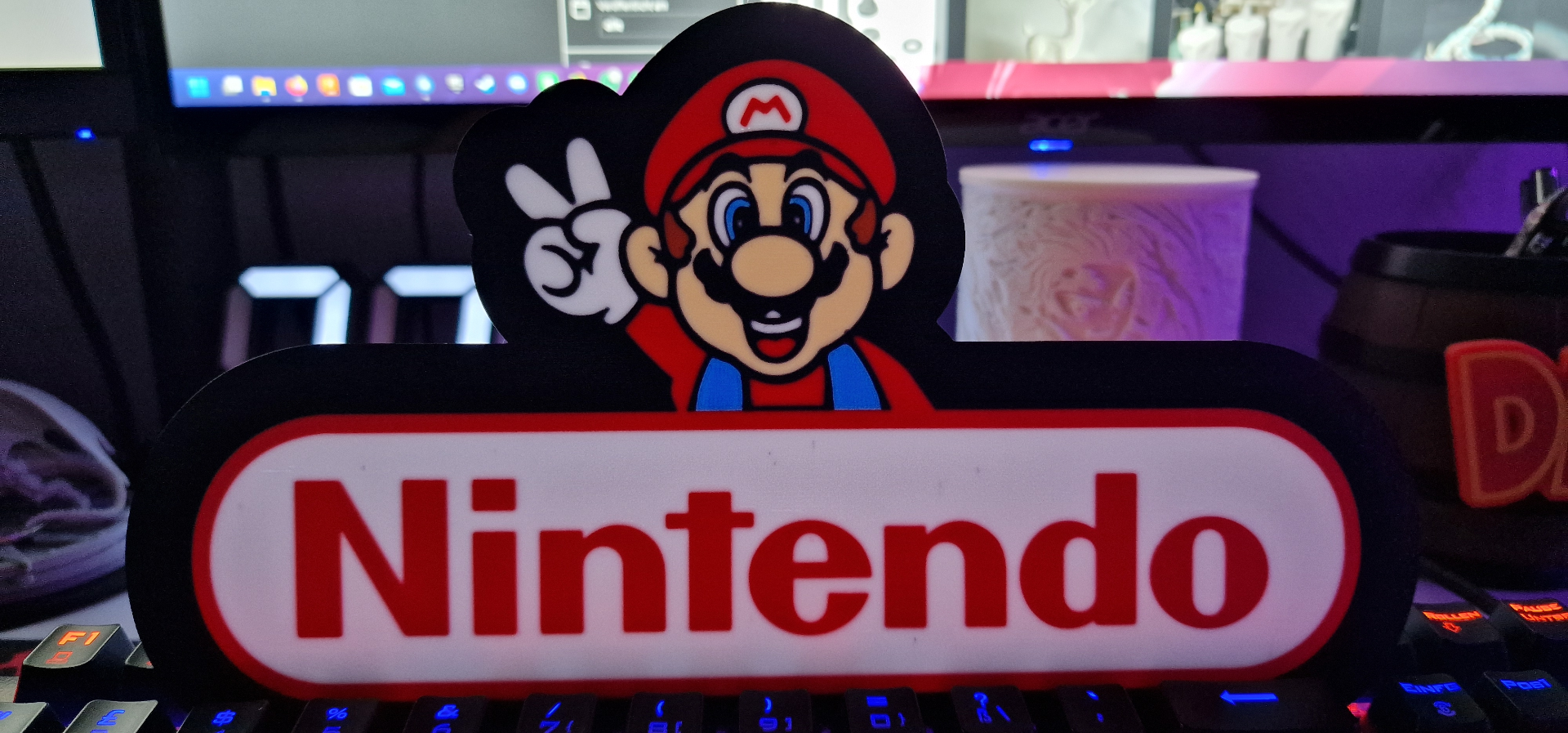
About this 3D model
Nintendo Super Mario Logo Lightbox. Border is an own object. Choose your favorite color. For best results use this profile. Bambu Studio Settings 1. First Layer Flow Ratio: 1.08. (Developer settings). 2. Wall generator → Arachne. 3. Set Quality → Wall transitioning threshold angle to 50º. 4. In Strength → Advanced, adjust Infill/wall overlap to 20% to 25%. 5. Quality → Advanced → Activate "Avoid crossing walls." 6. Order the colors from the lightest to the darkest. 7. First layer speeds, 30mms and 60mms for first layer infill.