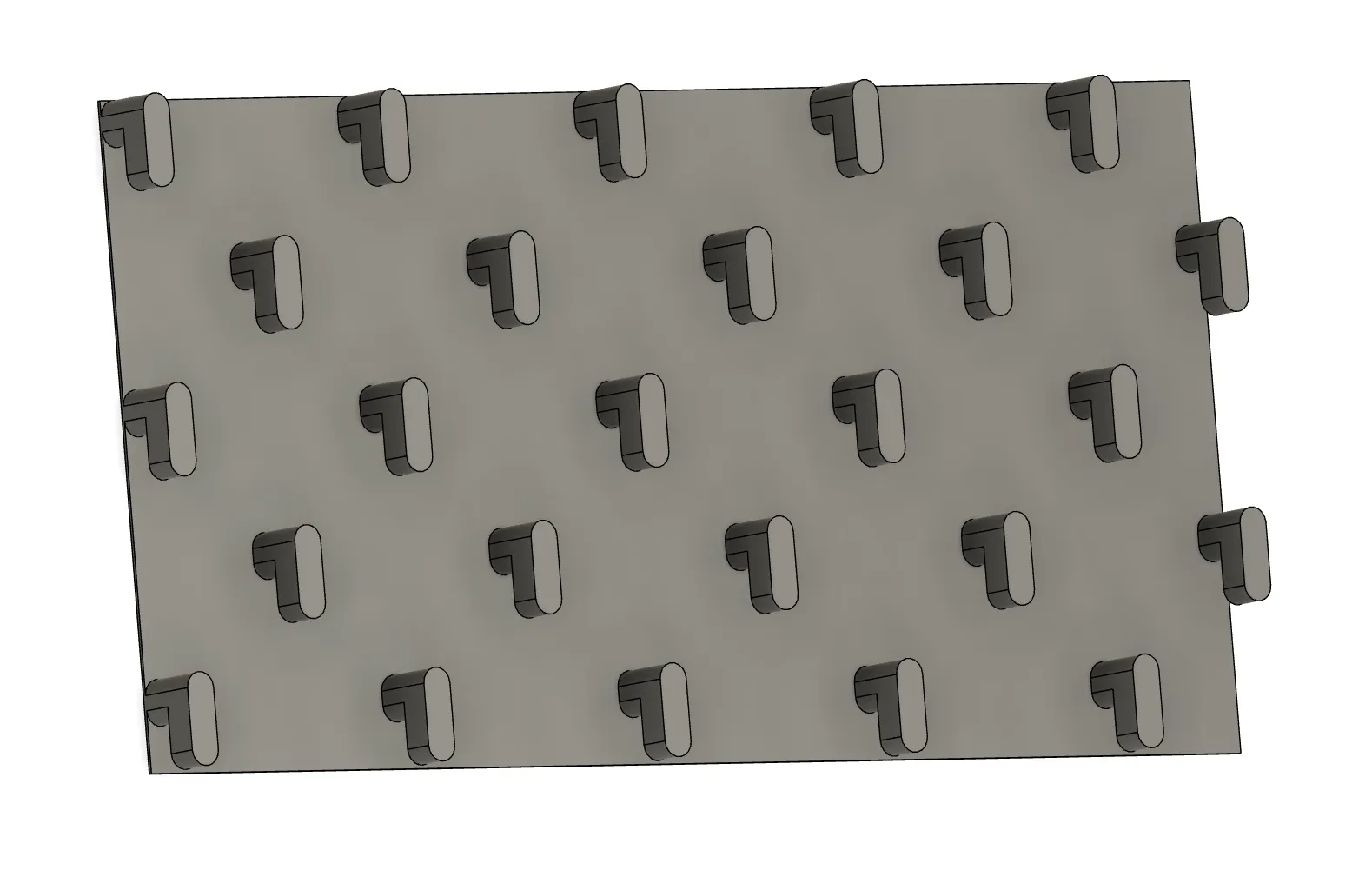
About this 3D model
I wanted to create some larger objects to fit on my Skadis, but was unable to find any models that allowed me to easily specify the size of my objects surface and get the correct peg configuration so i made my own that you can use too! Just load up the file in Fusion 360 and change the width and height parameters to match the dimensions you would like the pegs to be attached too. Once you've done that you can import it into you model and combine it with the pegs. I found the current tolerances are nice for my printer but you can easily change them if you find you need a slightly different configuration. Just change the following parameters: width - The width of the surface to generate pegs height - The height of the surface to generate pegs includeBase - Set to 0 if you don't want to generate the base, otherwise set it to 1. This can be helpful if you want to generate pegs for a large surface but only want pegs on the edges. You can easily remove the pegs that you are not interested in and keep the correct configuration on the others pegWidth - width of the peg itself pegHeight - height of the peg itself pegDistance - distance between the pegs pegDistanceFromBase - this is the gap between the peg and the board, it should correspond to the depth of the skadis board