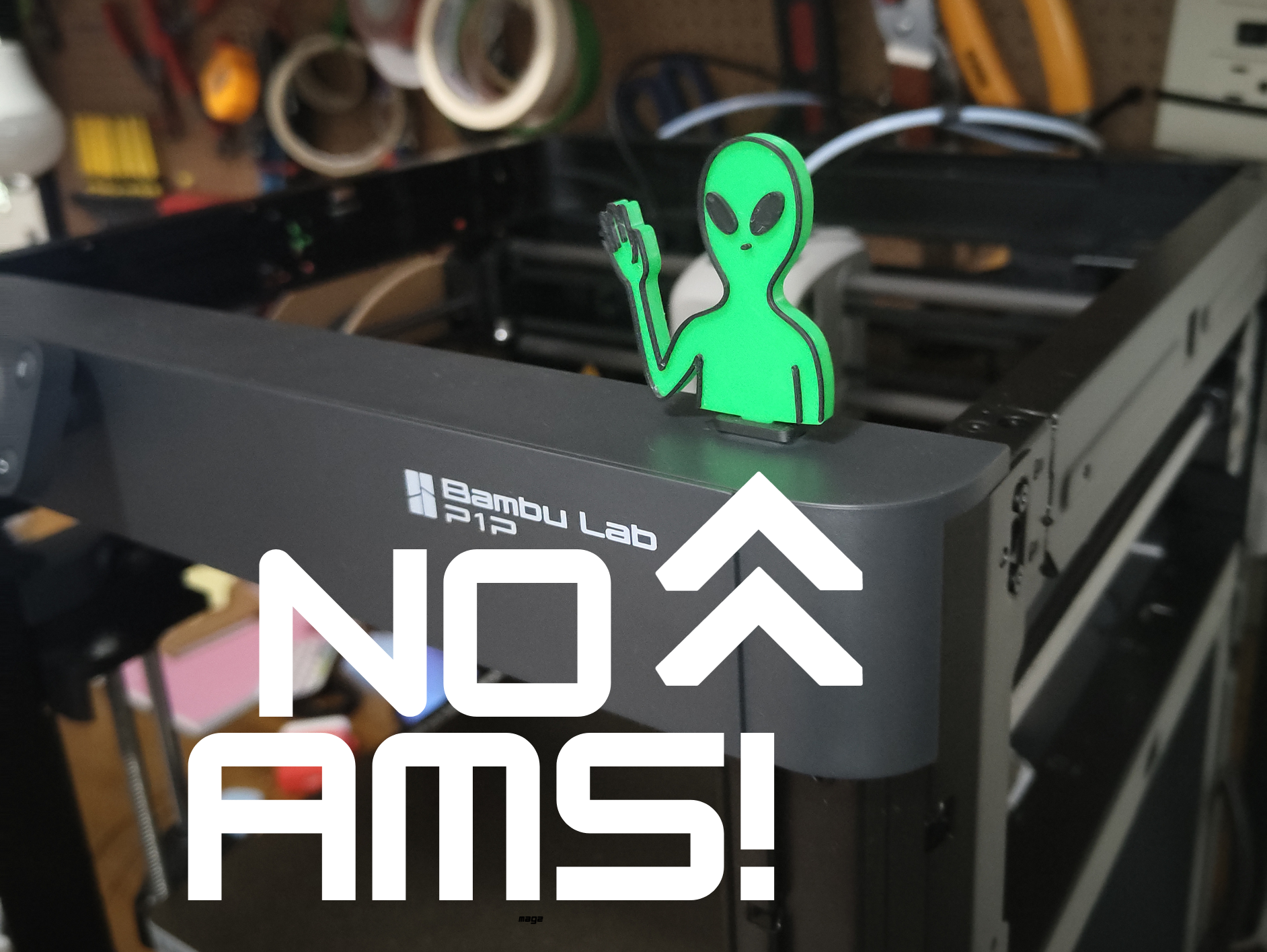
About this 3D model
HOW TO MAKE THE COLOR CHANGE WITHOUT AMS? Pause the print at the beginning of layer 21 in Bambu studio. Make sure the nozzle is hot enough (>200C) and then click the up arrow above the extruder controller buttons on the screen to unload the first color (green). Then you put the new filament in (matte black), and push down a bunch of times until it flushes out to the new color.