About this 3D model
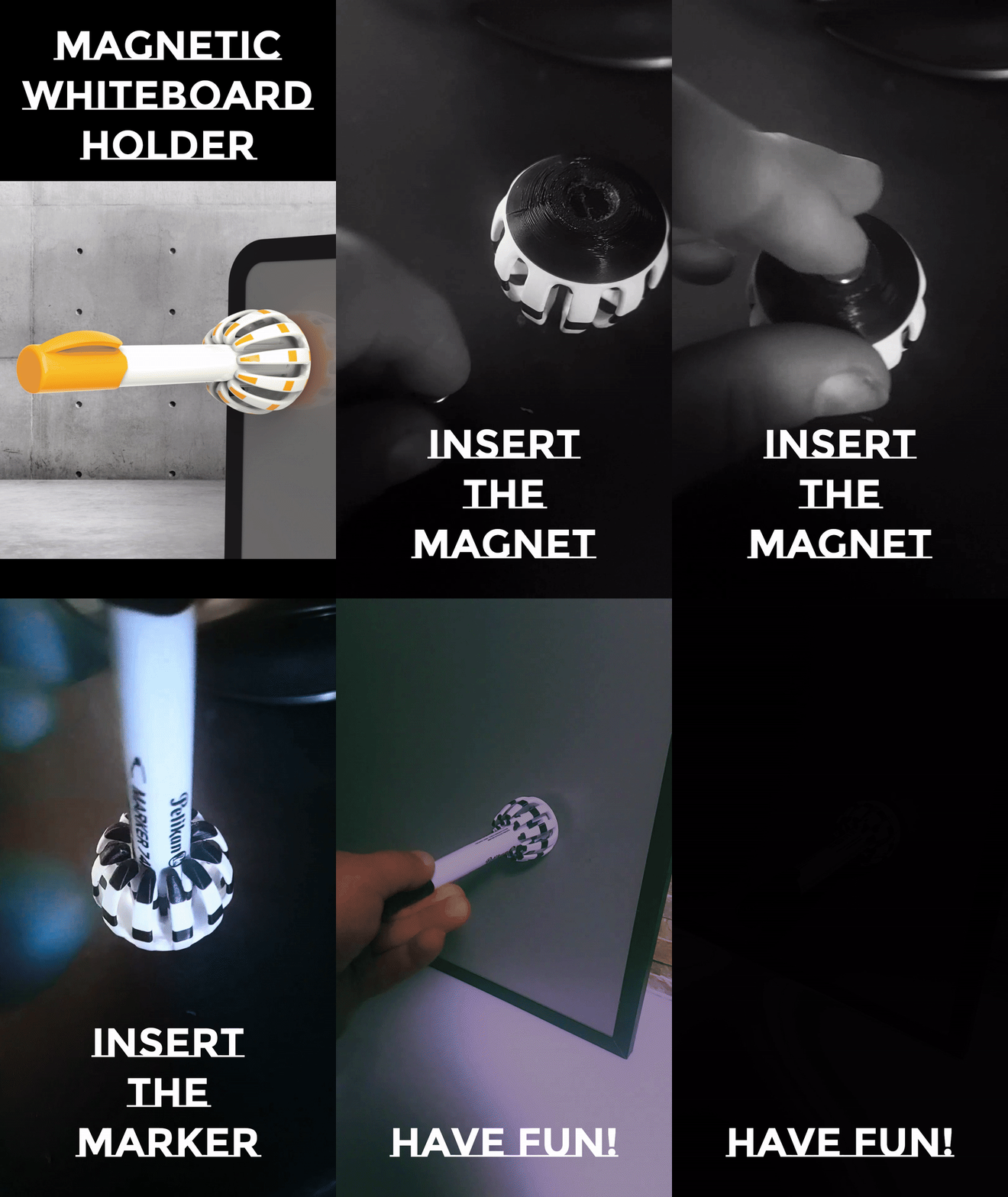
Magnetic Whiteboard Marker Holder Are you tired of constantly searching for your marker? With this magnetic holder, that's a thing of the past! Simply attach it to your whiteboard, and thanks to the strong magnet, it holds securely and firmly. With just one move, your marker is always at your fingertips! It's best to print in the same color as the marker, ensuring you always maintain the perfect overview on your whiteboard. THE ASSEMBLY The assembly is very simple. Just take the magnet and press it into the bottom side. I used a magnet with a diameter of 10mm and a thickness of 2mm. THE COLOR I have already colored the model; you can adopt this as it is or change it according to your own ideas in the Bambu Studio. THE MAGNET If you need a magnet with different dimensions , you can modify this in the Bambu Studio. There's an extraction cylinder in the model. By scaling , you can then adjust the precise dimensions. Make sure that the cylinder slightly protrudes on the underside. If not, you can move it downwards in the Z-axis. If the magnet in reality is 10mm, then I print it 0.2mm larger, meaning I scale the cylinder to X=10.2mm and Y=10.2mm. Procedure in individual steps: Step 1 : Switch to the object area. Step 2 : Select the object “Magnet” Step 3 : Activate the scaling command. Step 4 : Enter the diameter for the X and Y values, and the thickness for the Z value.