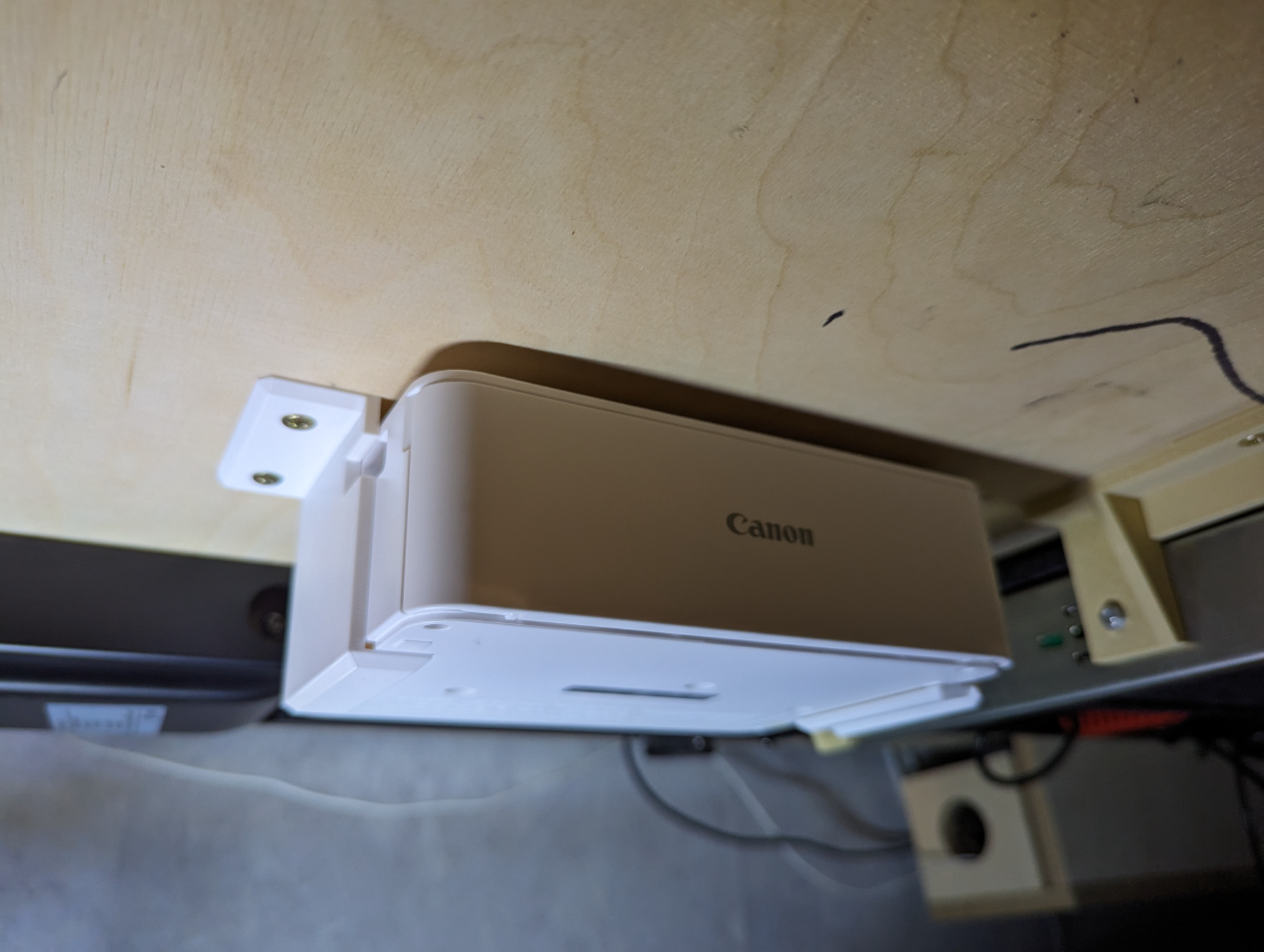
About this 3D model
These two brackets mount the Canon Selphy photo printer under the desk (or any flat surface really). The printer will not slide out, because the left fixture has a key that Kensington lock hole on the side of your printer. Mounting: Measure where you want the printer (don't forget it needs the photo tray and a space behind for when it's printing) Scre the left bracket in Slide the printer in and mark where the left bracket is. Screw the bracket in place. The right bracket is flexible and allows for a “quick release" action. Slide the printer from underneath to the left bracket, bend the right bracket outwards and place the camera in place. This version assumes you have the printer turned on all the time which is not ideal. I am working on a fixture that allows to “press” the top power button.