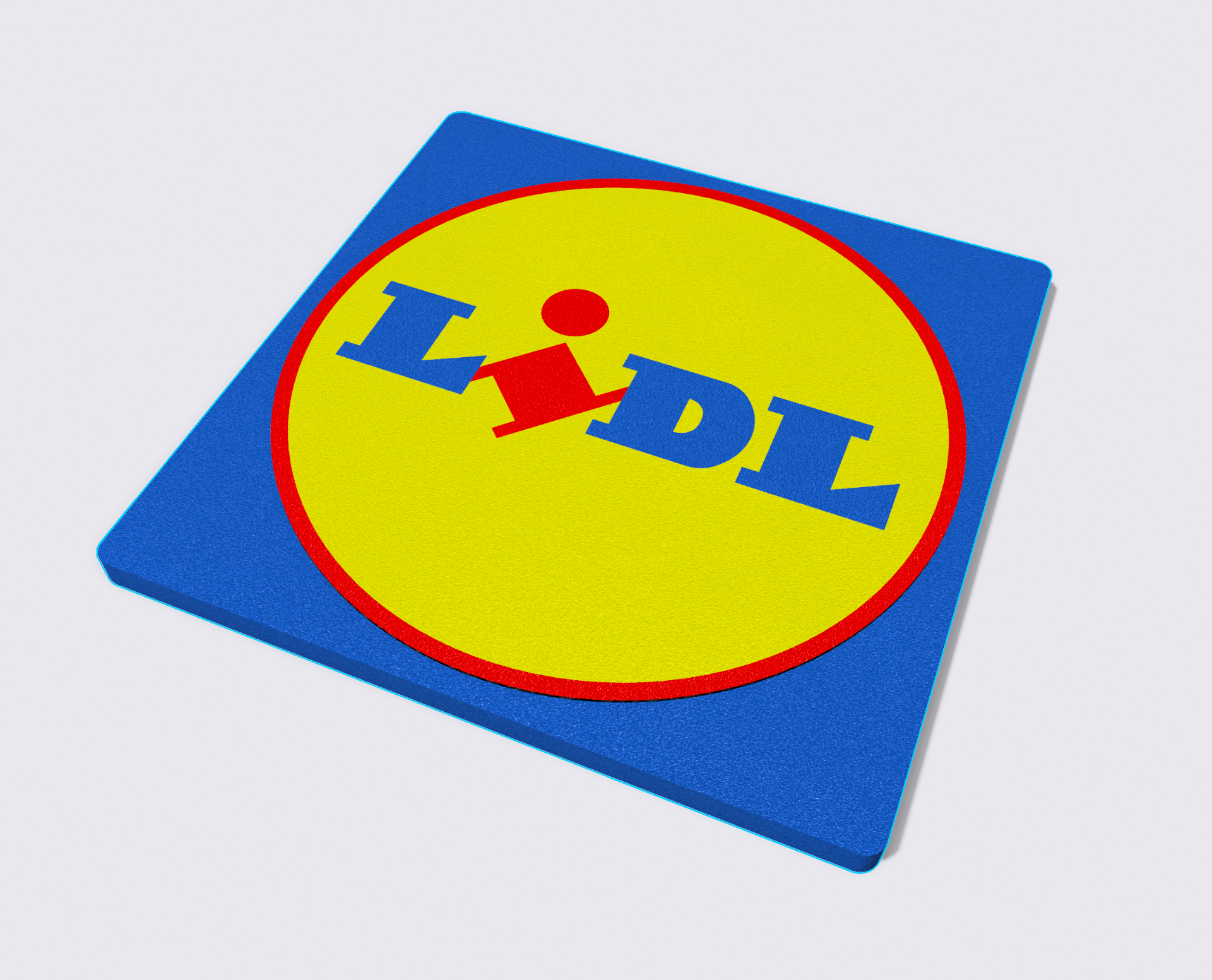
About this 3D model
Project: Multicolor LIDL Logo for Single Extruder 3D Printers Description: This project presents a multicolor rendition of the LIDL logo designed for single extruder 3D printers. The photo showcases the outcome achieved through the combination of five individual prints. Printing Instructions: File Preparation: Upload the five STL files separately into your slicing software. Center and align each object to ensure a seamless final result. Slicing Process: Begin by deactivating all objects, then activate each STL file one at a time. Slice the active file, save the G-code, deactivate the object, and proceed to the next. For the first two layers, achieve a height of 0.4 mm, setting 0.2 mm for the first layer and subsequent layers. Optionally, implement ironing on the fifth print for a smoother surface. If your printer homes and stays near the bed during heating, ensure the objects are positioned away from this point. File Management: Recommended: Save the sliced files on a USB stick for convenience during printing. Initiate the printing of the first STL with its corresponding color (e.g., "1_RED.gcode"). After completing the print, promptly set the pre-heat temperature to prevent cooling of the bed and hotend. Filament Change: While the printer maintains the bed and extruder temperature, perform the filament change. Note: The files include a pre-designed skirt, aiding in centering within the slicer and nozzle cleaning. Remove the skirt and nozzle cleaning line before printing subsequent objects, as they are reprinted in each iteration.