About this 3D model
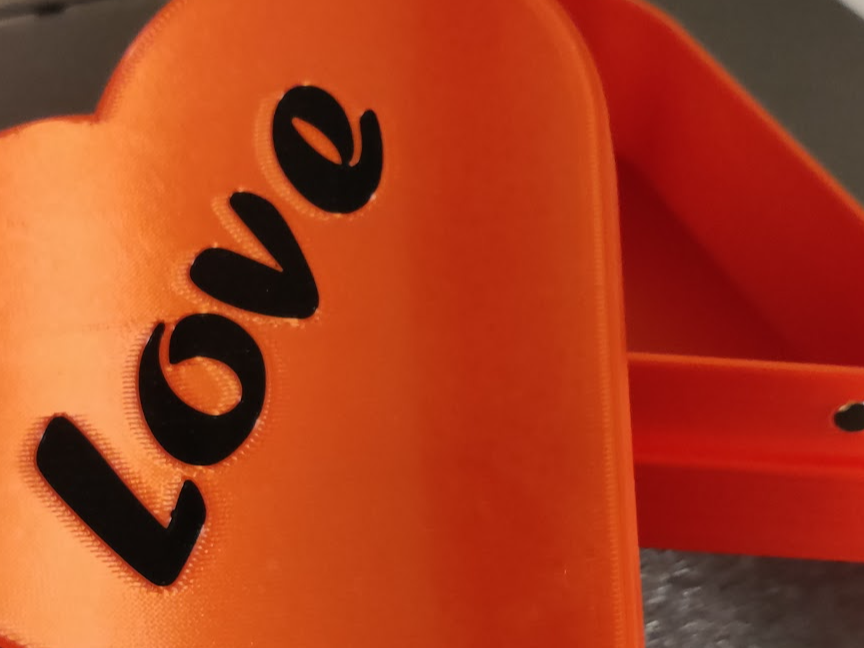
❤️ Love is all around… ❤️ A huge box to place stuff for your beloved into it. Or something else… I don't know. If you want to change the text from Love into something nice like a name, it's pretty easy. Perform the following steps on your PC . open the Profile in Bambu Studio Go to plate 1: Lid Turn around the Lid that the top is on the top with the Lay on Face function klick on lid, press F and click on the big white area on the top In the left lane under process change to the object view. right click on the item named Love and choose Change Type Choose from the Drop Down Part and click OK. right click on the item Love again, and choose Edit Text In the next dialog, change whatever you like to a text, site and font you like. Do not change Embedded depth. right click on the item named Love and choose Change Type Choose from the Drop Down Modifier and click OK. Turn around the Lid that the top is back on the plate with the Lay on Face function klick on lid, press F and click on the big white area on the top Slice the object and check if it worked out. Print Spread Love… ❤️ I printed the lid on a PEY Plate to add additional sparkling effect on the silk filament and it came out awesome!