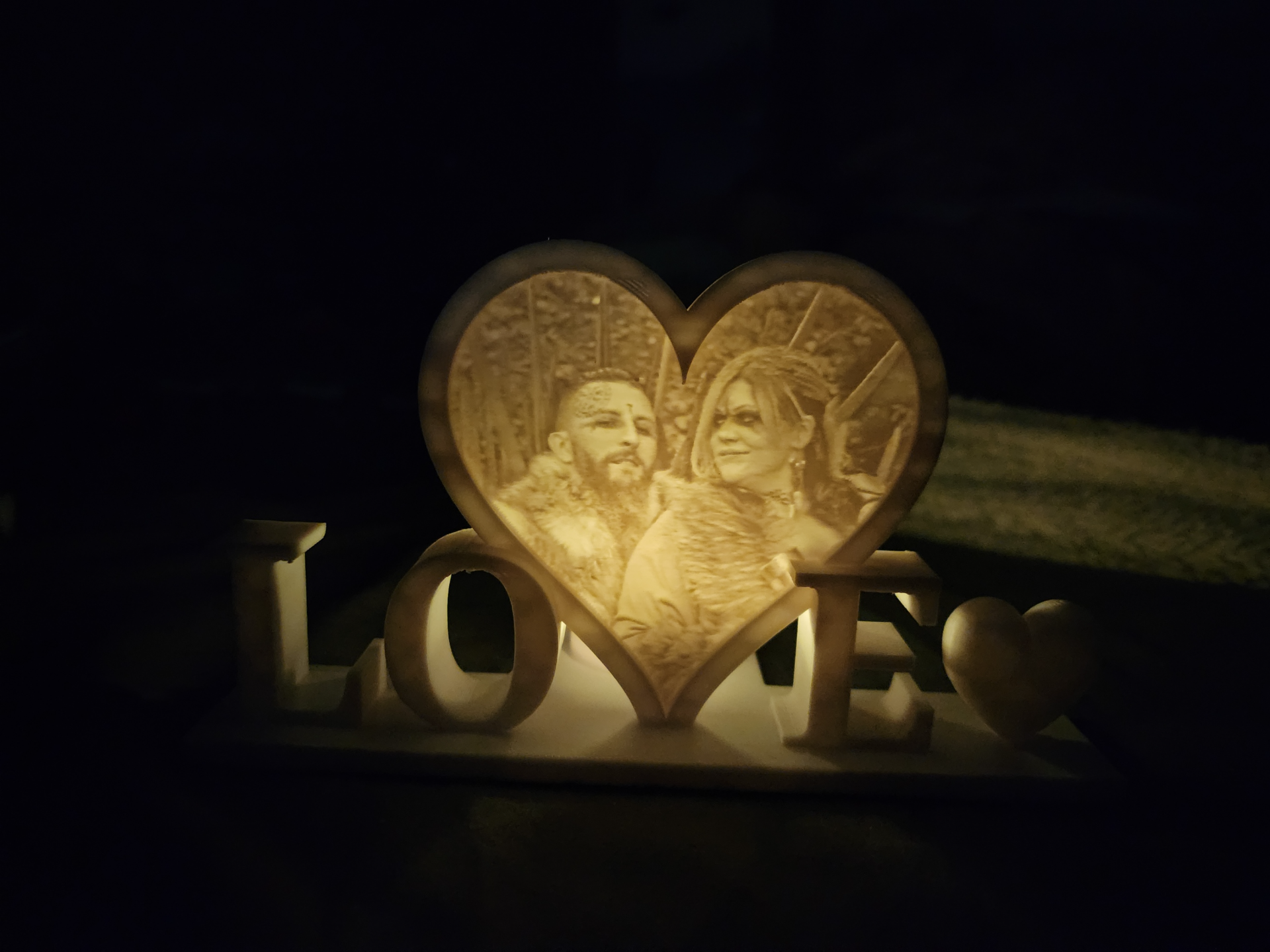
About this 3D model
This is a Remix of Fatalchaos25 creation. The original can be found Here I offered to send the files but he was nice enough to allow me to upload myself. I liked the original but opted for a different heart at the end. Upload your photo to LithophaneMaker Adjust your contrast and brightness to make the image “pop” more, after click to view lithophane Next adjust your render resolution to 0.2, also make sure “Hole” is selected as NO. Finally click “Create Lithophane” Open my 3MF Under "Objects", right click the heart and select “Replace with STL” and select your STL. When your new STL loads it will be above the object, change the Z coordinates to 0 and it will set in place Slice the plate and Print!