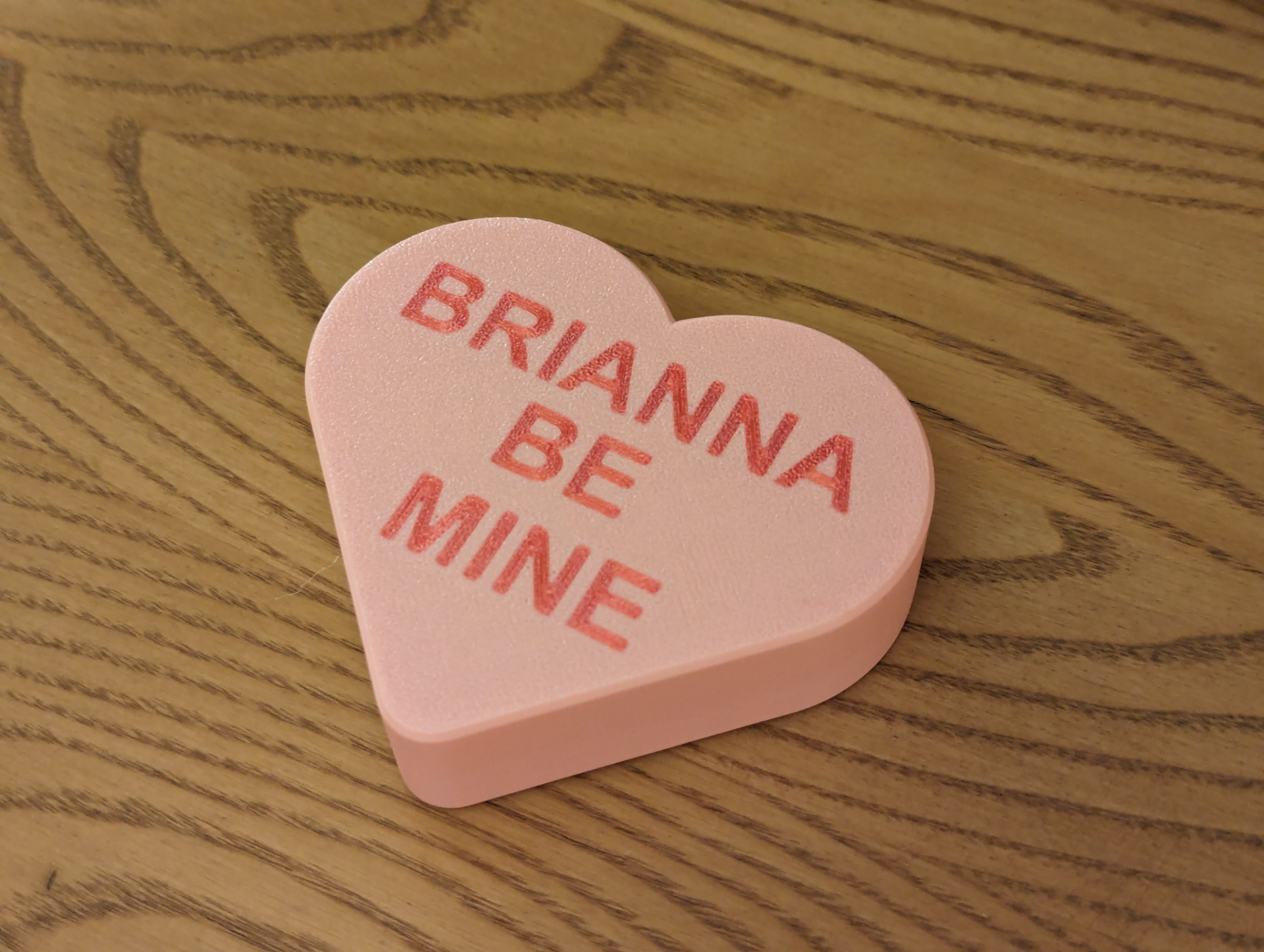
About this 3D model
In Bambu Studio, Click on the Objects tab, then right click on the text object. That should pull up a window to edit the text. There you can change the text itself, font and size. Add new fonts: https://fonts.google.com/ After you edit the text, verify that both the text and the surface of the candy are on the first layer. Sometimes editing the text alters it's location. LOVE YOU KISS ME XOXO SOULMATES I LUV U