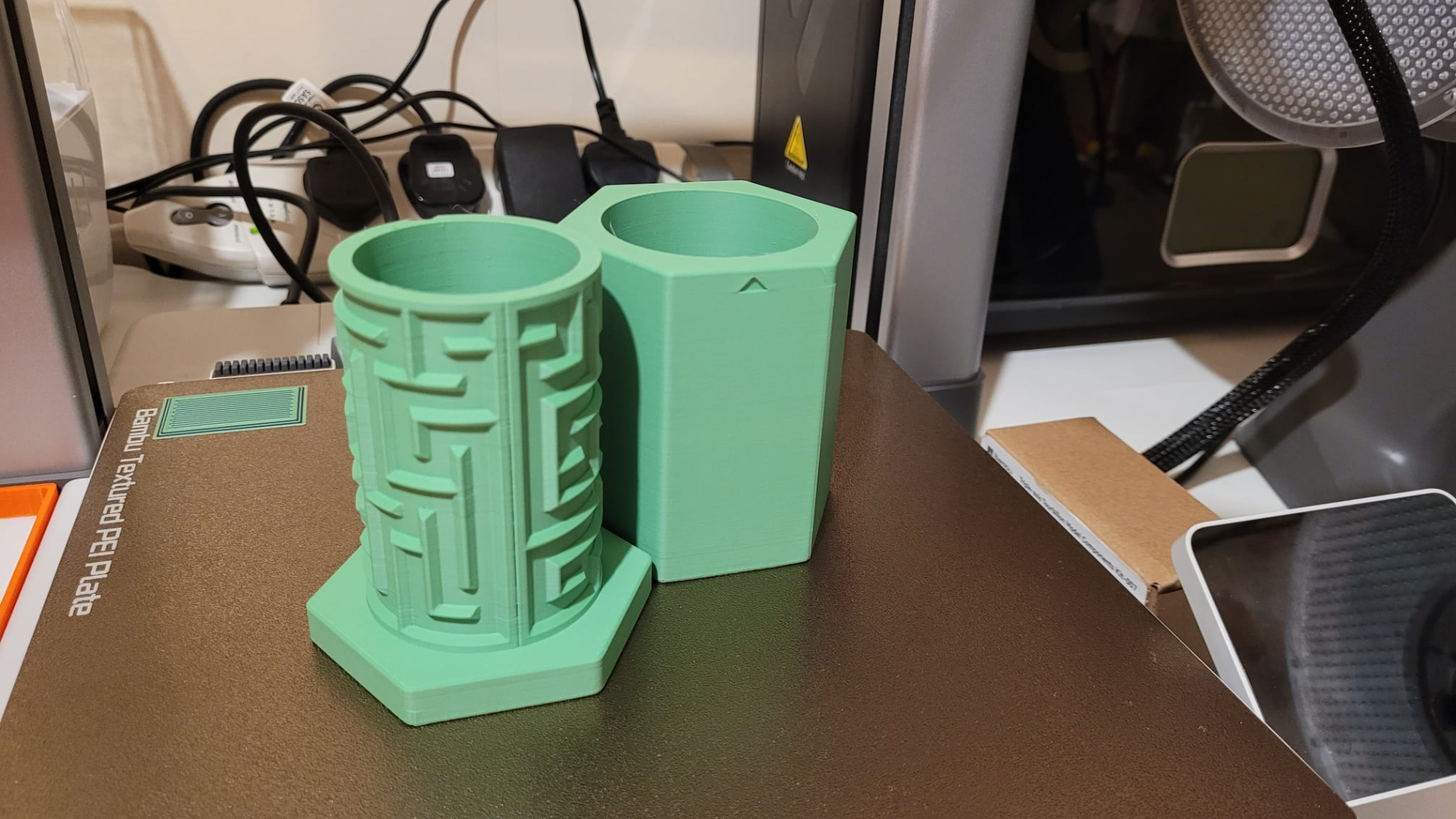
About this 3D model
This is very similar to my smaller form model found here: https://makerworld.com/en/models/132932#profileId-144131 This version however is somewhat larger with a slit that can accommodate a £2 coin with ease. I have also included a closed lid if you would like to use it as a puzzle box rather than a piggy bank puzzle box. It takes just under 5hrs to print on an A1 with stock settings. Additionally the base is large enough for you to add a name to if you so wish. It is relatively easy to add a name in Bambu Studio and I have included a guide below that will help you to get a name added which will be flush with the face of the area where you wish to add the name. It is not recommended to add a name to the “maze” section itself just for clarification. Adding Name Instructions: Make sure you are in the “Prepare” tab Change to “Object” mode Select the item you wish to add a name to Click the text toggle Select desired font, size thickness text gap, angle and Input desired name or text Ensure you set a “Embodied Depth” which is at least a few layers into the print. For example, printing at 0.2 means I will set this to 0.8 so the name will be printed for the first 4 layers to avoid colour bleed Place the text where you wish for it to be written on the object by clicking the desired location on said object Set the “Text” objects desired colour in the "Object" section I then tend to slice the plate so the plate so that the text shows. No right click the “Text Object" as illustrated below Select “Change Type” Change the type to “Modifier” as illustrated below Now re-slice your plate and viola, you have added text that will remain flush to the face of the object.