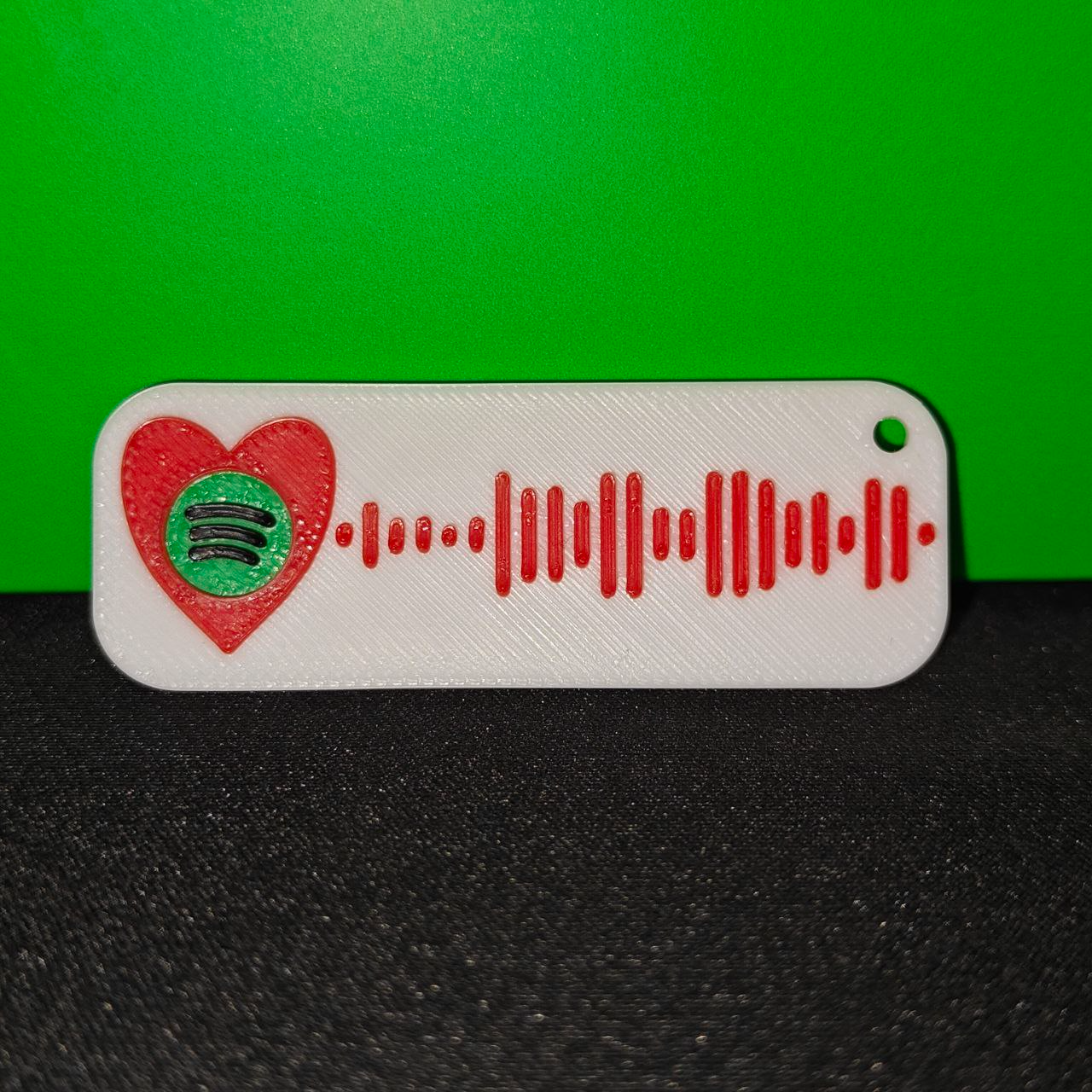
About this 3D model
UPDATE: Due to some problems encountered, I advise you in the end, after having followed all the steps, to use the "scale" command on bambustudio and scale the model to 130% SpotyHeart, the customizable Spotify code Keychain: Model made by me, i used 4 colors (Red White and Black = Sunlu PLA+ , Green = Bambu PLA Basic ) but you can print it with as many as you want ? By default you can print mine with “ Never Gonna Give You Up” on it, if you want to customize the keychain with your song you can follow my tutorial below Are required for this customization: Fusion360 Bambu Studio If you can't do it or don't have Fusion360, you can send me a message and i will make the model for you :) How to make your custom keychain: - Find the spotify song, click on “ share” and “ copy link” - Go to this website (https://www.spotifycodes.com/) - Paste your link and click on " Get Spotify Code " - On " Format " select " SVG " and click “ DOWNLOAD ” - Open Fusion360 , go to Insert > insert SVG > " Open from my computer " and select the SVG file you downloaded - Select the horizontal plane - Before you click “ OK ”, you have to modify " Scale " parameter, put “ 0.575989” - Now press " E " on your keyboard and select all tiles by left clicking on them - Extrude the tiles by 3mm and press " OK " - In the solid tab click on “ Modify ” and then “ Combine ” - Select all tiles, make sure that the " New Component " is enabled and press “ OK ” - On the left tab right click on " Component 1:1 " and click on " save as mesh " - Copy settings from the screenshot below and click " OK " - save your STL file on Desktop - open “ SpotyHeart_keychain.3mf ” on Bambu studio - On process tab switch from Global to Objects - Right click on " Componente1.stl " and select " replace with STL " - Select your STL file from the desktop and click " OK " - Slice the plate and print :) I hope this is useful to you, leave me some feedback so I can improve this design ?