About this 3D model
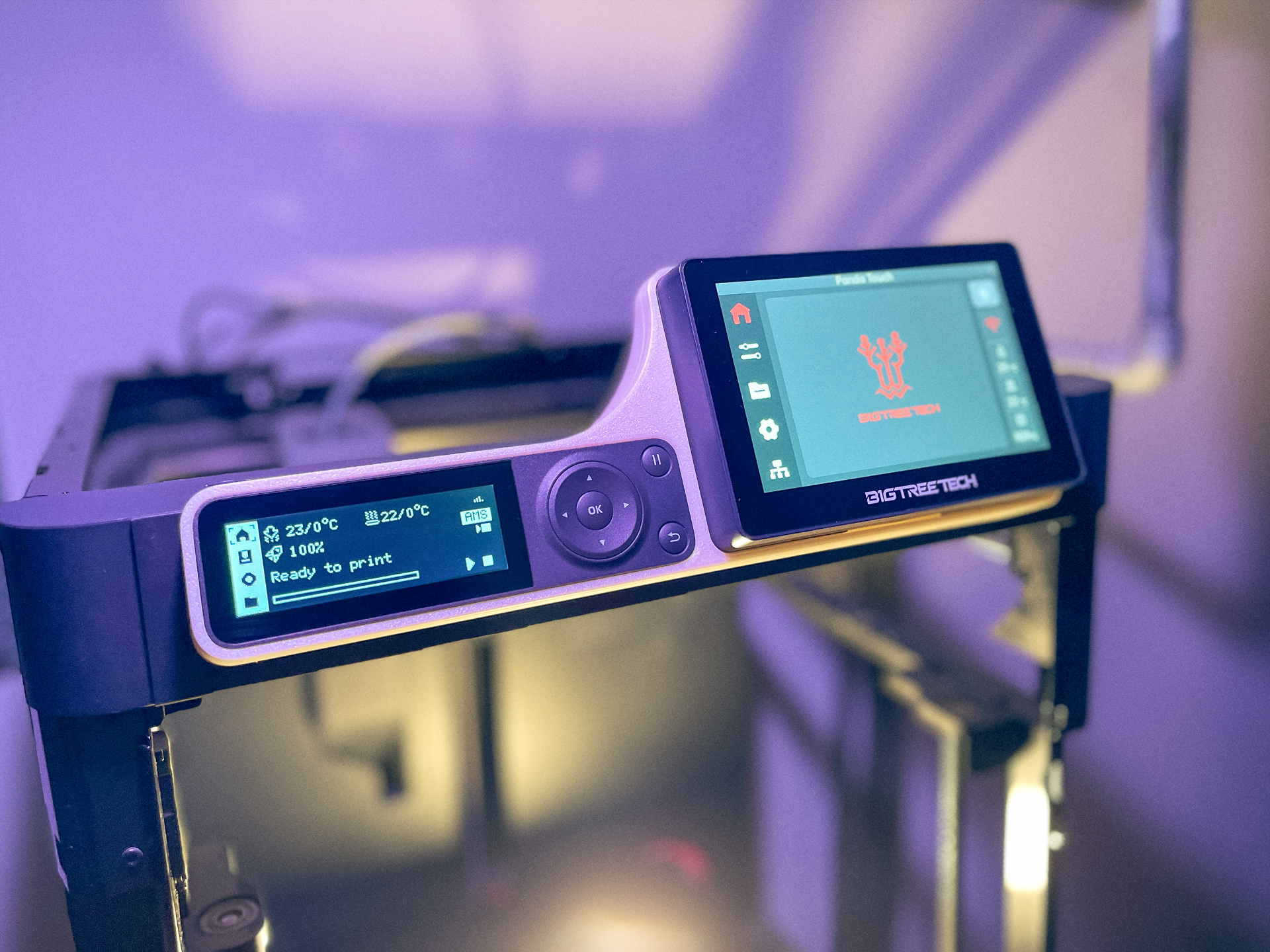
My Panda Touch finally arrived - and I love it, but I didn't like the default stand, because I wanted to use both screens side by side. Designing a Faceplate to combine both screens was just the right thing to do. This Faceplate does not modify or alter any parts of the printer/Panda Touch. Membership You can now sell my designs with a MakerWorld Membership! With almost 50 models available, you have plenty of options. Check out my designs and click the Commercial Selling License button to get started! <3 UPDATE v1.02 and v1.02.a | 02/11/24: - added the circular cutout in the back like in v1.00, so the Glass Top handle doesnt get stuck comment: There was a problem with the handle of the glass top getting in the way. This update should fix it. UPDATE v1.01 and v1.01.a | 02/10/24: - added extra brackets for the backplate to sit flush when screwed on - added extra clearance if you are using some kind of riser, which alters the placement of the Glass Top - added a extra version (v1.01.a) for using no inserts + stock screws (I still recommend using insert version for a proper install) - v1.00 should still work. Just dont tighten the lowers screws too much YOU NEED: 4 M3x4.5x4 inserts (max. 5mm length) → only if using V1.01 4 M3x8 countersunk screws → only if using V1.01 150g filament (I used Perlwhite PLA from Amazon Basics) You also have to know how to remove the LCD screen and where to plug the USB-cable. Print time is about 4:15h INSTRUCTIONS: Everything is held in place by the LCD screen. It feels really stable, but I recommend being careful when you remove the screen out of its dock. If you have any questions - feel free to ask. The only thing left is printing this Thug Life Sunglasses for your BTT Ducky.