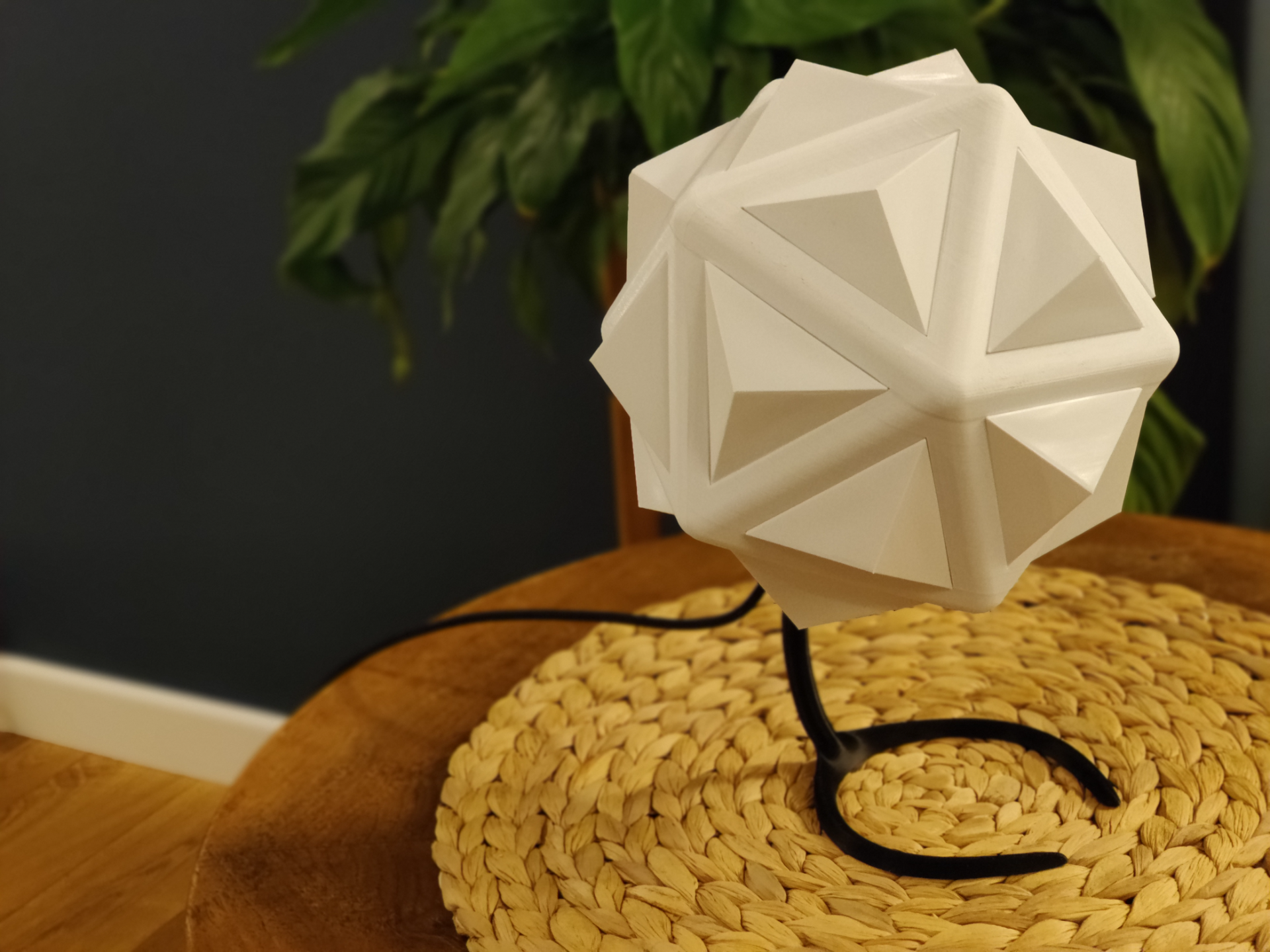
About this 3D model
This is my attempt to create some party lights. As you can see on this short i printed everything without supports, it wasn't perfect, and i used file to prepare icosahedron for press fitting diffusers. It uses Wemos D1 Mini WiFi module and 20 neopixels powered by WLED software. It requiers 5V power supply, any phone charger will be enough. You need basic soldering skill to assemble. BOM Wemos D1 Mini aliexpress.com/item/1005006018009983.html (I used USB-C version) 20 Neopixels aliexpress.com/item/1005001977180178.html (if you want to use this project as a simple lamp, isuggest using RGBW neopixels. They have separate white diode and much better white light) 2m of 3pin wire aliexpress.com/item/1005006415649283.html (22 AWG will be plenty) USB-C cable Phone charger 1 M3 8mm screw 1 M3 nut 1 small zip tie Assembly Cut the wire into 20 10 cm lengths Solder neopixels in chain (red +, green data, white gnd), pay attention to the orientation, solder according to the arrows on the pcb, IN → OUT→IN… and so on. Solder first neopixel from chain to Wemos pcb, 5V to 5V (red wire), Din to D4 (green wire), gnd to G (white wire) Instal WLED https://install.wled.me/ Press fit m3 nut to hole near small pillars. Mount Wemos board in Icosahedron print by sliding it to small pillars, usb socket towards hole. Use zip tie to secure (there are small cuts on top of the pillars). Slide in each neopixel to frame and push it to diffuser from inside of icosahedron, than push the diffuser to icosahedron, repeat 20 times. Join icosahedron and stand by screwing in M3 bolt. Preview https://a360.co/3OEuFlH