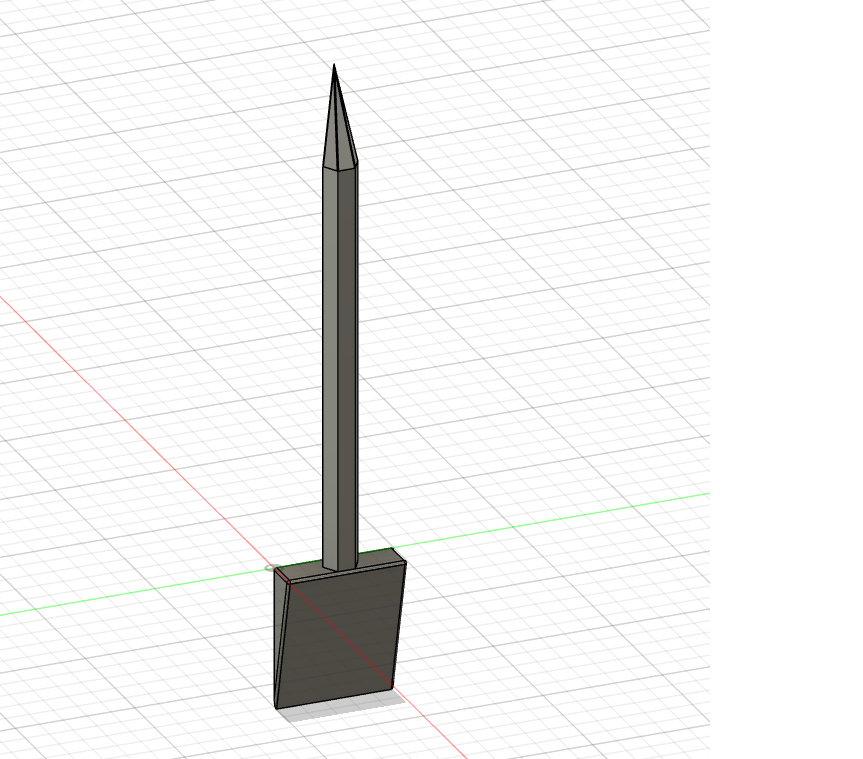
About this 3D model
The primary purpose of this cookie decorating scribe is for decorating royal icing sugar cookies. This tool is used to precisely push and pull icing into small spaces on the cookie, pop air bubbles in icing before it dries, and push and pull icing to fill in gaps on the cookie. If you have a baking business, you can add your logo to the scribe using and svg the following instructions: Open the model in Fusion 360 Insert → Insert svg. Navigate to your svg file and insert it. Fusion 360 treats svgs just like native sketches! Select the Y/Z plane (in the original file, the RIGHT face). Line up the svg with the chamfered edge on the bottom of the scribe, like this: Finish the sketch In the sketches folder, right click the sketch and select “redefine sketch plane” like this: Select the chamfered edge and click ok: Create an extrusion with these settings (highlighted ones are the ones I changed away from the default): Type: extrude Profiles: Select each body of your logo (I had to select each letter individually) Start: → Object Object: chamfered edge Offset: 0.00 mm Direction: One Side Distance: 1.0 mm (you may have to test different options for your logo to see what works best) Taper angle: 0.0 deg Operation: Join Click ok and see the final result! Export & print ?