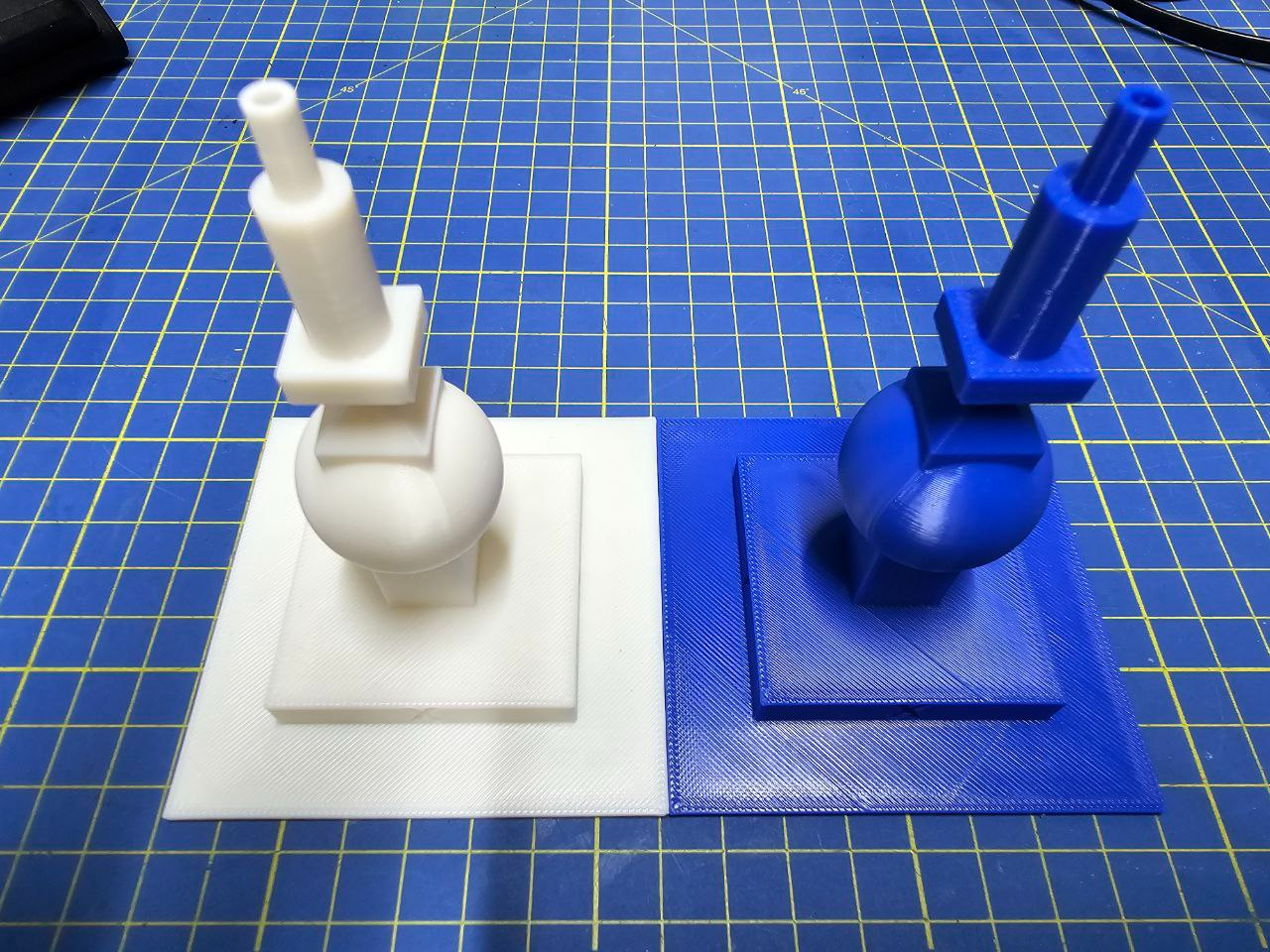
About this 3D model
Update 2024/11/27: Added a new profile for Bambu Lab ABS-GF . Amazing filament! Update 2024/02/25: New version v2 with axes labels and new overhangs test on the top faces This is a stress test that I designed to calibrate the settings of my 3D printer for ASA and ABS materials, but it can also be used for other types of filaments. Bed adhesion : the size of the base is 80 mm, its height is 3 mm and the vertices are square. If the bottom plane tends to rise from the bed, then raise the bed temperatures and/or use glue. [ASA] Bed adhesion and quality of top surfaces [ABS] Bed adhesion and quality of top surfaces Flow: the large planar surfaces of the base and the second level allow you to check the quality of the print and validate the flow and pressure advance settings. If there is too little or too much material near the edges of the plane, then perform a Flow Dynamic Calibration to find the correct K value for the filament, and a Flow Rate Calibration to fix the flow rate parameters for the material Flow control along the axis Flow control along the Y axis Wall quality: the five different wall types/sizes allow you to tune the external wall speed. The bottom of the sphere and the 45% surface slopes (v2) on the top allow you to tune the overhang settings (cooling and speed). [ASA] Overhangs check result Overhangs and different surfaces [ABS] Overhangs check result Small perimeters: the two top cylinders allow you to check the quality of small perimeter settings. Small perimeters and hole Precision checks: Base width: 80 mm Second base width: 50 mm Square column width: 15 mm Sphere diameter: 30 mm First cylinder diameter: 10 mm Second cilinder diameter: 5 mm Hole diameter: 3 mm Hole wall: 1 mm Validating the precision Belt tensioning: if the external walls present wobbles then you must fix the belt tension of your printer . Wobbles (old v1 image) Robustness and layer adhesion: try to break the column by hand. If you can't then the temperature, the infill, and the flow settings are very good. If you want to remix the model, you can find it on OnShape . Happy tuning… and do not hesitate to add comments to improve the model.