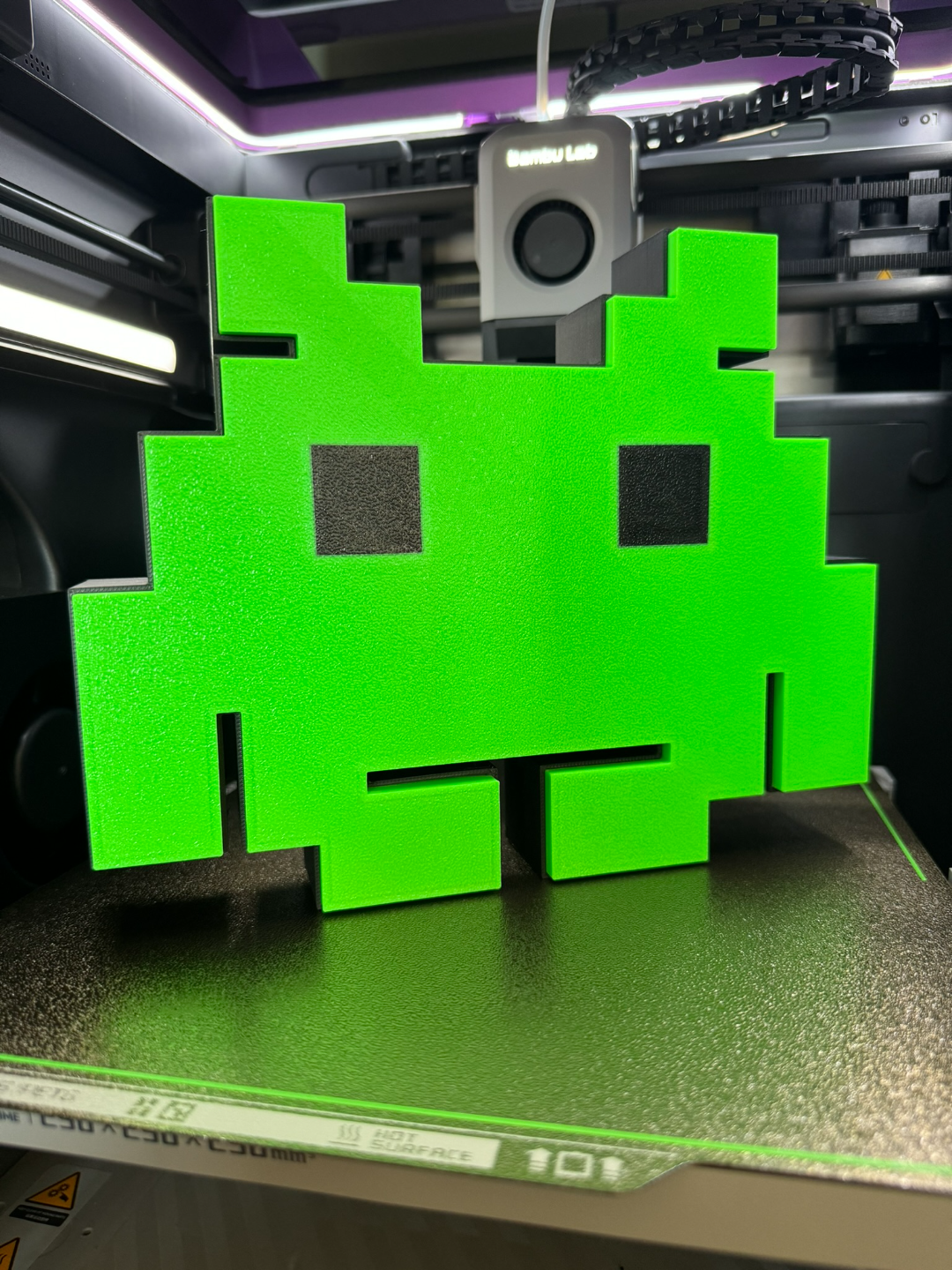
About this 3D model
Space Invaders LED lightbox for all fellow retro gamers. My profile also has a cutout for the light I used, but this can be easily modified since I added it to the slicer. You can also change the color of the rim, which can easily be changed with the paint modifier. Enjoy! Filaments used: Overture Matte Black Numakers Fluorescent Green WARNING! Remove the purge line at the beginning of the print if you resize the plates! Don't forget to adjust the size of the part modifier if you will be using a different light or if you are printing from the still: Materials and tools: Glue gun aluminum tape led strip ( This is a link to the one I used) soldering iron (optional) Recommendations: Use a textured PEI sheet Use the print profile, it has quite a few setting changes that help achieve the best results make a hole for the USB strip wherever you like it best with a soldering iron, drill, or in the slicer. My profile has one made to fit the strip I used. Use the aluminum tape on the inside of the backplate to help with light diffusion glue the LEDs at the back edge (bottom) of the "back box"; placing them too close ruins the diffusion and the individual LEDs become visible. Bambu Studio Settings: I always recommend using the print profile I provided since it has settings with which I've gotten the best results. Here are the main slicer settings I recommend: preferences (ctrl + P) → activate developer settings → Quality →Advanced → First Layer Flow Ratio: 1.04 Quality → Wall generator → Arachne Strength → Advanced → Infill/wall overlap → 20% Quality → Advanced → Avoid crossing walls Increasing retraction / reducing temperature can help reduce wisps ***If you have issues with color bleeds, change the order of colors, printing from lightest to darkest color