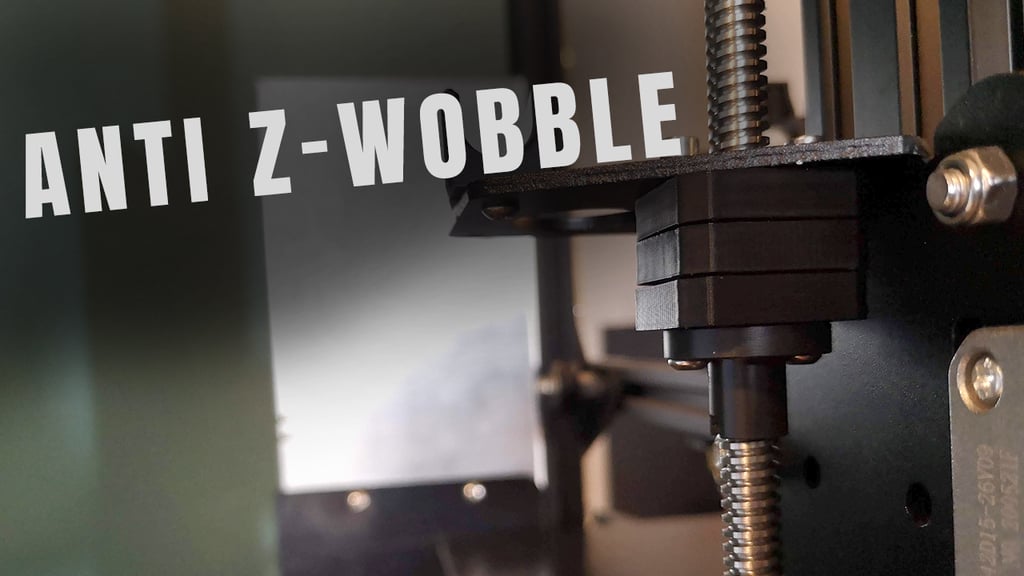
About this 3D model
Summary Anti-wobble z Axis nut for Ender 3, Ender 3 pro and similiar Updated version for Direct Drive can be found here: https://www.thingiverse.com/thing:5164752 This design should work on any 3D printer where distance between bracket/stepper motor and middle of the screw is greater than 14mm. Please refer to the second picture. Glueing of the magnets is not necessary. All magnets needs to be inserted so they attract each other. Direct drive mount Description of the files: Square_16mm.stl - used for TR8x2/4/8 nut (16 mm between mounting holes) Square_18mm.stl - used for mounting device to the bracket Square_18mm_StockNut.stl - Bottom Part, screwed together with the original creality z axis nut. Square_Middle.stl - middle part Additional parts: M3 8mm screws - 2x 6x3mm magnets - 12x (full stabilization), 8x (enough for working) 4mm steel balls (I took mine from 628 bearing) - 4x Bowden mount Description of the files: Square_16mm_Bowden_45deg.stl - used for TR8x2/4/8 nut (16 mm between mounting holes) Square_18mm_Bowden_45deg.stl - used for mounting device to the bracket Square_18mm_Bowden_StockNut_45deg.stl - used for mounting TR8x8 nut to the device(original from creality, 18mm between mounting holes) Square_Middle_Bowden_45deg.stl - middle part Additional parts: M3 8mm screws - 4x 4x4mm magnets - 12x (full stabilization), 8x (enough for working) 4mm steel balls (I took mine from 628 bearing) - 4x Example print configuration for Stock Parts with Bowden configuration Square_18mm_Bowden_45deg.stl - Top part, should be screwed to the bottom of the bracket (steel balls aiming bottom) Square_18mm_Bowden_StockNut_45deg.stl - Bottom Part, screwed together with the original creality z axis nut. Square_Middle_Bowden_45deg.stl - middle part I have prepared additional files for 8x3 magnets. They can be find in the following link on the GitHub: https://github.com/Tekti/Ender3ProUpgrades Design was made based on idea from HevOrt community and EvoMotors execution: https://www.thingiverse.com/thing:4785945 Print Settings Printer Brand: Creality Printer: Ender 3 Pro Rafts: No Supports: No Resolution: 0.2 Infill: 20 Filament: PlastSpaw PLA Black Notes: Print without supports Post-Printing