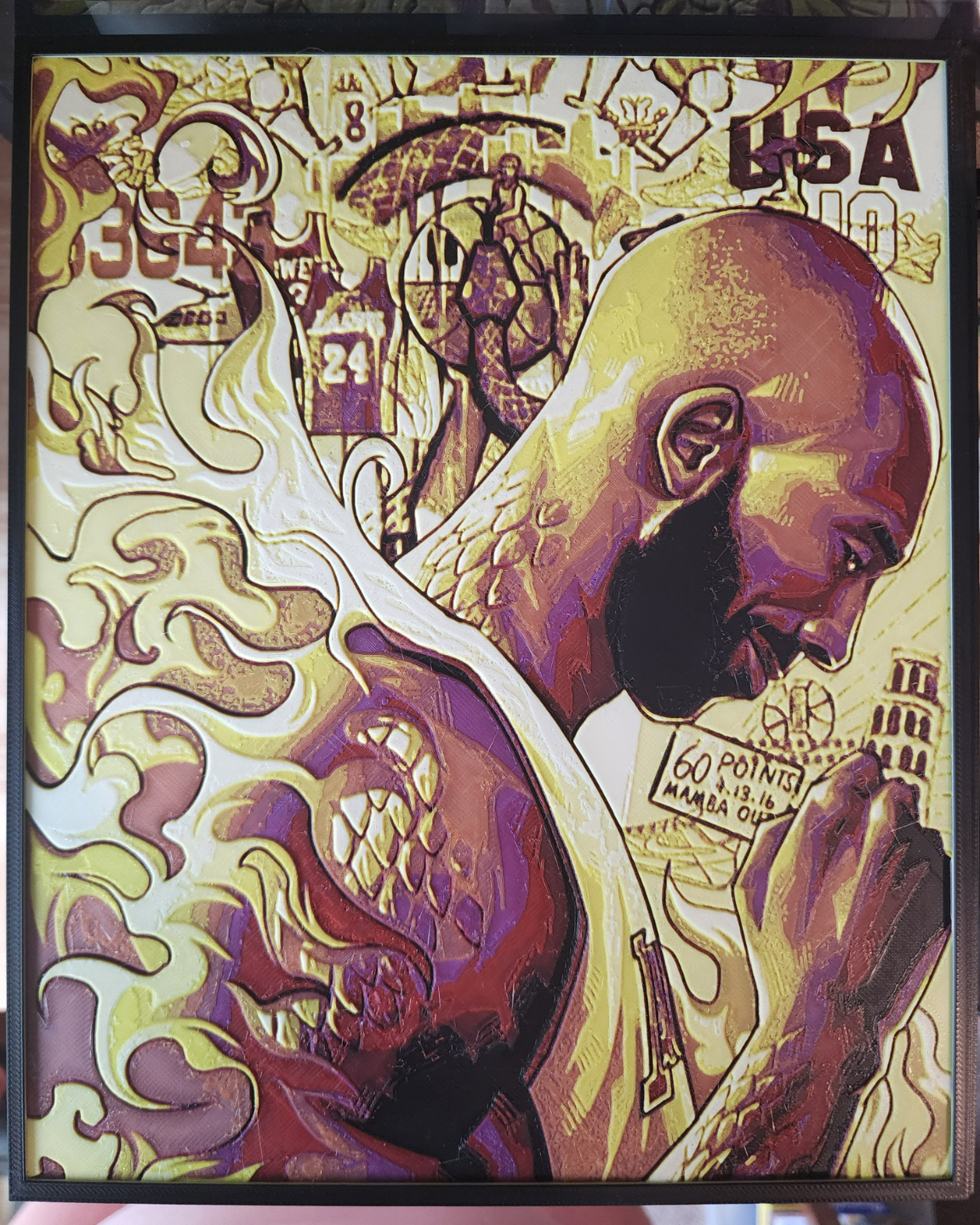
About this 3D model
Boost Me If you like my models, please give me a boost! It's free and very appreciated! My first Hueforge project, and first upload to Makerworld. Kind feedback accepted. I'll do my best to learn and grow, and hopefully have more to contribute in the future. Thanks for checking out my project! I've scaled this as large as I could, without interfering with the prime tower and “prime lines" if that's what they're called… You must turn off flow calibration after you hit print OR reduce the size a little, or the print will overlap with the lines. If this is your first Hueforge print, be aware that the image will appear black in Bambu Slicer. After you slice it, you will see the color, but it will then look odd and pixel-y because the slicer can't compensate for the blending of colors. Can be printed with or without AMS. Without AMS, you can do manual color swaps, as each layer is a single color. Print at 100% infill with a layer height of 0.08mm with a base layer of 0.16mm Filaments Used: PLA BambuLab Basic Black Transmission Distance: 0.6 PLA BambuLab Basic Red Transmission Distance: 4 PLA Hatchbox Purple Transmission Distance: 2.6 PLA BambuLab Basic Orange Transmission Distance: 5 PLA BambuLab Basic Yellow Transmission Distance: 6 PLA BambuLab Basic Jade White Transmission Distance: 4.6 PLA BambuLab Basic Black Transmission Distance: 0.6 Swap Instructions: Start with Black At layer #12 (1.04mm) swap to Red At layer #14 (1.2mm) swap to Purple At layer #15 (1.28mm) swap to Orange At layer #17 (1.44mm) swap to Yellow At layer #21 (1.76mm) swap to Jade White At layer #26 (2.16mm) swap to Black for the rest.