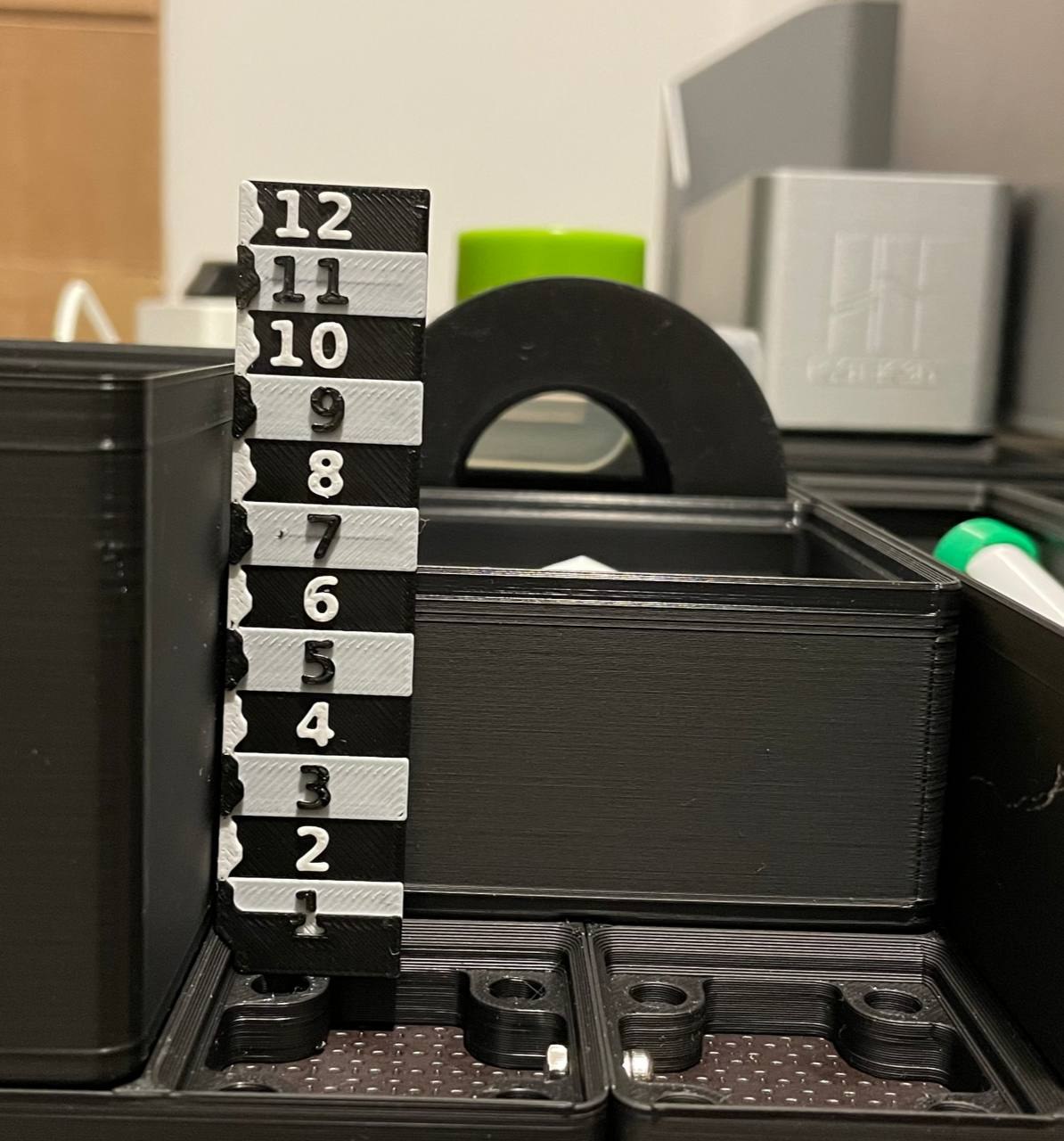
About this 3D model
Equipping your shelf, drawer, and desk with Gridfinity bins isn't always an easy task. Sometimes, you just want to check if an object fits in the bin or don't remember its height. So, I've created a fast-to-print height ruler specifically designed for Gridfinity boxes. I highly recommend using these bins , as the ruler is tailored to their dimensions. The design and settings are optimized for multi-color printing, ensuring you don't waste time changing filament — it only requires two filament changes! The Ruler and How to Read it The bottom section (red) is just the base, more or less representing H0. The first inner corner of each section (green) indicates the usable bin height when stacked. The border between each section (yellow) represents the maximum bin height. If you don't stack the bins, you can still use them. Bin hight up to H12 Printing: The provided print file is already configured for multi-color printing. The first color is the main color (e.g., black). Color switching occurs by layer and is designed for a 0.2mm layer height. The first switch is after 1mm height, the second after 1.4mm. The new color starts at 1.2mm and 1.6mm.