About this 3D model
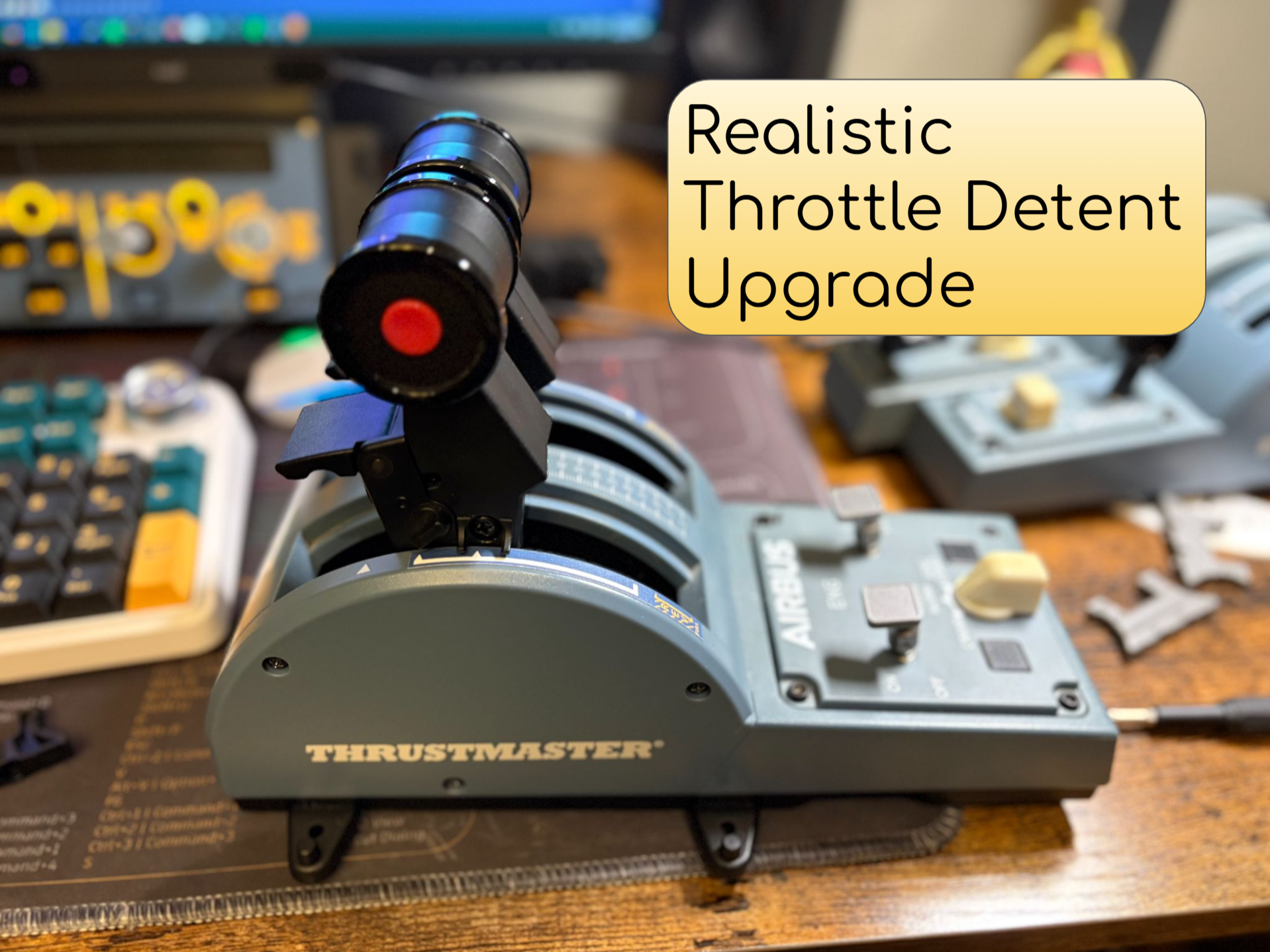
The default detents in the Thrustmaster TCA throttle quadrant are evenly spaced out, which makes it inaccurate compared to real Airbus aircraft, and it also makes it hard to make fine adjustments, especially while Taxiing. These upgraded detents move the climb and flex detents closer to the TOGA detent to be more realistic. They also retain the ability from the original detents to quickly rotate them to the smooth side to remove all the detents when flying non-Airbus aircraft. This is a non destructive modification that can be easily removed and replaced with the stock detents. V2 Improvements: Improved detent size and tension: The thrust levers now require more force to move through a detent, the amount of force is now relatively close to the force required for the stock detents. This should help to prevent the throttles accidentally moving out of the detent, and should make each detent feel more distinct while moving through them. Adjusted detent spacing: The spacing between the detents were adjusted to make their positions closer to the real aircraft detent locations. Added detent: Added a detent between the FLEX and TOGA positions. This helps the throttle stay secure in either the TOGA or FLEX position, and helps improve the jump between the two detents. Printing improvements: Implemented feedback from Frosbe's print profile, flattened one side of the model to allow the model to print flat on the build plate so that it doesn't require supports. Installation: These detents replace the stock detents, and they use the same screws for installation. The detents are located on the underside of the throttle quadrant, and they are held in by 2 screws each. Remove the screws and pull out the old detents. You can now insert the new detents; ensure that the line on the back of the detents is lined up with the squiggly line on the throttle quadrant. You can follow this short video guide which shows how to remove the stock detents. The new detents require calibration inside the simulator iniBuilds a320/a321/a330: Inside the EFB, go to the Options tab, and click on T hrottle Calibration . Follow this guide for more instructions on calibrating the throttle. iniBuilds a350: On the OIS display, click Options , then Throttle Calibration . Follow this guide for more instructions on calibrating the throttle. Fenix a320 family: in the MCDU , click the MCDU MENU key, then choose CONFIG , then CONTROL CONFIG . Follow this guide for more instructions on calibrating the throttle I would recommend printing in ABS to ensure that it is strong enough. You can also print them with PETG, but I would not recommend PLA because it will wear down quickly.