About this 3D model
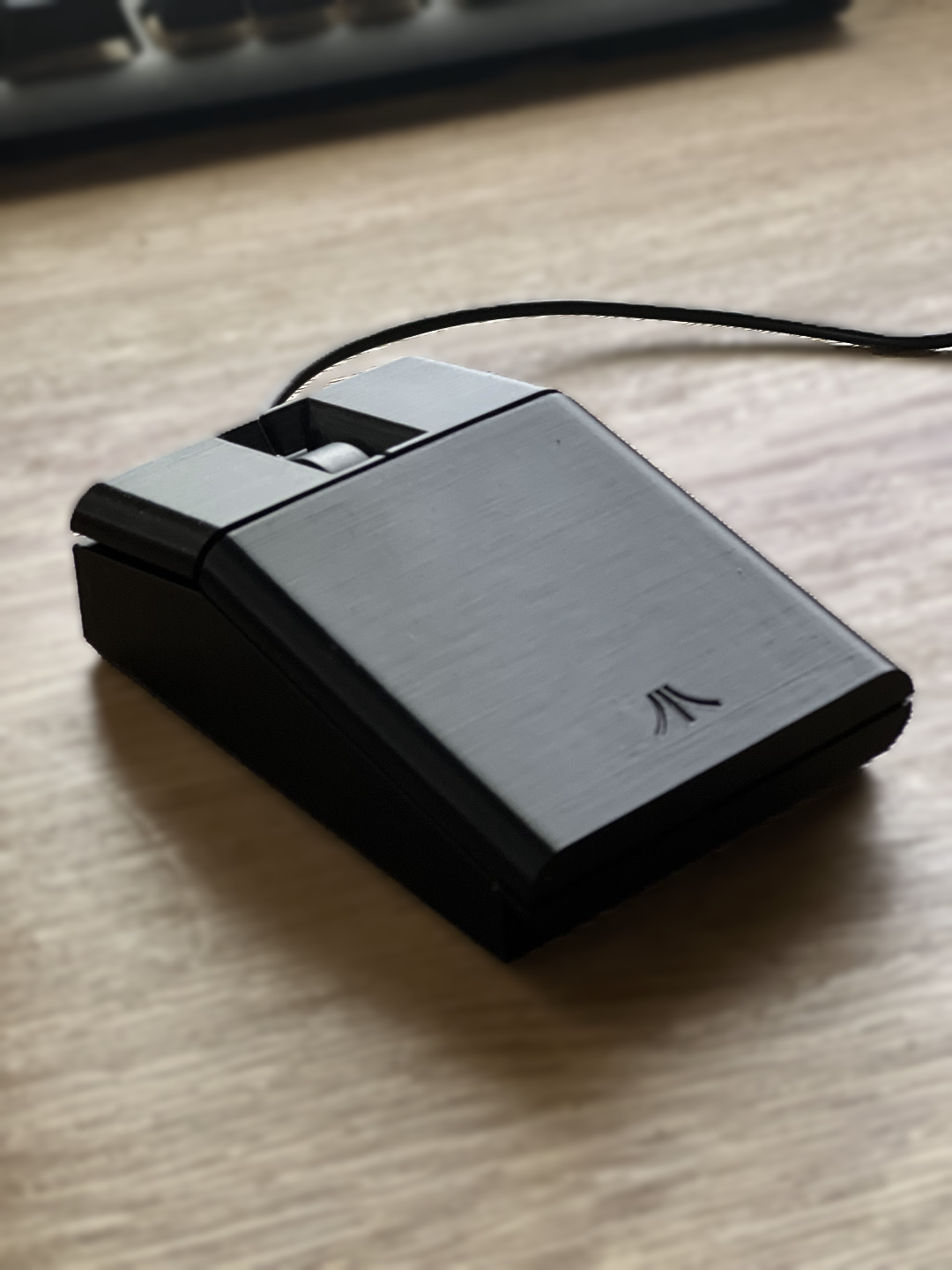
I have released an updated version of this which you can get here: https://makerworld.com/en/models/624701 Please Note: There appear to be several versions of the Dell MS116 mouse, please ensure the circuit board in your one looks like the one in the photos above and measures appoximately 53mm x 42mm. I wanted an Atari ST style mouse and had an old Dell MS116 mouse I didn't use so decided to design one that uses the parts from the Dell MS116. To assemble: Slide the mouse buttons into the slots on the shell Put the lens from the Dell MS116 mouse into place on the base (see photo) Put the wheel on the Dell MS116 circuit board and put it in place, it goes under some small tabs at the front of the base to hold it in place. When in the correct place it will sit well on the lens at the back (see photo) Route the cable in the recess in the base and through the hole at the front Clip the shell into the front of the base ensuring the cable is in the correct place The shell will then clip down at the back Secure using the screws from the Dell mouse I also used the pads from the bottom of the Dell mouse and stuck these to the base of the Atari Mouse If the mouse doesn't click properly, gentley lift the buttons slightly to reposition them a tiny bit higher. The buttons and shell print with tree supports, these are quite easy to remove and not on outside surfaces. You can increase the wall layers and infill to make it heavier if you like a heavier mouse.