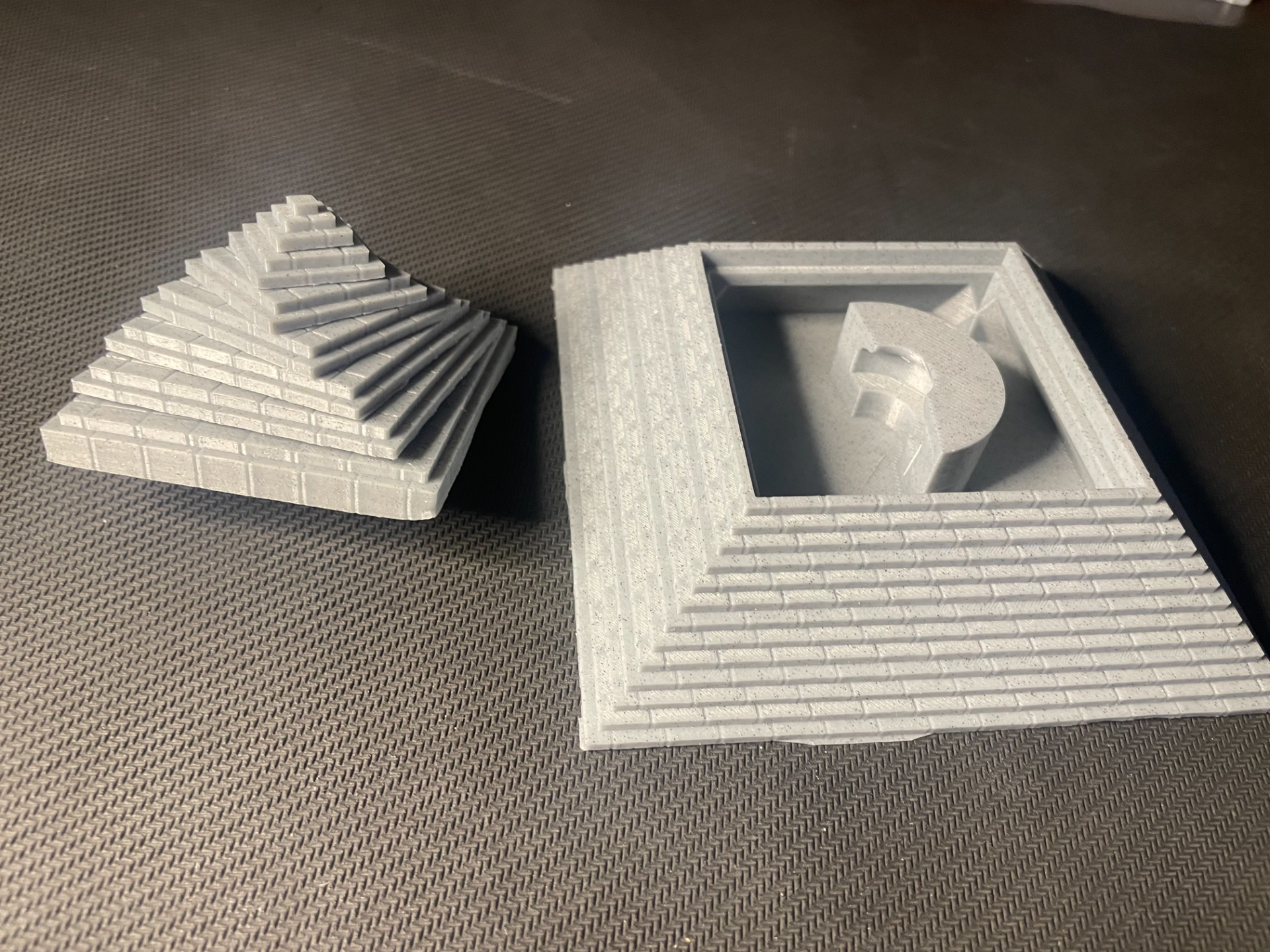
About this 3D model
Rotate the top half of the pyramid until all the layers reach their maximum, this allows the top to be taken off, revealing the “vault” hidden inside. Super easy to print and assemble with nothing that isn’t 3D printed and rotates satisfyingly into place. This project is inspired by Bero, here is a link to their hidden pyramid storage: https://makerworld.com/en/models/225534#profileId-243393 My design and implementation differs a lot in the rotation and storage aspects. For people who wants a smaller pyramid, a second pyramid bottom STL is inlucced, which removes the bottom 8mm. The included print profile is for the full-size pyramid. Sadly I didn’t have any good filament color for the pyramid itself, so that’s why it is gray, but It still looks cool. Recommended settings are 0,12mm layer height at high quality with brim enabled for the best possible results. Printables: final_stepv5 (layer 7) sixth_stepv5 (layer 6) fith_stepv5 (layer 5) fourth_stepv5 (layer 4) third_stepv5 (layer 3) second_stepv5 (layer 2) first_stepv5 (layer 1) key_part_1 key_part_2 Pyramid_bottom: (1 of) _full_size _small Assembly: Press fit layer 2 onto layer 1. Insert key_part_1 into the square hole in the middle of layer 2, press until it is below the level of the circular cutout. Press fit layer 3 onto layer 2. Press fit layer 4 onto layer 3. Press fit layer 5 onto layer 4. Press fit layer 6 onto layer 5 press fit layer 7 onto layer 6. (you have now assemble to top half of the pyramid!) Insert the key_part_2 into the hole in the key_part_1 Rotate the pyramid to either the spiral configuration or the standard straight configuration. (depending on which configuration you want to open the pyramid with) Place the top half of the pyramid on top of the pyramid_bottom. Turn the top half to “lock” the pyramid. If you want a specific orientation to unlock the pyramid (ie. Not straight on or spiral) , you change the angle in key_part_1 to something that will make it match your wanted orientation, there is an included stepfile for that purpose.