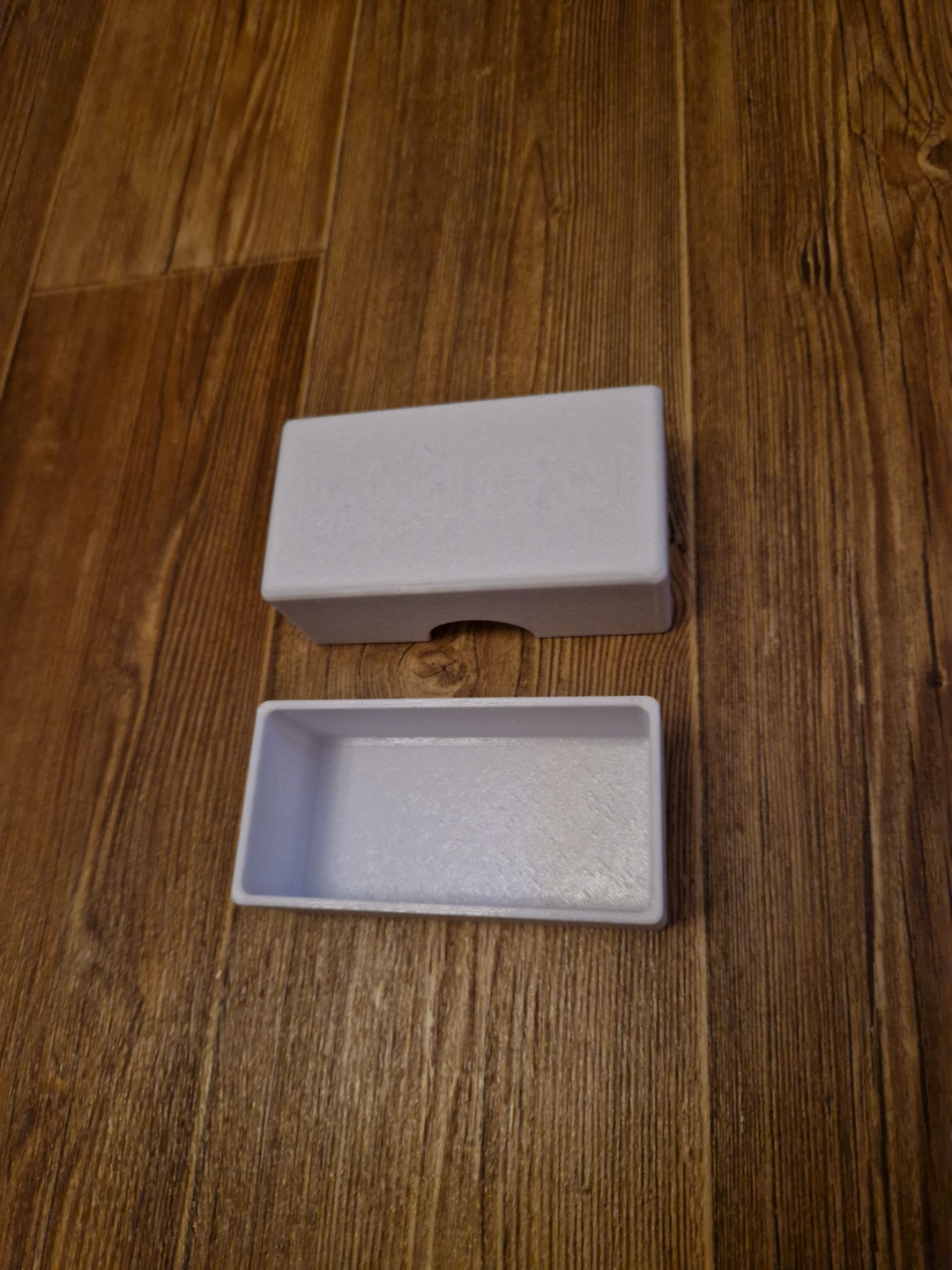
About this 3D model
Small simple snap box for your DIY project I created a small and simple box with a snap system. A small box for a few pieces of screws nut, pads, dowels, pegs, wood screws, self-tapping screw, quick connectors, wago... ...or for your DIY projects... I use it in my tool bag so I don't have to carry fasteners around in bags two models of the lower part: 1, undivided bottom 2, split bottom The upper part is without description. If you want a description, you can create it in Bambu studio - the instructions are in the pictures, or find you on youtube. On the first print profile, the upper part is without description. You can print a plain top part, or add your own text in Bambu studio and add text color. On the second and third print profile there are samples of the upper part with a description. If you want to print an sample, you can delete the unsuitable ones when preparing to print in Bambu Handy. After print, if you find it very difficult to insert the top part, cut off the protrusions in the top part with a knife. If the top is too loose, heat the center with hot air and press slightly How do I add text for printing with AMS - there are more procedures. 1. I will add text with parameters to the model's surface: text thickness 2mm, depth 0.7mm (the text will be 3 layers deep at a height of 0.2mm per layer) 2. I turn the model on the plate with the description and select the cut function. I will set the cut height to 1.99mm, after the cut we will delete the description itself. 3. We will color your text with the color painting function, type of the fill tool 4, We leave the model with the description on the plate. If we succeeded, after slicing we will see our text on the first three layers. I try to print all the texts on a plate, they look nicer. And with these boxes, no support is needed when printing Box size approx. 10x50x35