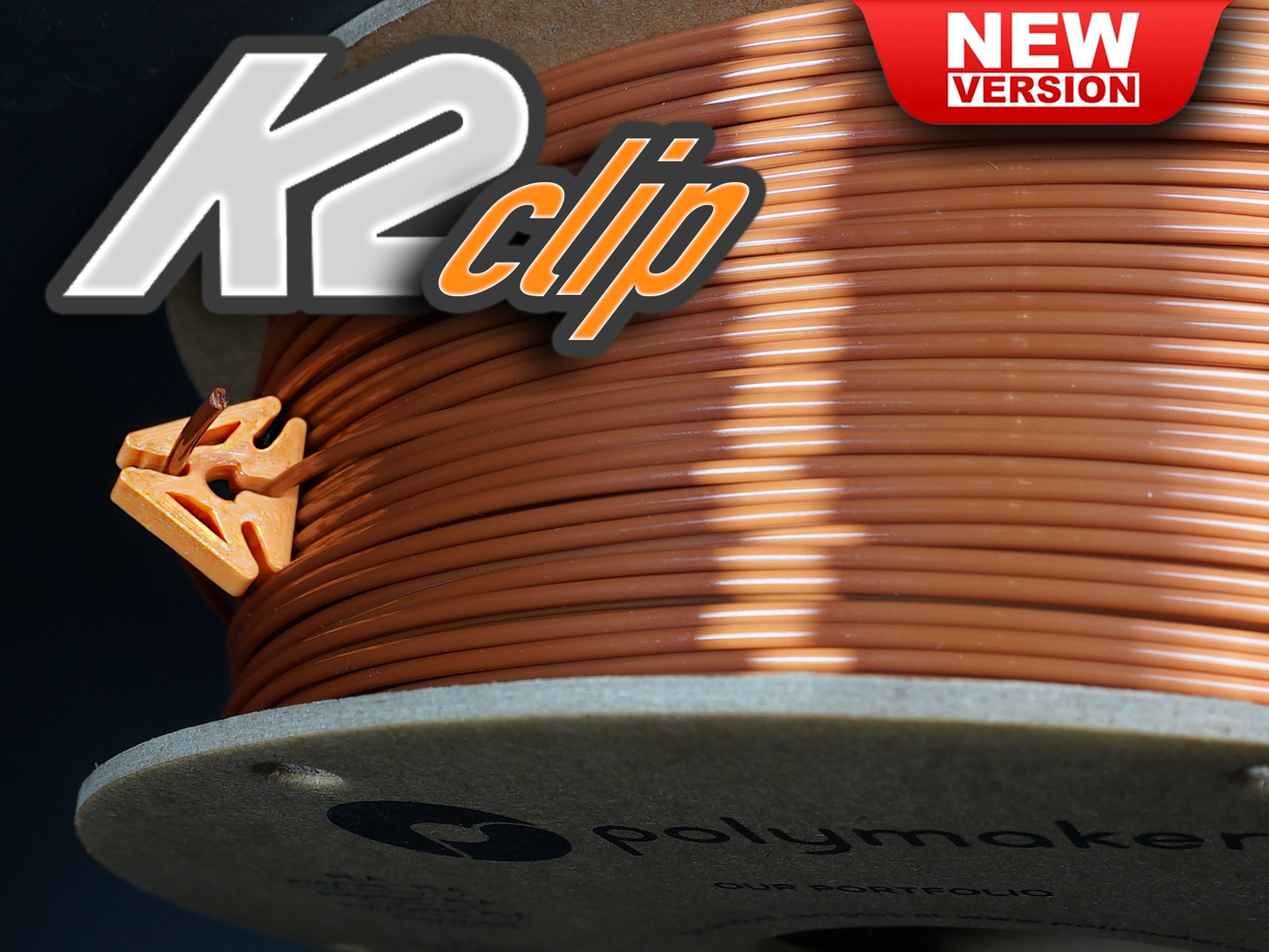
About this 3D model
The K2 Clip WATCH THE VIDEOS BELOW! The K2 Clip is a unique filament clip design with multiple locking points. No matter what, there will be a locking point facing up. The clip can be left to "float" on your filament spool while printing. Extra secure storage using the locking center! NOTE: I recommend taking them off when using the Bambu AMS. Don't forget to Follow! Thank you so much for your Downloads, Like and BOOSTS! NOTE: All printers are different, and calibrated differently. The K2 Clip has very tight tolerances. Test print one in case you need to scale the X/Y up or down. ______________________________________________________________________________________________ ❤ How-To by FilamentStories ❤ https://www.youtube.com/watch?v=xv6aaTB9OwY&ab_channel=FilamentStories JJ Shankles Video: https://youtube.com/shorts/xuDetHdQee8 ❤ Featured on BV3D: Bryan Vines “3D Printed Tools for 3D Printing” @ 06:15s Don't forget to ❤ Like and ★ Rate! Q&A: How do I use the K2 Clip? Insert the end of your filament through the center hole and feed the clip around your spool until the end of your filament again meets up with your K2 Clip. Press the end of your filament into the top of the K2 Clip. Why so tight?!?! It's designed to be tight and hold your filament firmly. The K2 Clip will loosen after some use. Why is it a triangle? Triangles are cool! No matter what, there will be a locking point facing up. Should I remove the clip while printing? In your AMS, I would, otherwise Heck NO! I took lots of time designing/sizing/shaping/massaging that center hole to float on your spool while printing.