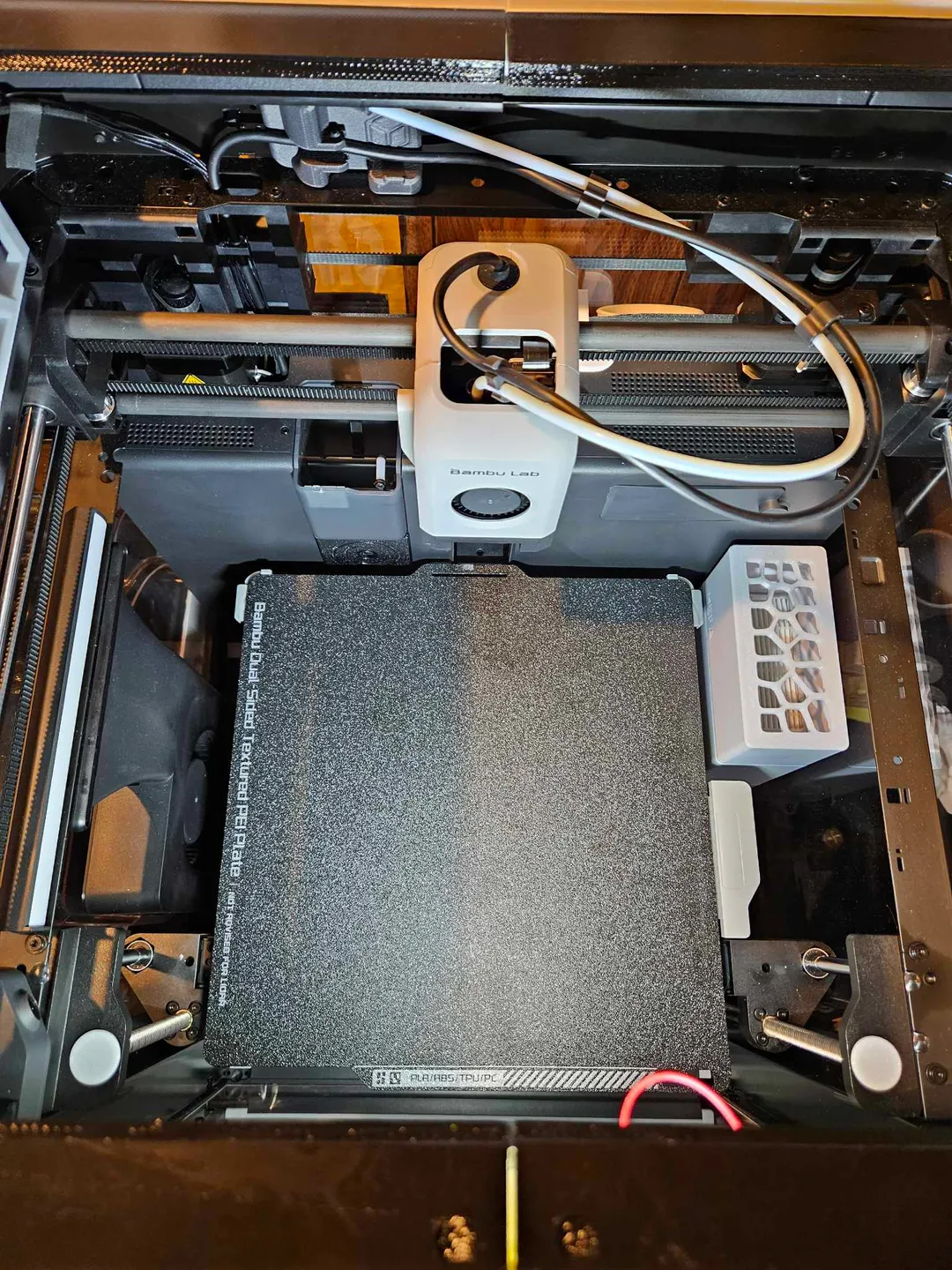
About this 3D model
This is 3D Sourcerer's USB Cable Management Plate edited with a cut out to add the bright LED from those free Harbor Freight flash lights most people having laying around and a spare USB cable. This light works quite well, is suprising bright and as far as its foot print you probably wouldnt even know its there unless you installed it. Checks all the boxes for me, unless you need to use the printers USB port for something else. Pull the LED out of the flash light and cut the USB cable so you can use the USB A plug Slide it in to this plate and attach the negative wires from the light to the negative on the USB cable Attach the positive wire from the light to the resistor that was on the original board in the flash light then to the positive wire on the USB Cable. *Optional but recommended* Snap in one of those circler rocker power switch to an open hex hole (see picture) and wire that in to the step so you can turn the light on/off seperate from powering the print on and off since you'll be using the open USB input on the printer as a power source. USE VERION 2 IF YOU PLAN TO GET YOUR POWER FROM USB ON THE PRINTER: I cut out some material to give better clearance to the USB plug and I cut out a little material in one of the hexagons to allow pushing in a small circular rocker on/off switch. **NOTE ** From testing on a few 5v phone chargers, 5v might be too much (what you get from the printers USB port) and will killed the LED light so you have to add the resistor thats in the flash light as well to dissipate the generated heat. The resistor helps keep the LED chips cooler so keep that in mind when mounting. I've been running it, leaving it on for hours with no issues, just keep in mind the resistor gets hot to the touch. I'm unsure of the exact voltage these would need in order to run the light without a resistor so maybe someone who is better with electronics can comment, but this is the simplest way I found to do it.