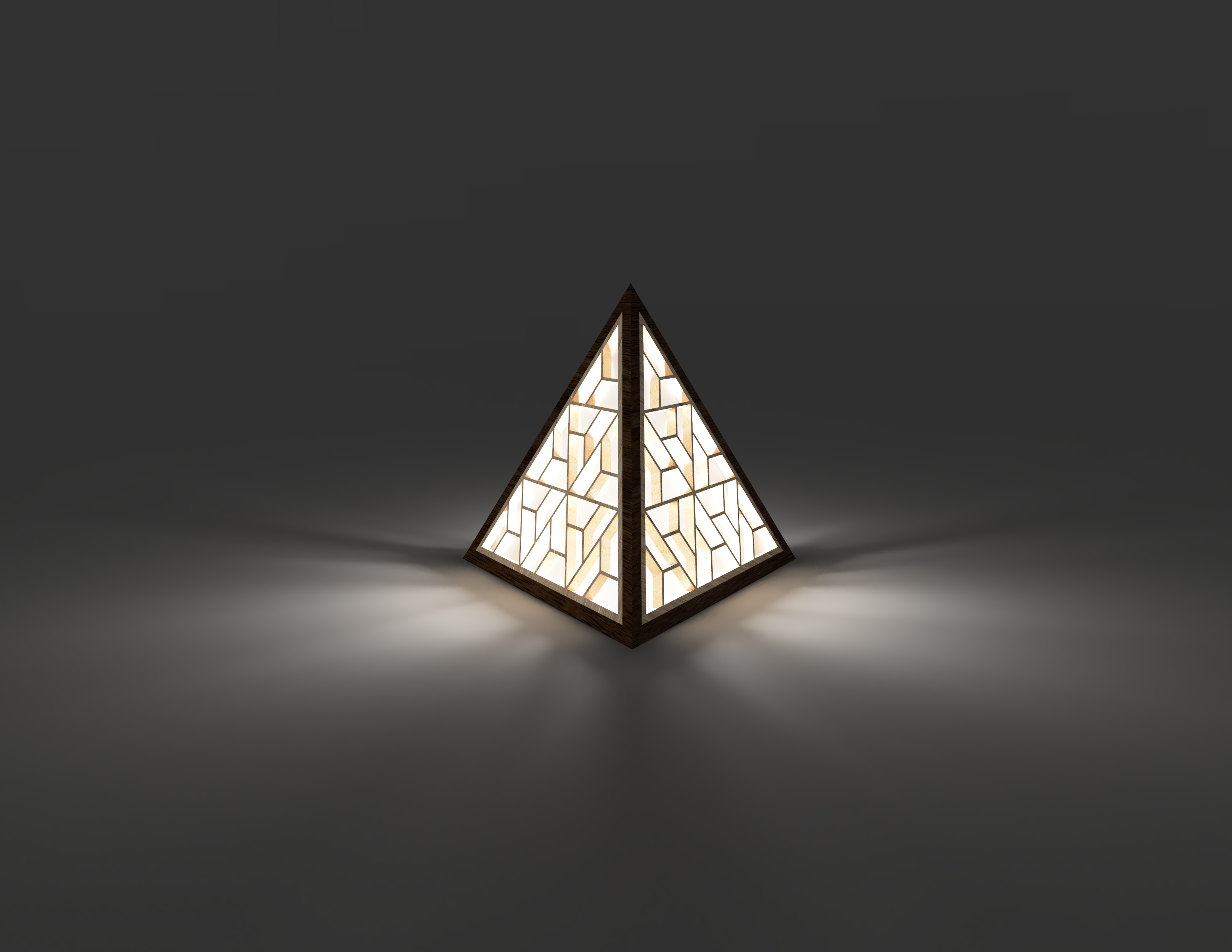
About this 3D model
I recently got quite interested in polyhedrons and geometry for some reason. While I was watching some interesting videos, I also came across Japanese Kumiko (woodworking) technique for assembling wooden lamps. With this inspiration, I just designed a simple lamp in fusion 360. Update (April 11, 2023): Based on some nice suggestions, I have added “Insert Film” file which is simply a triangle with same size as the insert but only 0.2mm high which can be printed and used as backing film instead of Vellum Paper. Additionally, I have also uploaded 3 new files “Frame with Hole”, “Insert with Hole” and “Insert Film with Hole”. You can choose to print one copy of these files to have a predesigned hole for LED wire at the bottom. Just make sure to print 1 less copy of regular files if you go with this option. Printing You will need 3 copies of Frame and 4 copies of Insert piece. I used iSanmate Wood Filament for the Insert pieces and Amolen Walnut Wood Filament for the Frame pieces. I also found that having bottom and top layer Concentric was more visually appealing to me. Assembly Glue \ Press fit 3 inserts into 3 frames. I used Vellum paper as the inside backing to diffuse the light. Use the last remaining insert to cut 4 pieces of Vellum paper and stick them to the inside of the frames. Glue all 3 frames together keeping the bottom side open. Finish led work before inserting the bottom insert. Lastly finish gluing the vellum paper to last insert and attach it on the bottom side.