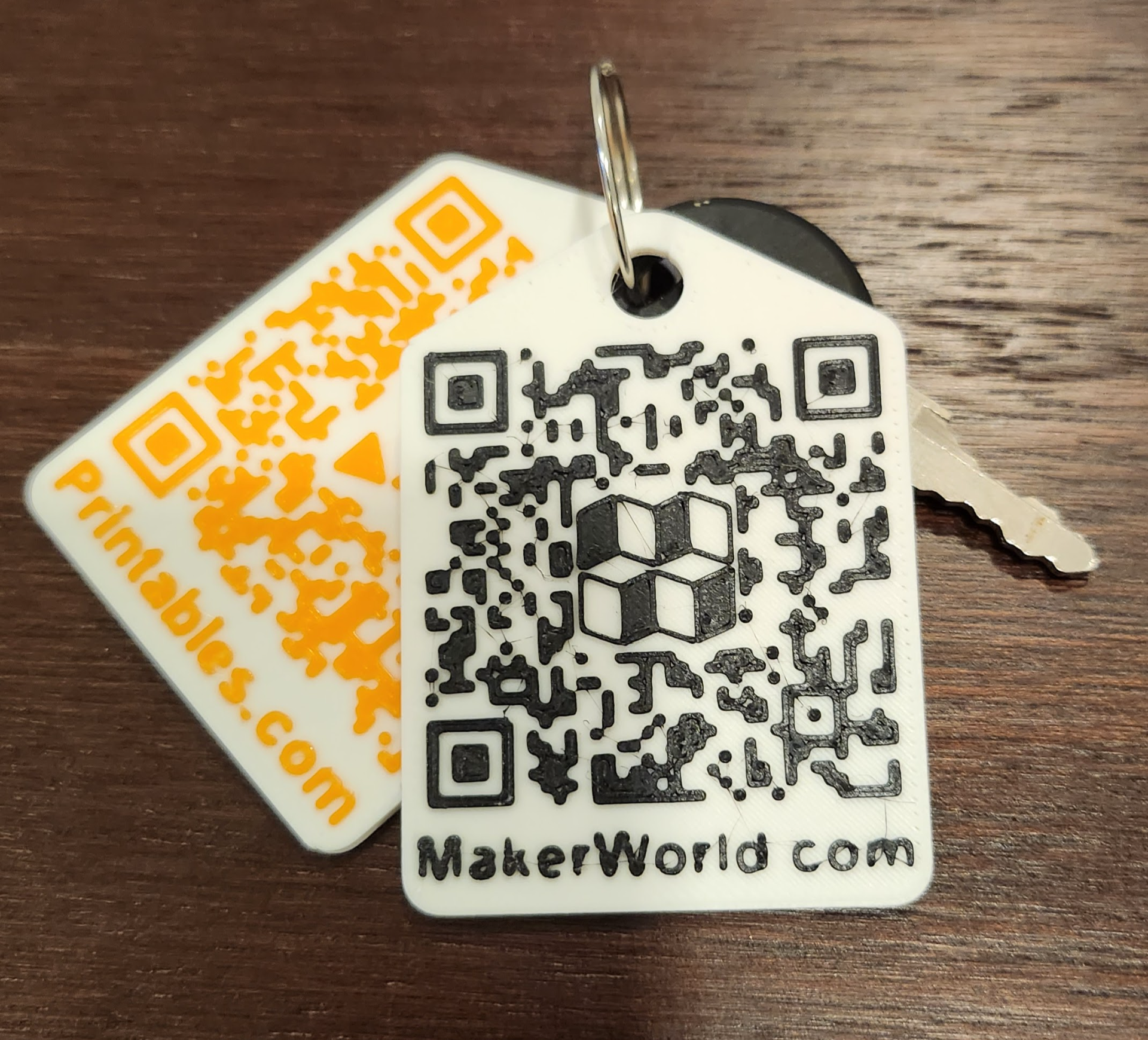
About this 3D model
UPDATE Feb. 28, 2024: Updated the QR generation code from github. There was a bug in that code that is now fixed. Be sure to check the QR code on screen with your phone before printing to ensure correct QR code generation. Use the OpenSCAD customizer to enter your MakerWorld ID (10 digit number in browser toolbar after /u/ when visiting your MakerWorld home page) and adjust the key fob size. Then render, and write out the STL file. PrusaSlicer is excellent at detecting the need for color change, so it's really easy to get a nice result. If you have an AMS, after slicing, you can right click the vertical scrollbar in BambuSlicer at the appropriate point and select “Change Filament." Note on size: You can probably print a bit smaller than 40mm, but you'll need to edit the code directly, or scale in your slicer. I tried 25mm, and the QR code was not readable.