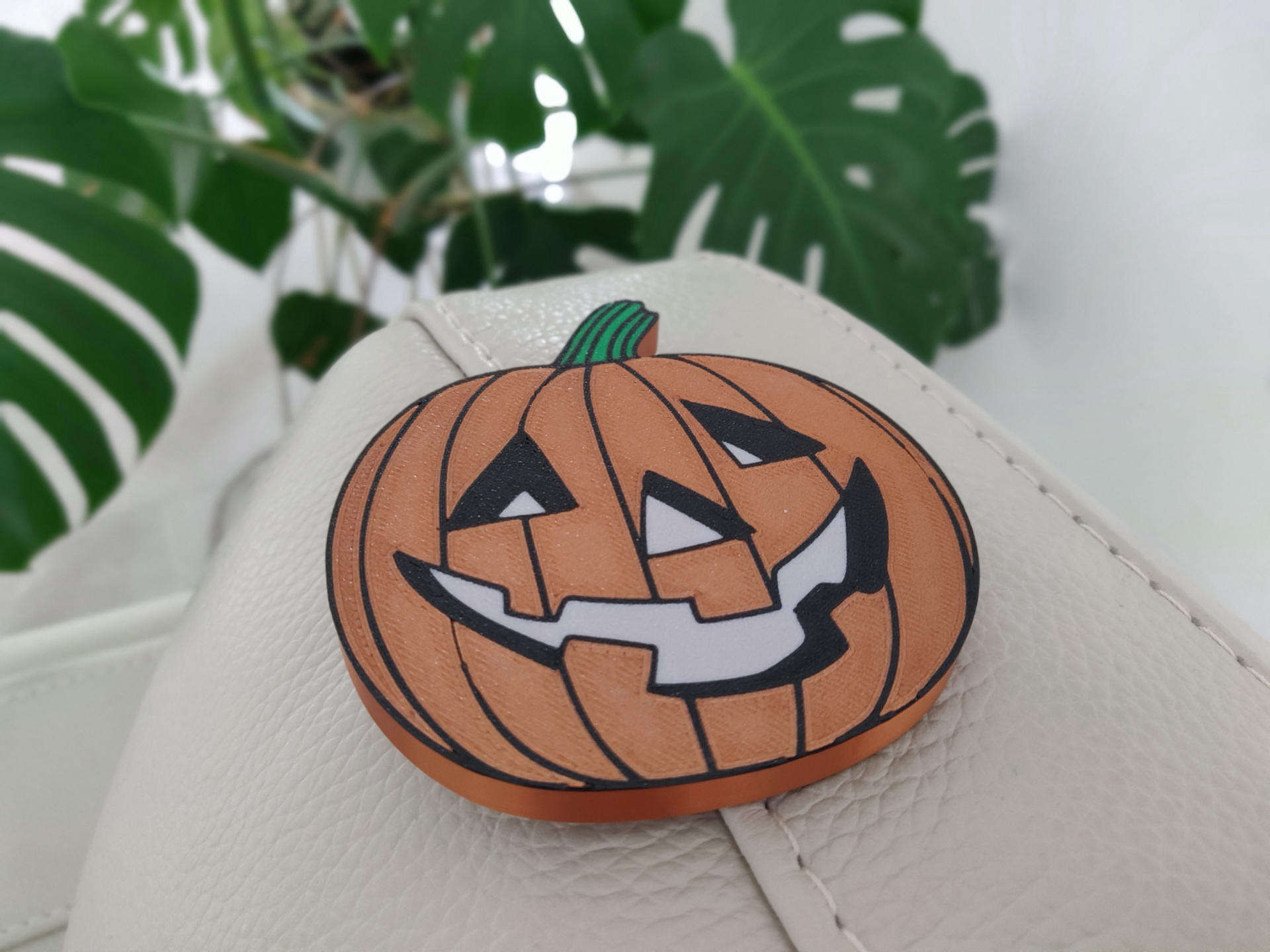
About this 3D model
I was inspired by this youtube tutorial. It explains the exact process for multicolor printing on AMS. I highly recommend watching Markury's video: Materials: -Bambu Lab PLA (Green) -Bambu Lab PLA Silk (Copper) -Creality PLA (White) -Creality PLA (Black) Equipment -Bambu Lab X1C + AMS -Textured PEI Plate Print Instructions & Settings (Bambu Lab X1C) Standard PLA settings, 0.4mm Nozzle, 0.2mm Layer Height. Bambu Slicer Process: Note: Video instructions linked above. Open STL file. Right click STL file in preview tab > Split > Bodies In the prepare tab, select Processs=Objects slider. This should show a list of all bodies. Click each body and set the colour by pressing numbers 1-4. These correspond to the filament positions in your AMS. You should see the model on the build plate changing colours piece by piece. (Note: Ensure you have 4 filaments listed in the filament section of the prepare tab) Once all bodies have correct colours set, select the entire model (this is the body at the top of the list) Click the Lay on Face Button, Click the top face of the model to lay the pumpkin face on the print bed. “Lay on Face Button” Your model should be face down before starting print. Files .STL .f3d