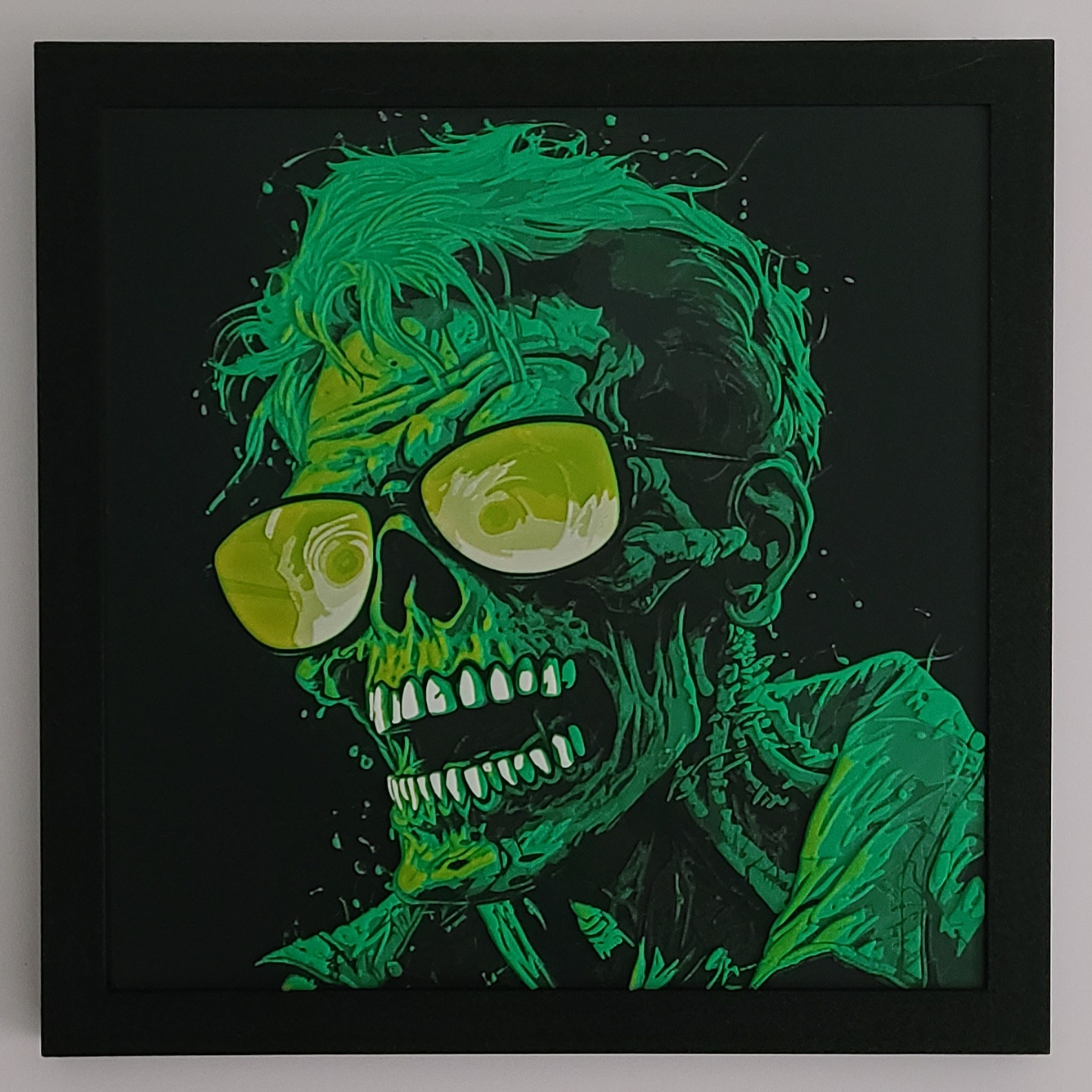
About this 3D model
This is strictly for personal use. The photo attached is the printed model and ? FRAME ? UPDATE: A new profile has been added for people without an AMS unit. You will need to manually unload/load your filaments when the printer reaches each pause, then resume printing each time until complete. Here is a cool zombie painting that only requires 4 colors to print. If you have never printed a filament painting by HueForge I think it is important to know there is very little waste compared to other multi color prints you may be used to. The filament will only be purged once per color for the whole project, or in simpler terms, only 4 poops! Print at 100% infill with a layer height of 0.08mm with a base layer of 0.16mm Filaments Used: PLA BambuLab Basic Black Transmission Distance: 0.6 PLA BambuLab Basic BambuLab Green Transmission Distance: 8 PLA PolyLite Yellow Transmission Distance: 10 PLA BambuLab Basic Jade White Transmission Distance: 5 Swap Instructions: Start with Black At layer #12 (1.04mm) swap to BambuLab Green At layer #27 (2.24mm) swap to Yellow At layer #36 (2.96mm) swap to Jade White for the rest. Notes: These files are very large and take a while to slice, so bear with it, and make sure you make all the profile changes and add all your filaments and their individual profiles before you hit slice so you don't have to redo it. Start with the model as black. Once it is sliced the first time the color changes go pretty quick, just use the slider on the right side of the screen in the preview menu. Slide it down to match the Swap instructions above then right click and Change Filament. Slice again each time and continue adding filament changes until you are done. I recommend turning off the “seams” preview once it is sliced because the default color is white so it muddies up the preview. If you don't have the colors above and are going to substitute results will vary. Tried to make this as simple as possible for new users, as I just started to print about a month ago, and there is a lot this hobby and newbies like me can get overwhelmed.