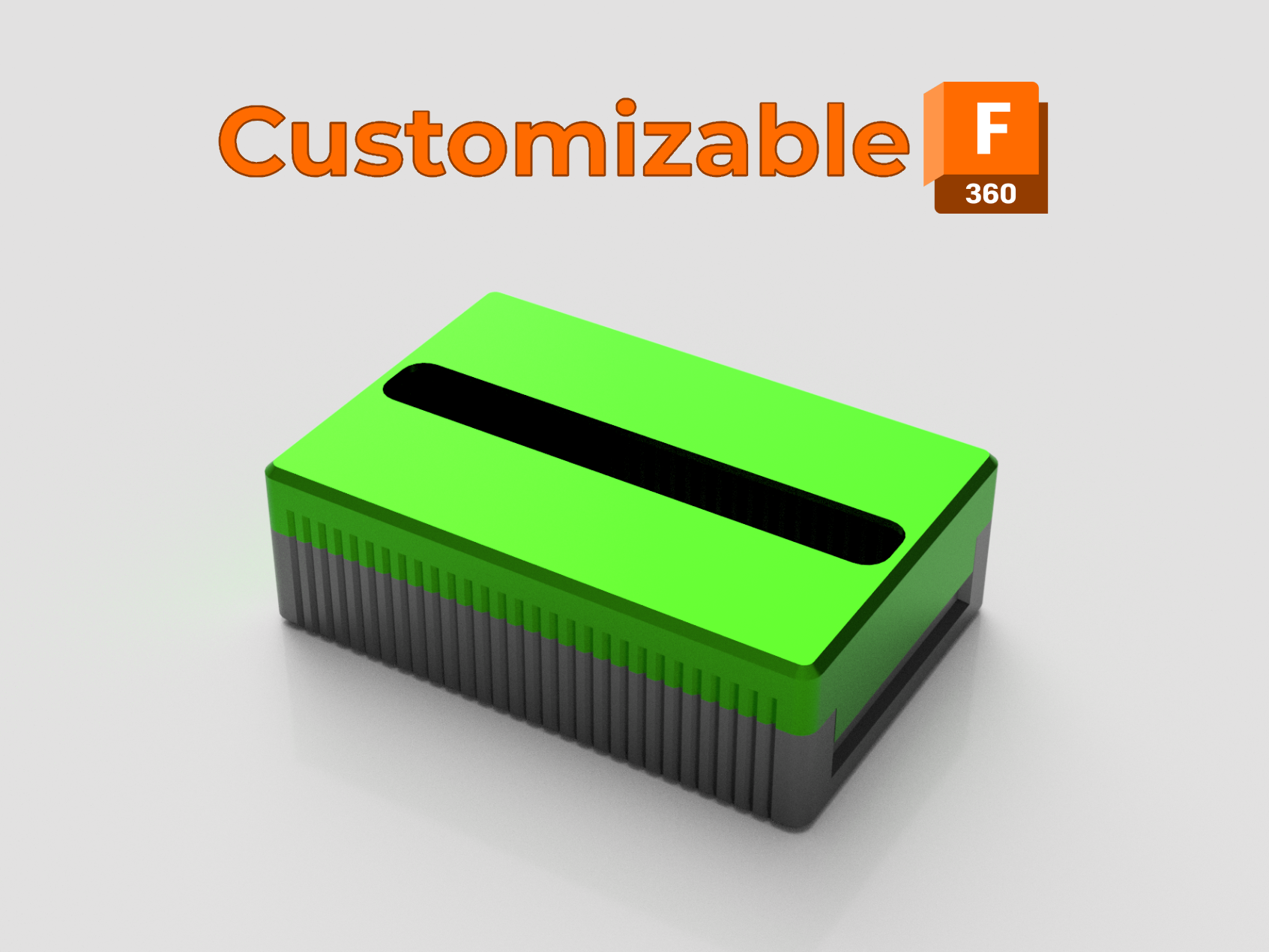
About this 3D model
Boxes are the best way to organizer swatches because it's easy to take out 2-3 or more in order to see how colors looks together. On wires or bolts will be complicate to take out one from the middle. A year ago a choose the filament swatches from Zahg purely for his more then practical box. I peep at others samples but hard to keep them organized without proper storage. I recreate the box from scratch with 2 goals: make it customizable on samples number and dimensions and preserve the original aesthetics. Filament Swatch Size Load your preferred filament swatch in your slicer and take a look at its size. You will need length, width and thickness of the filament sample. Will work with any filament swatch with round or irregular shapes as long as you have the maximum size for each coordinate. Parameters In Fusion360 go to Modify → Change Parameters. Modify only the stared ones ⭐ (don't alternate the others unless you know what you are doing ?). sample_length - the long edge sample_width - the short edge sample_thickness - the thickness sample_number - the number of samples in box If your sample has some text or elements that are thicker then the edges, play with samples_distance parameter. Print I recommend 0.2mm layer high, 3 perimeters, 5 top/bottom and 15%infill. Print the box directly on bed and the lead upside down without any supports. Uploaded Models I generated models for a sample like this with size of 80x35x2.2mm and for 20, 25, 30, 35 and 40 samples. If you don't have Fusion360 but want to customize this box, PM and I'll try my best. UPDATES 06.09.2022 - Version 1.3 - Add the lid_rim parameter. Change some dimension for better scaling. 03.09.2022 - Version 1.2 - Change the calculation in order to modify the walls thickness without errors. 01.09.2022 - Version 1.1 - Add the minimum values for some parameters and change the calculation for some dimensions in order to scale better. Feedback is welcome.