About this 3D model
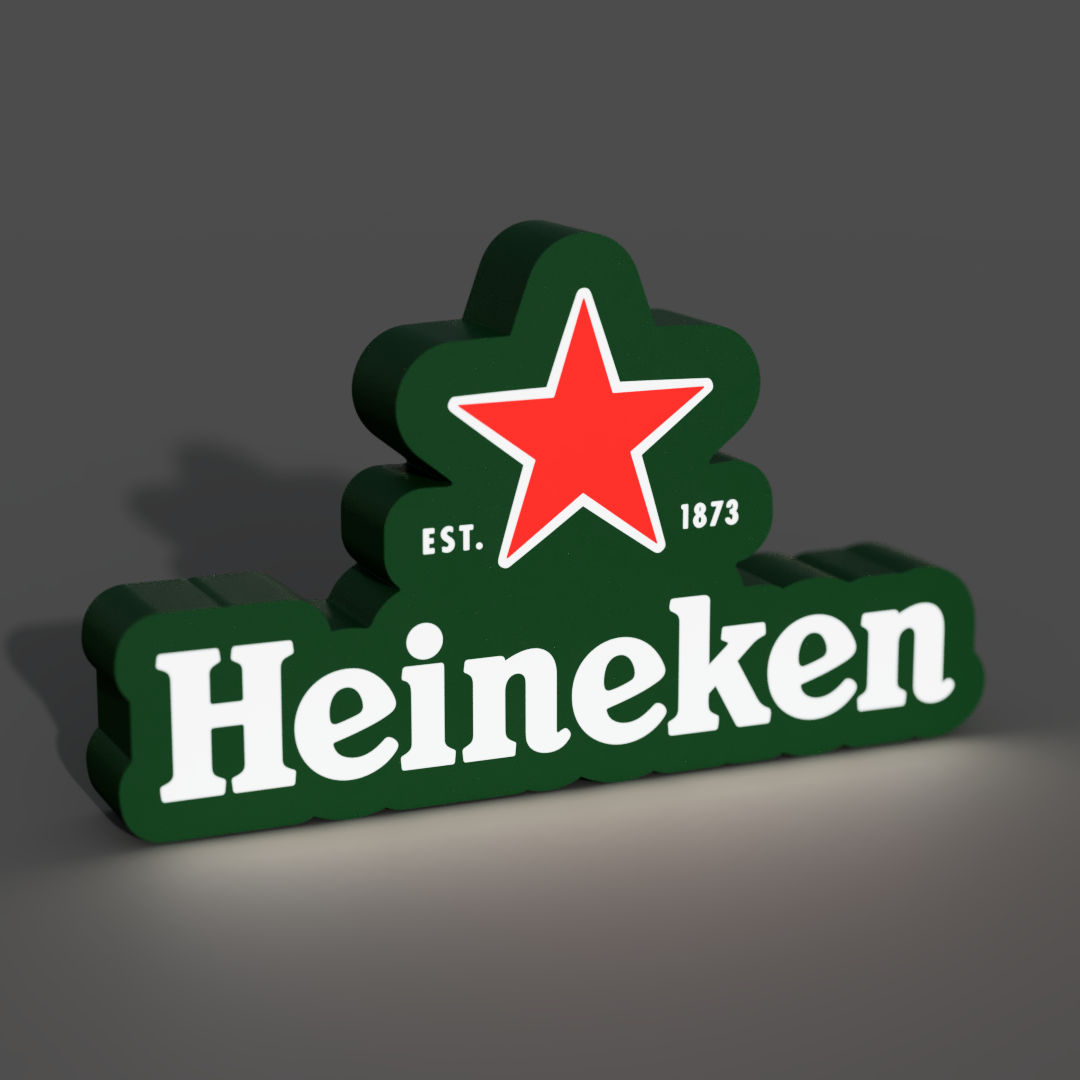
The 3D model of a lightbox featuring the Heineken beer logo is a striking homage to one of the world's most recognized beer brands. This design meticulously reproduces the iconic Heineken logo, capturing its intricate details. When illuminated, this lightbox proudly displays the famous emblem of Heineken beer, making it a captivating addition to any beer enthusiast's collection. Whether you're setting up your home bar or just want to add a touch of beer culture to your space, this customizable lightbox allows you to tailor it to your desired size. Let the inviting glow of the Heineken lightbox transport you to the lively ambiance of your favorite pub. ?? If you don't have or don't want to install LED's you can just glue the parts together and have an awesome sign! Materials and tools: - glue gun - aluminum tape - led strip (here is the one I use ): simple 1m white led USB - soldering iron (optional) RECOMMENDATIONS - use a textured PEI sheet - remove purge line at the beginning of the print! - use the print profile, it has quite a few setting changes that help achieve the best results - make a hole for the USB strip wherever you like it best with a soldering iron, drill or in the slicer - use the aluminum tape on the inside of the backplate to help with light diffusion - glue the LED's the further away from the colored design possible; placing them too close ruins the diffusion and the individual LED's become visible Bambu Studio Settings: I always recommend using the print profile I provided since it has settings with which I've been able to get the best results. If you choose not to here are the main slicer settings I recommend: - preferences (ctrl + P) → activate developer settings → Quality →Advanced → First Layer Flow Ratio: 1.04 - Quality → Wall generator → Arachne - Quality → Wall transitioning threshold angle → 50º - Strength → Advanced → Infill/wall overlap → 20% - Quality → Advanced → Avoid crossing walls - Increasing retraction / reducing temperature can help reducing wisps - Order color printing from lightest to darkest color How to make a hole in Bambu Studio: Assembly video: