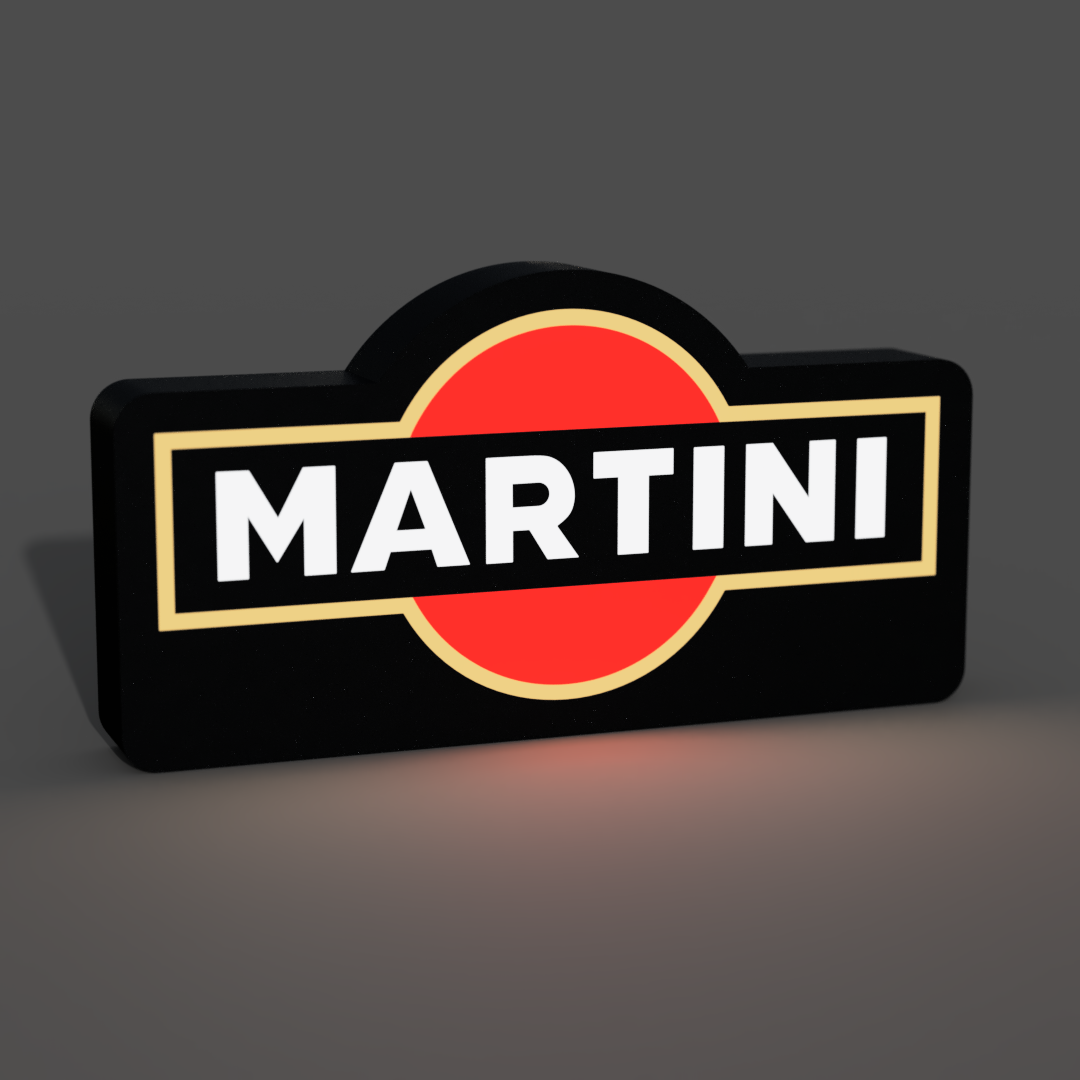
About this 3D model
The 3D model of a lightbox featuring the Martini logo is a sleek and elegant design, paying tribute to the timeless classic cocktail. This lightbox showcases the iconic Martini & Rossi emblem, exuding sophistication and a touch of luxury. When illuminated, it brings the Martini logo to life, creating a stylish and inviting atmosphere in any space. Whether you're a cocktail enthusiast or simply appreciate refined design, this customizable lightbox allows you to tailor it to your desired size and color, making it a sophisticated addition to your decor. Let the warm and alluring glow of the Martini lightbox elevate your ambiance, making every hour a happy hour. ?? If you don't have or don't want to install LED's you can just glue the parts together and have an awesome sign! Materials and tools: - glue gun - aluminum tape - led strip (here is the one I use ): simple 1m white led USB - soldering iron (optional) RECOMMENDATIONS - use a textured PEI sheet - remove purge line at the beginning of the print! - use the print profile, it has quite a few setting changes that help achieve the best results - make a hole for the USB strip wherever you like it best with a soldering iron, drill or in the slicer - use the aluminum tape on the inside of the backplate to help with light diffusion - glue the LED's the further away from the colored design possible; placing them too close ruins the diffusion and the individual LED's become visible Bambu Studio Settings: I always recommend using the print profile I provided since it has settings with which I've been able to get the best results. If you choose not to here are the main slicer settings I recommend: - preferences (ctrl + P) → activate developer settings → Quality →Advanced → First Layer Flow Ratio: 1.04 - Quality → Wall generator → Arachne - Quality → Wall transitioning threshold angle → 50º - Strength → Advanced → Infill/wall overlap → 20% - Quality → Advanced → Avoid crossing walls - Increasing retraction / reducing temperature can help reducing wisps - Order color printing from lightest to darkest color How to make a hole in Bambu Studio: Assembly video: