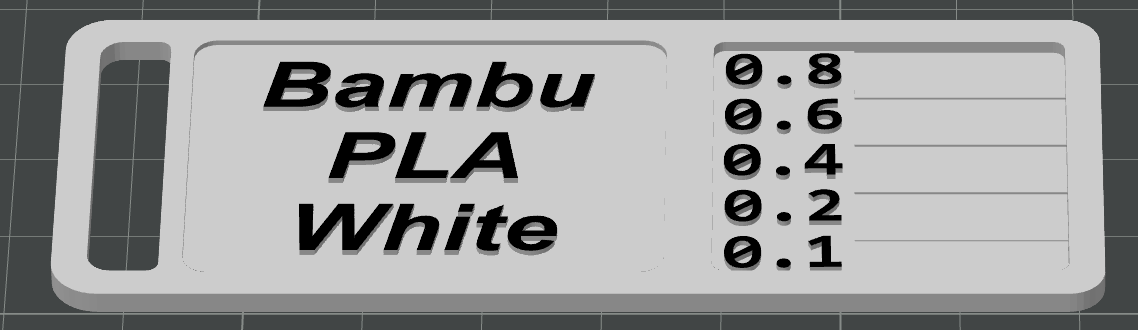
About this 3D model
Introduction: To ensure accurate color representation in your 3D printing process, a color recognition system has been designed. Users are required to place color on a designated AMS (Automatic Material Supply) slot in the 3D printer. Follow the instructions below for proper color placement. Instructions: Color Preparation: Create color swatches for each desired filament color. These swatches should be in the form of small plates or tiles. Ensure the swatches accurately represent the intended colors for printing. AMS Slot Configuration: The 3D printer is equipped with AMS slots, with one dedicated slot for each color. Color Placement: Place the corresponding color into the designated AMS slot for the desired filament color, most it will be slot 2. Exception for Black Color: In the case of the black filament, a special procedure is required. Perform a one-time switch between AMS slot 1 and AMS slot 2 for the black color recognition. Verification: Before starting the printing process, double-check that the correct color is placed in the respective AMS slot.